


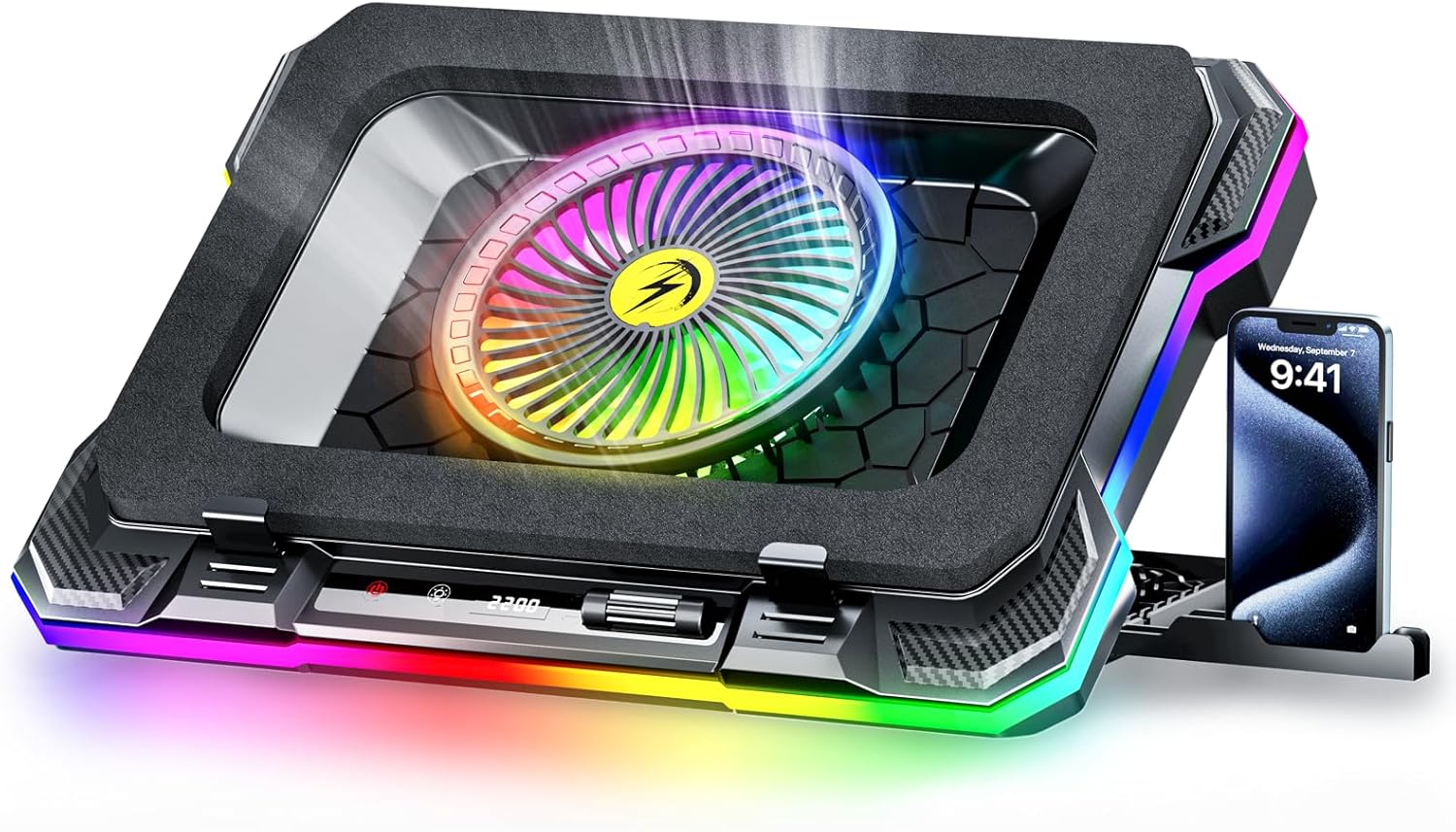

ChillCore RGB Gaming Laptop Cooling Pad with 5.5″ Turbo Fan, Rapid Cooling for 15.6-19.3″ Laptops, Variable Speed Control, 7 Adjustable Heights – K1 5V RGB
$25.99
Price: $25.99
(as of Nov 05, 2025 10:24:05 UTC – Details)
Product description
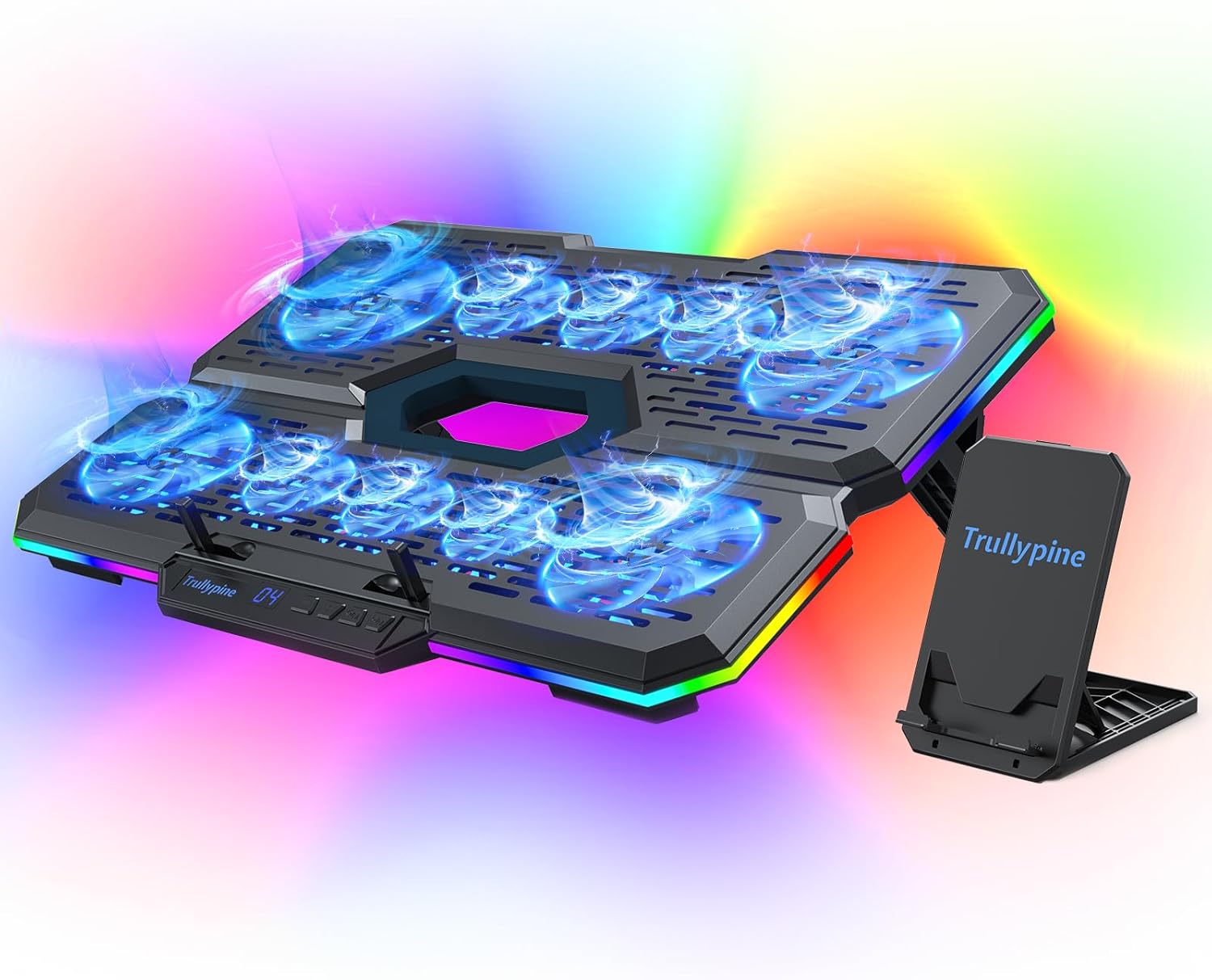
Efficient Cooling Performance: Equipped with a 5.5-inch turbofan, this cooling pad delivers rapid cooling with adjustable speeds from 300-2200 RPM, ensuring optimal heat dissipation for laptops between 15.6-19 inches.The laptop cooler weighs 1.24 kg and has dimensions of 16.85 x 12.44 x 2.28 inches
Customizable RGB Lighting: Enhance your gaming or workspace with 10 vibrant RGB modes, easily controlled with the RGB button. Press and hold the light button for 2–3 seconds to turn the RGB lighting on or off. Note: The fan’s RGB light cannot be turned off.
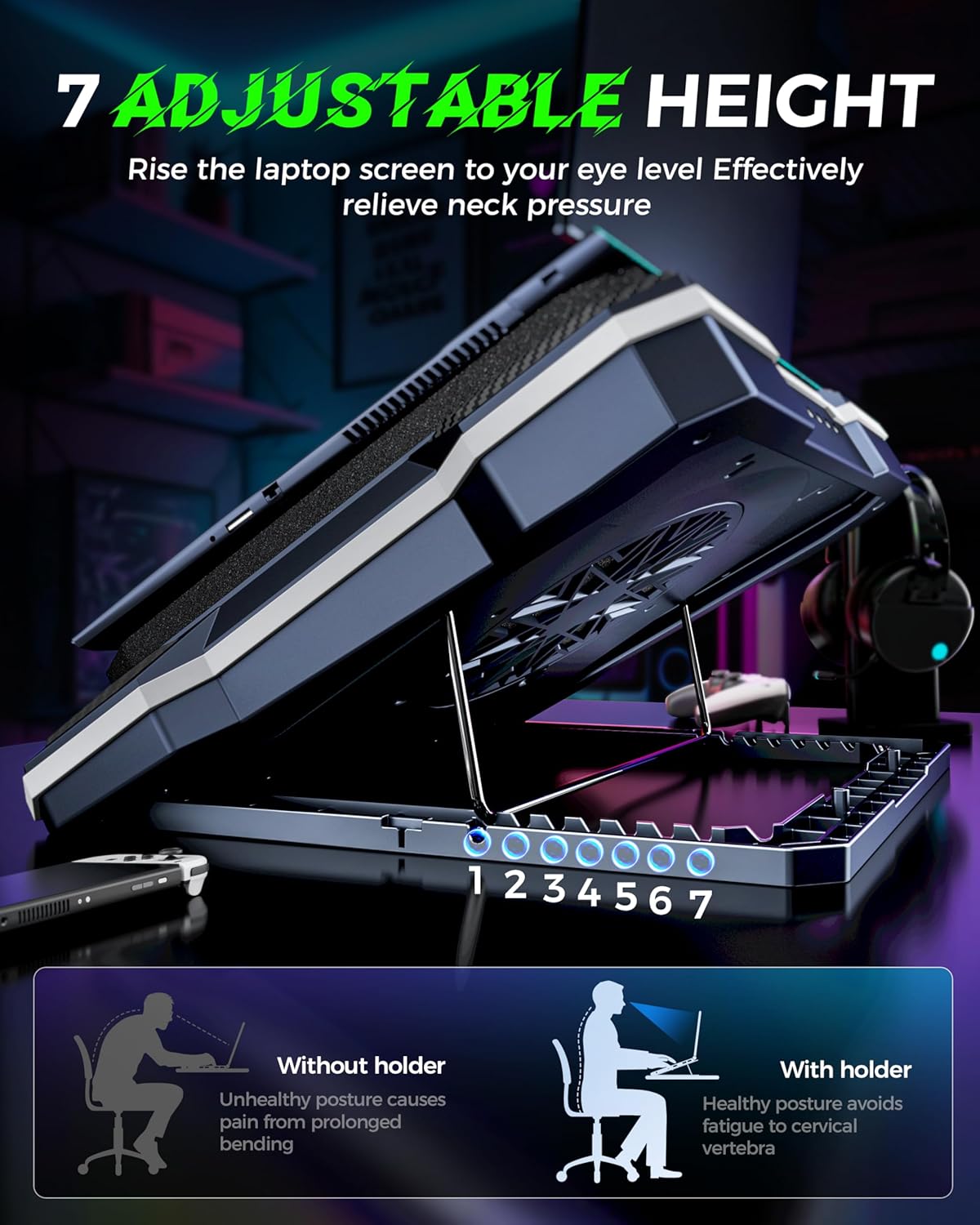
Ergonomic Design for Comfort: Featuring 8 adjustable height settings, this cooling pad offers a perfect ergonomic angle, helping reduce back and neck strain for long hours of work or gaming.
Quiet and Efficient Operation: Enjoy a quiet, distraction-free experience with fan noise levels ranging from 25-70dBA, providing effective cooling without disturbing your work or gaming sessions.
Phone Holder and USB-A Cable: Conveniently keep your phone within reach with a phone holder, which can be positioned on either the left or right side of the stand for added functionality.The package comes with a USB-A cable, so it is recommended that you confirm whether your computer has a USB-A port when purchasing.
Customers say
Customers find the cooling pad effective at mitigating 60% of heat issues and appreciate its variable fan speeds, with one customer noting it can reach up to 2200 rpm. The product receives positive feedback for its quality and value for money, with customers describing it as flawless and worth the price. The noise level and airflow receive mixed reviews – while some find it incredibly quiet and move quite a bit of air, others report high-pitched noise and say it doesn’t move any air at all. Durability is also mixed, with some finding it durable while others report it irreparably breaking the first time.






F. Adamski –
Cools effectively, easy to adjust the angle for viewing, very light and easy to use.
My Dell Laptop core processors were normally running anywhere between 150 – 175 degrees Fahrenheit when I was gaming. I regularly used a dust vacuum to clean out the air flow grill on the bottom. Even so, a few times I had a “critical heat warning” pop up, which caused me to stop the game.So, I researched this ChillCore laptop cooling pad. A few reviewers mentioned the fragility of the plastic tab that supports the bottom of the laptop when the unit is raised. That concerned me, but in reading the other reviews that raved how it greatly lowered the temperature of their laptops, I decided to purchase it and see how well it worked.First, the unit was boxed well to safely protect it during shipment. When I opened the box and lifted the unit out I found out that it is very light and thin. It has an ability to be used laying flat, or raised to various levels using a metal support can fit into a series of slots. The unit is powered by the laptop using a fairly short cord, but was of adequate length to plug into the USB slot.One point though, when I opened the box I could not find any instructions. That may be because they forgot to insert a set, or they expected users to look up the instructions on-line. It was however fairly easy to figure out.Once set up, I monitored the temperature of the laptop through an app I had previously downloaded. Even when the laptop is pushed to the limit gaming, the temperatures of the various core processors only rose to a range of 135 – 145 degrees Fahrenheit with the variable speed fans set on 4. Using lower fan speeds allowed the temp to rise, higher speeds saw no further reduction in temps, so I kept it at 4. From what I’ve read, the range in which the laptop ran using this unit is an ideal range.The lights were not really something I’m into, although if I was, they have a wide range of settings, some steady, others flashing, or scrolling. There are 8 different variations of lighting available. You scroll through them by pressing a button that has both tactile and audible clicks. If you do not want the lights on, that come on every time you turn it on, just press and hold that button for about three seconds and they shut off. If you’re into lights, this unit should fit your needs.I wanted to wait for a few weeks of use before writing this review, so I could test out the unit thoroughly, including the issue of the plastic support tab breaking.I have to say it exceeds in all aspects. The tab worked flawlessly, the metal support used to elevate the angle of use, also performed flawlessly with nothing negative of note. The elevation I set it at stayed steady with no slipping of breaking.
John B. –
Exactly what I was after
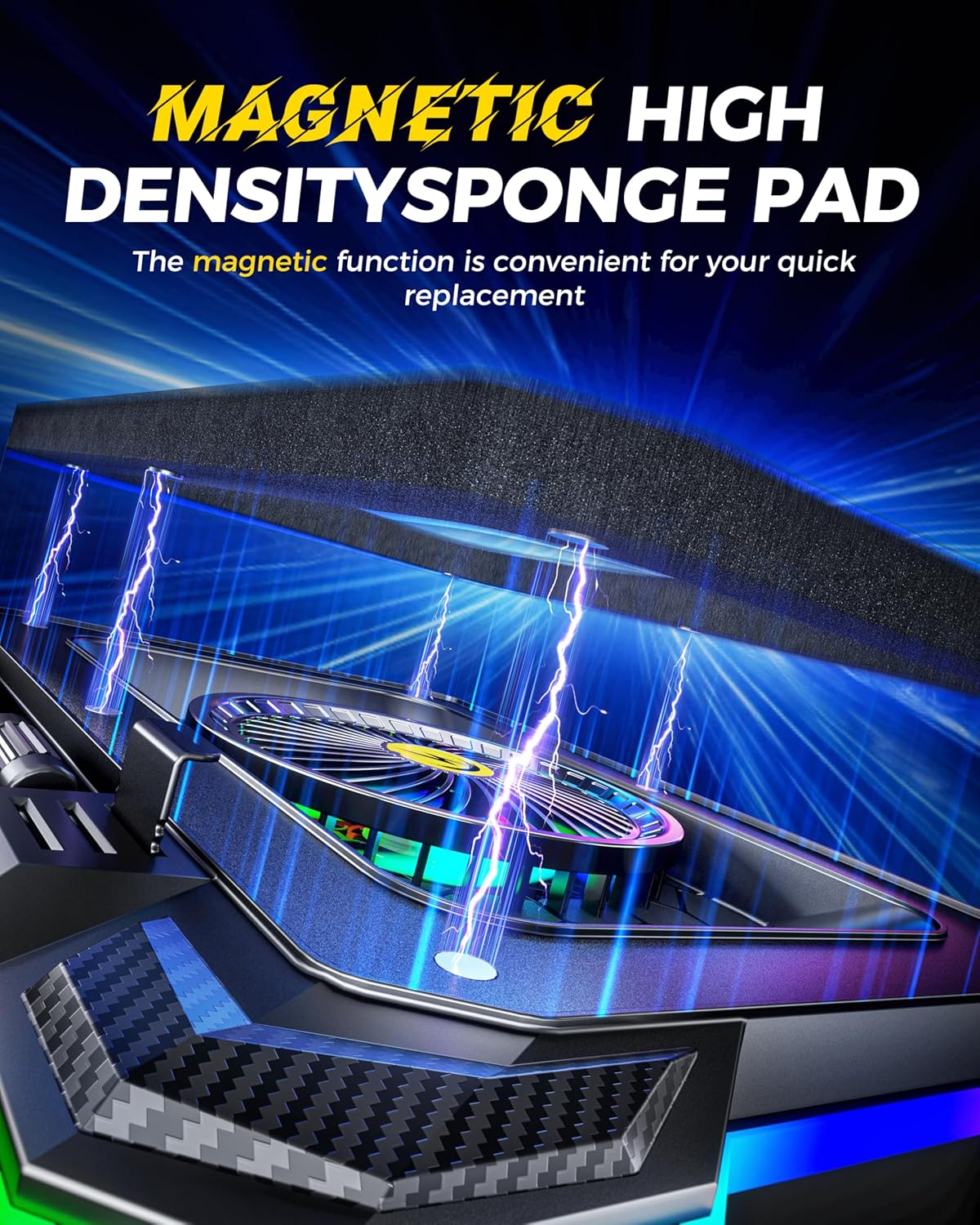
I recently got a new all AMD laptop and the Ryzen 7 CPU really liked to run hot. I upgraded the RAM to 64gb Crucial sticks and got this cooling pad for it. The combo has made a huge difference.Prior to the pad and RAM upgrade, it was running 90-95°C in every game. Just the RAM upgrade dropped my CPU temps a bit. 16gb just wasn’t cutting it.After getting this cooling pad, I rarely exceed 75°C when gaming on Linux. Games tried so far are Dirt Rally 2.0, WoW, and Mudrunner. I still have to boot Win11 for Battlefield, which sucks, but running the Chillcore at 2200RPM, I can keep the CPU temp below 90°C reliably. It performs wonderfully.Other things I’m liking about it:• Still comfortable to use on my lap, even with the back propped up to the lowest setting.• Comes with 3 air filters total. I love knowing that this pad is helping to keep dust and doggie fur out of my new laptop.• Surprisingly quiet up to 1200-1600 rpm setting. Still tolerable even at max.• The listing says it’s covered by a 2 year warranty.• RGB is easy to cycle through and to turn completely off• I thought the little baffle clips that hold the front of the laptop were silly before I received it, in use though, they really add a lot of confidence that my laptop won’t budge.• Foam seal not only prevents air from escaping the pad, but also helps keep the laptop in one place. No sliding around like the old, hard plastic cooling pads.• Has a power button. I usually plug it into the wall, so having an actual power button is great.So far, the only thing I wish it had was a way to adjust the brightness of the RGB. I currently turn it completely off as soon as it powers up. It’s way too bright for me.
Andrea Creech –
Important for gaming setups
This is a good cooling pad, I like it, keeps my gaming laptop (Lenovo) much cooler than just the onboard fans, it si a bit loud but i think if you are using this type of laptop you are already expecting the fans to be heard. It is not so loud though that you cannot hear the computer, the RGB lighting is kinda neat. It has 7 or 8 different colors/ schemes, solid colors like blue, red, purple, teal, rainbow, and schemes like colors chasing around the pad, breathing (slowly going in and out), the fans are lit up as well and the all seem to move quite a bit of air around, it has non slip feet underneath so it wont be sliding around on your table, and the laptop just kind of sits on top. As for build quality, i really don’t know what to say, it is all plastic with a metal grate over the fans that the laptop sits on, it is adjustable. Overall i like mine, even bought one for my son and daughter, to keep their computers cooler. The only hting that is a little quirky is the charging port is USBa and to use it requires a UBSa to USBa male to male cord ( included) other than that this. Thing is great, and yes i would buy it agian
John G. –
Worth it!
Ok this has got to be one of the coolest things I have ever ordered from Amazon my laptop tends to run pretty hot and this worked like A charm! the kit comes with extra filters for the fan which is nice you can set the fan speed and color settings and you can adjust the holding claws between 3 slots for fitment for the price you really cant beat it!
Jess & Austin –
Great cooling pad and customer service!
This item has worked great for several months now. It cools my laptop and has plenty of space for my 16in.I did have one problem where the little plastic piece that holds the laptop up when the cooling pad is at an angle broke, but the company was extremely helpful in helping me fix the problem. Some of the best customer service I have seen!I would highly recommend this product and company if you’re in the market for a cooling fan!
Junior –
Amazing Product.
Amazing cooling fan. Would recommend it. Wish the power cord was longer, but other than that it’s an amazing product looks amazing love the rgb lights and fans aren’t so noisy as well.
Amazon Customer –
Works great! My son`s laptop does not overheat anymore and has cool lights. Really amazing quality!
Hunter –
I have been using this product for the last week and it has made a noticeable difference in my laptop temperatures. Unit runs quietly. No complaints!
Gabriel Luquin –
Mantiene frío mi laptop de gaming, el único detalle que le encuentro es que el rgb se vuelve encender cuando apago la laptop
Salome_moon –
Funciona muy bien enfría. De forma eficiente. Llevo dos meses con ella
A customer –
Update after four months of use: One of the fans now starts to buzz when I am using this on my lap and it is slightly tilted towards left or right. Not sure why tilting causes this, but turning it off and on again solves it until you tilt it again.Pros: Good performance and features for the relatively cheap price. I like that I can adjust the fan speed and it seemingly reduced my laptop temperature a bit. It has some nice RGB lighting options if you’re into that sort of thing (I don’t care for it and turn it off). The product feels sturdy enough. It provides a second USB port, so the number of usable ports remains the same.Cons: Due to its design (specifically, the bar that keeps your laptop from sliding down), the two bottom-most fans don’t quite align with the laptop, so they don’t work as efficiently. Also, the fans themselves have blue lighting that cannot be turned off. Since those two fans aren’t fully covered by your laptop, the blue light from them is always visible. If you need significant cooling, you have to run it at higher settings, which is a bit noisier than I had hoped. I wasn’t too fond of the phone holder, as it keeps your phone completely upright. I would have preferred it to be angled slightly, and don’t use it.Verdict: Not perfect but good for the price.