


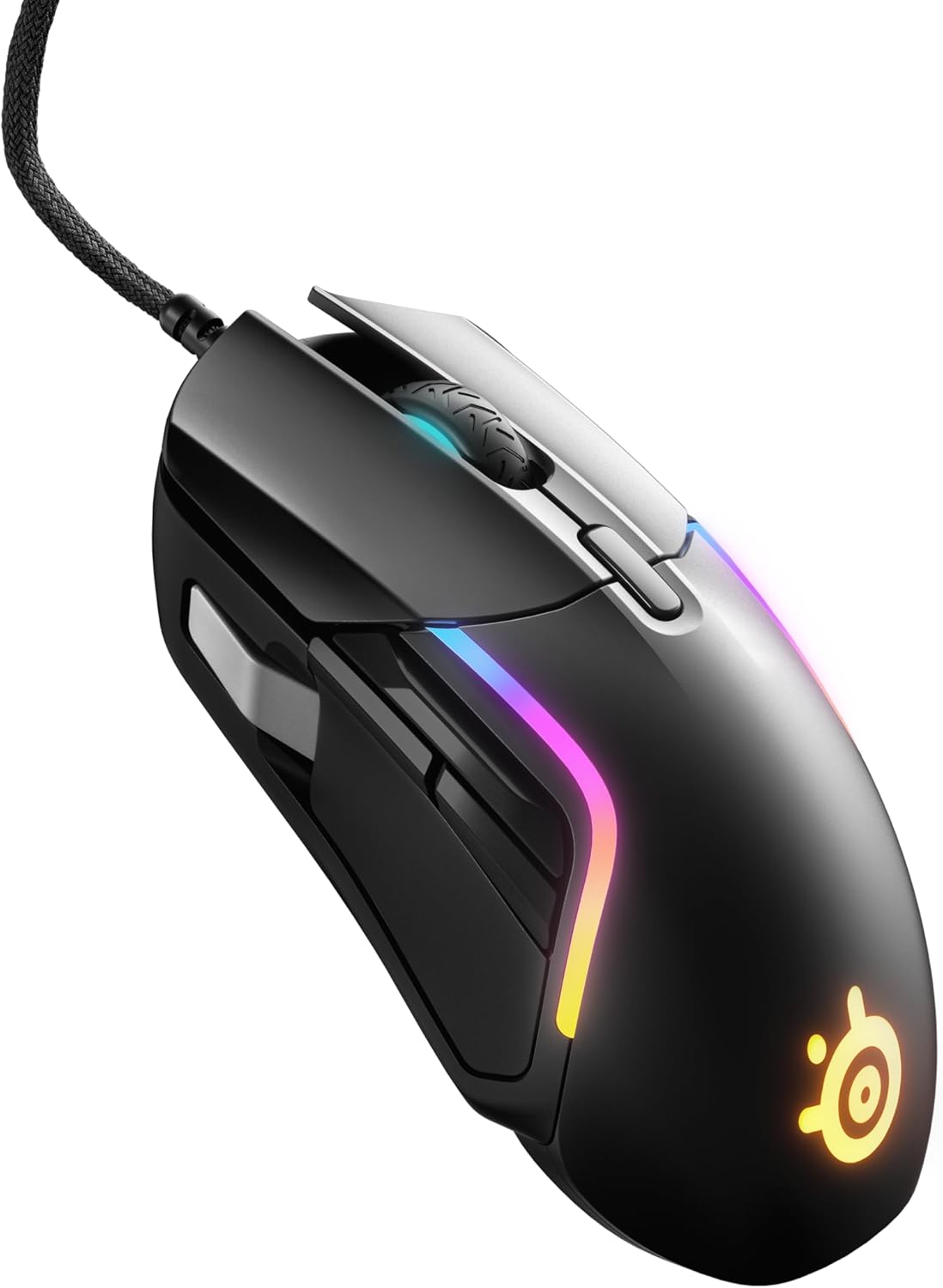
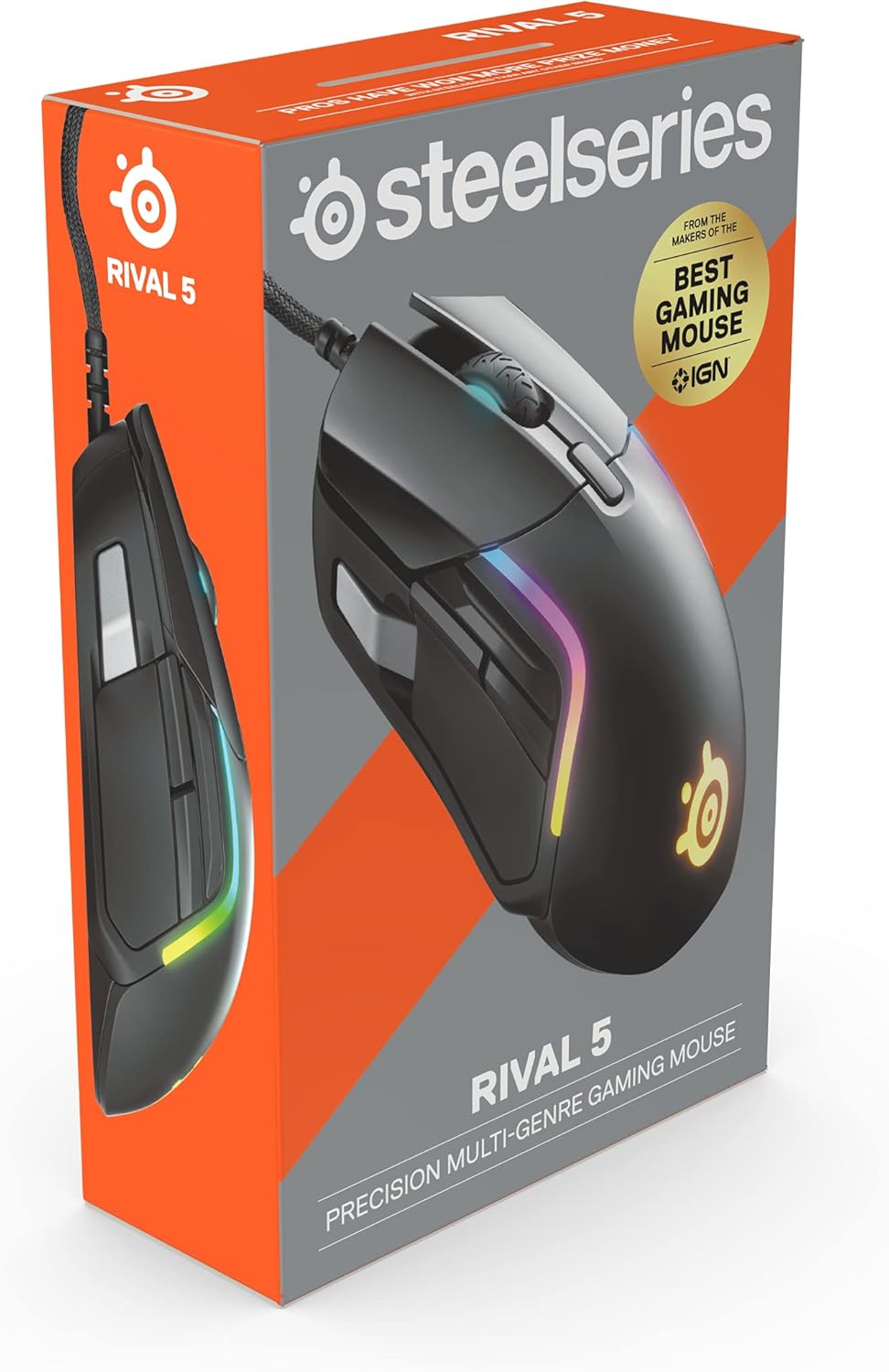


SteelSeries Rival 5 Gaming Mouse with PrismSync RGB Lighting and 9 Programmable Buttons – FPS, MOBA, MMO, Battle Royale – 18,000 CPI TrueMove Air Optical Sensor – Black
Original price was: $59.99.$49.99Current price is: $49.99.
Price: $59.99 - $49.99
(as of Nov 15, 2025 11:59:34 UTC – Details)
An ergonomic 9-button mouse with 5 quick action side buttons designed for top speed and utility in fast-paced Battle Royale games and more. It has a TrueMove Air optical gaming sensor for pinpoint precision. super mesh cable, and brilliant PrismSync lighting.
Perfect for all Battle Royale, FPS, MOBA, MMO, and other fast-paced games.
TrueMove Air precision optical gaming sensor with true 1-to-1 tracking.
Ergonomic 9-button programmable layout with 5 quick action side buttons.
85g competitive lightweight and extra durable.
Next-gen Golden Micro IP54 Switches.
Customers say
Customers find the gaming mouse to be of good quality, with a nice feel that’s super smooth to the touch, and appreciate its customization features, with one customer noting the ability to switch between different gaming profiles. However, the functionality and buttons receive mixed feedback – while many say it works well and the buttons are handy, some report issues with the scroll wheel and thumb buttons. Moreover, durability is a concern as customers report the scroll wheel breaking after 4 months and the cord failing within two weeks. The scrolling speed is also problematic, with customers noting erratic wheel behavior.



Buckshot2825 –
Great mouse, better than newer one imo
Honestly I find this better than the newer model of the mouse which i had purchased before. The RBG is more customizable, it feels better, and the buttons are the same.The rgb customization allows you to customize the strips on the side with 4 color zones, the back logo and the mouse wheel, all separate with full customization, compared to the single light in the newer version and the mousewheel.The newer version has holes all over it to reduce weight but honestly for me, it’s only feature was collecting dead skin, dust, and hair inside the mouse itself which i could not take apart to clean.This mouse has all the customizability of the newer ones and just has more visual appeal.Also SteelSeries GG is by far the best customization program i’ve had the pleasure to use for products, which is one of the reasons why i have been buying only SS products as of recent.
Jacob B –
Amazing Mouse For Casual Gaming
Mouse has a lot of buttons and the sensitivity is smooth, Steel Series has a software where you can adjust settings for the Mouse too
Shy H. –
Perfect
Mouse works wonderfully and has improved my gaming experience. It doesn’t have any drift or latency and is easy to toggle between dpi. It’s comfortable to use, a bit of an average size and fits my small hands. I find the buttons are perfectly placed, I’m able to set it up for MMO’s, Shooters, cozy and everything in between. Wonderful mouse for the money.
Klaymate –
Great FPS gaming mouse with a one caveat
Watched a bunch of reviews. It was a toss up between this and the Logitech 502 series. I really like my previous SteelSeries 310 mouse but I wanted just a few more buttons on the mouse so I gave SteelSeries another shot.Quality wise i have no complaints. Most of the negative reviews remark on the three extra added buttons being hard to use. While i agree the forward thumb button requires me to move my thumb forward a few millimeters, its not impossible or uncomfortable to use. The up and down thumb bumper is a great addition tho. The downward motion is very intuitive. The up motion is a little less but still completely functional.I use it to play FPS games mainly. Stuff like Tarkov, Squad and a few MMO type games and the three extra buttons are exactly what i was looking for.I noticed one thing that is odd to me. In game my aim is fine. Firing isnt affected at all but outside of games doing stuff for example navigating the UI or even using windows itself, its not uncommon that i click on something but the moment of my left clicking causes the mouse to move and drags the cursor off the button/tab/item which in many instances negates the click in the first place. Doing things like closing windows or clicking a menu item in a games UI doesn’t work because the click is canceled by my cursor dragging off the button before releasing. Again its very odd because it doesn’t seem to affect me in game and i do believe the mouse is activating but just dragging the mouse before releasing causes it to cancel out. Its less of an issue as i get use to using the mouse but something i definitely noticed.All in all i like the mouse and will be keeping it and continuing to suppose Steel Series as i feel like my original favorite peripheral company Logitech definitely feels like they have fallen off in quality and user experience while at the same time become more expensive.
ioane –
Perfect for its price!
One of the best mouse i’v ever had! Before this I had Logitech G203 Which was smaller and in general wasnt the best mouse. Before that I had HyperX Pulsefire Surge and this mouse it working better than that one, even though that mouse used to be a good gaming mouse.
Choppers –
My son likes it
My son picked this one out and he was rather specific about wanting this one. It’s been working great now for over 6 mos, so he’s happy.
Jetora –
Programmable buttons do not work on M Series Macs
This mouse has programmable buttons that do not work on M series Macs, and the manufacturer does not include this information anywhere in the sales literature. I had an unpleasant experience with Rival Customer Support regarding this. They took so long to determine that the programmable buttons didn’t work on my M4 Macbook Pro and were never going to work, that I missed the return window through Amazon. Rival flatly refused to honor a return and refund, and now I’m stuck with a mouse that doesn’t do what I bought it to do. Buyer beware.
J K –
Decent gaming mouse, but a weird shape for me
I really wanted to love this mouse. It has all the features I was looking for, and the build quality is pretty darn good without being to heavy.Alas, the shape just doesn’t work for me.Based on my ability to use most mice, I’m guessing I have pretty average size hands, but it is actually uncomfortable for me to try to use the thumb buttons on this mouse. If my hand is far enough forward to reach the front thumb button, I have to twist my hand to reach the rear one. And the top thumb button is just…weird…you trigger it by sliding it up or down (and in theory each direction can be a different mapping) but I would much prefer to have a mouse wheel rocker over that because this button is also difficult to use. Trying to slide that button up it is too easy to trigger one of the other side buttons, and to slide it down requires some hand acrobatics.All that to say, this mouse is a really nice piece of hardware, if they would just do some work on the ergonomics. And the mouse software that comes with it is actually really good. I genuinely want SteelSeries to make a mouse that works for my hand because I love their software. This one isn’t it, though.
Jesús González –
Buen día. Este es el primer mouse gamer que tengo y definitivamente recomiendo muchísimo este mouse tan versátil, ya que lo uso para jugar TPS (Third-Person-Shooters) como: Rogue Company, así como FPS (First-Person Shooters) como: Splitgate y también para RPG’s de acción tal como: Genshin Impact y es una maravilla las opciones de configuración que te ofrece Steel Series para adecuar las funciones de los botones para cada juego y así realizar distintas acciones.PROS:Su Software (SteelSeries GG “Engine”), permite crear y guardar perfiles para cada juego y una vez se crean estos basta con abrir el software para elegir 1 y aplicarlo al juego que se desee, sin necesidad de estar configurándolos y guardándolos una y otra vez.*Todos sus botones son configurables, incluso el de CPI, permitiendo así pasar las funciones de los botones del teclado a los botones del mouse de nuestra preferencia.*Se pueden ajustar los CPI (Cantidad por Pulgada) desde los 100 hasta 18,000. Lo cual es estupendo dependiendo de la sensibilidad que más le guste al jugador.*El sensor es muy preciso y en verdad se nota a la hora de jugar.*Los botones se sienten bien al tacto .*El cable tipo mesh hace que no se enrolle y tenga un buen desplazamiento.*Tiene un bonito RGB altamente personalizable.*El peso es adecuado y el diseño elegante y cómodo.OBSERVACIONES: Al poner la iluminación al máximo se siente cómo el calor emana de los LED’s y una pequeña parte de la pintura comenzó a desprenderse luego de un tiempo, por lo que yo, en caso de usar el RGB es a un brillo medio o incluso mínimo, porque al máximo lastima la vista, ya que es muy brillante, aunque casi siempre prefiero tenerlo desactivado, como con el teclado, para que no me distraiga la iluminación.(Esto no afecta en nada el rendimiento del mouse, ya que sólo es personalización del RGB, “Se puede desactivar”).El botón gris, es algo difícil de alcanzar, por lo tanto, lo asigno como el botón para lanzar Ultimates en Genshin Impact y Rogue Company, ya que por el tiempo de recarga que requieren, hacen que el uso de este botón (por la distancia a la que se encuentra) sea menos frecuente.Por tanto, es muy buena opción y estoy muy satisfecho con la compra.
René –
Für kleine Hände gemacht. Ich habe Handschuhgröße 11. Ich geh zurück zu logitech mäusen
Lyo –
La SteelSeries Rival 5 est confortable en main, légère et réactive. Les boutons latéraux sont bien placés, parfaits pour les jeux qui nécessitent des raccourcis rapides. Le capteur est ultra précis, et la glisse est fluide, que ce soit pour du FPS ou du MMO.Le RGB est personnalisable et donne un look sympa sans être trop flashy. Le câble est souple et ne gêne pas les mouvements. Bref, une excellente souris pour ceux qui veulent un bon équilibre entre performance et confort, sans exploser le budget
Vic –
Muy bueno, con 9 botones configurables, muy comodo y ergonomico
J Schmee –
I have the entire Steel Series suite… led mouse pad, Arctic 7 speakers, Nova wireless headphones.The gear is awesome. The mice, however, have been hit and miss.The PRIME mouse for example, was amazing until it wasn’t. It bricked from a firmware update and Steel Series support was completely useless on the matter. No live chat… just a stream of emails asking if I tried turning it on/off, reinstalling etc. The issue could not be resolved -which sucks- because: i) the Prime was primo dinero $$$ and ii) SS chose not time fix the issue and instead dedicated resources to building a new Diablo mouse.Suffice to say, I was hesitant to replace the Prime with another SS product but chose the RIVAL 5 (wired) since all my suite is SS.The Rival 5 is a great mouse. It is ergonomic, has good balance, it lights up nicely and the clicks are sharp.The ONLY issue I have with the Rival 5 is a glaring design flaw.That the silver ‘trigger’ button for the thumb… is COMPLETELY out of reach unless you have alien long fingers (which 90% of us don’t have) which renders said button COMPLETELY useless.I had read the other complaints about this issue and dismissed it.Oh well >_<