


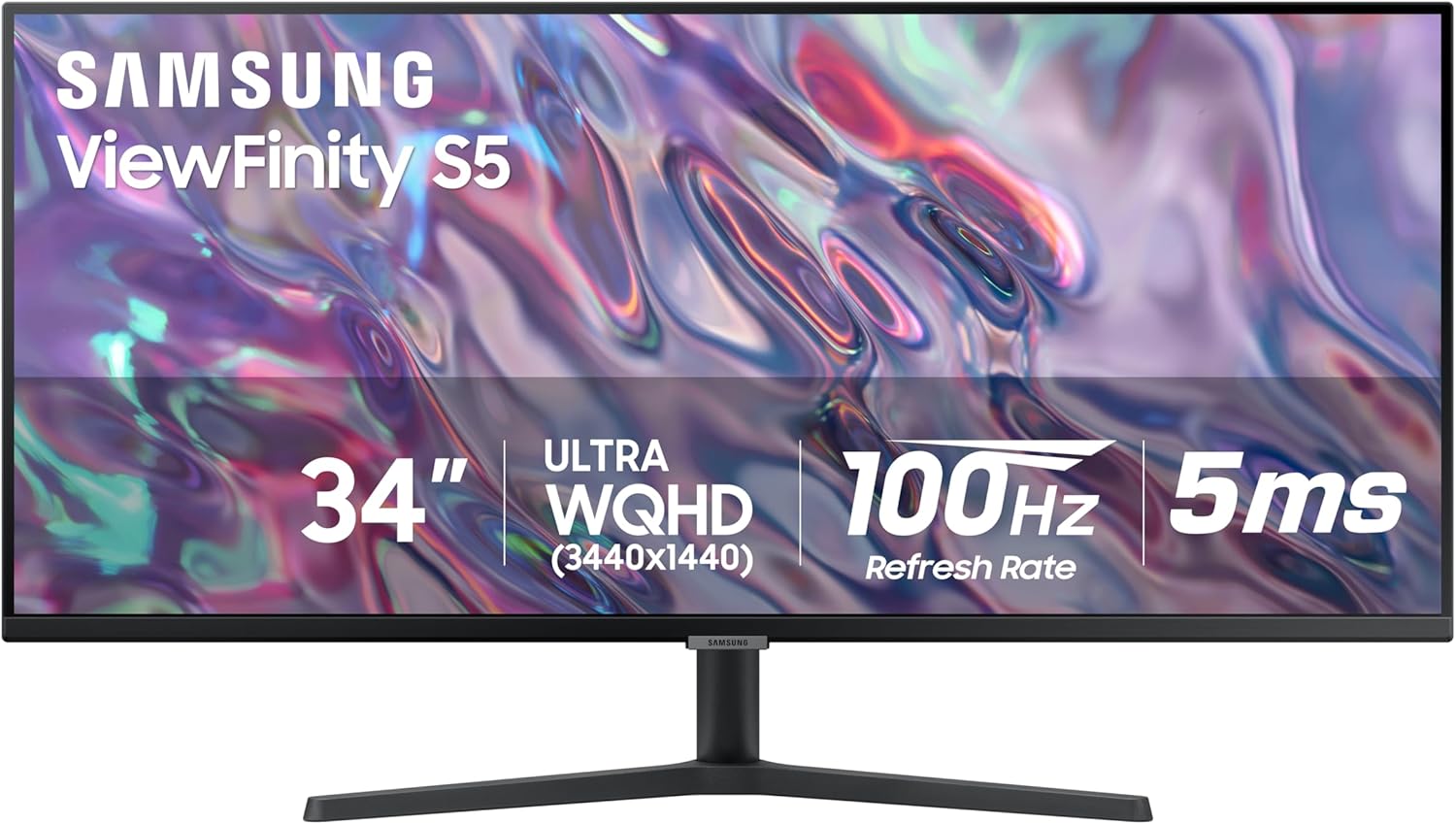


SAMSUNG 34″ ViewFinity S50GC Series Ultra-WQHD Monitor, 100Hz, 5ms, HDR10, AMD FreeSync, Eye Care, Borderless Design, PIP, PBP, LS34C502GANXZA, 2023, Black
Original price was: $329.99.$219.99Current price is: $219.99.
Price: $329.99 - $219.99
(as of Nov 10, 2025 14:19:50 UTC – Details)
Samsung’s 34″ ViewFinity S50GC offers a wider workspace featuring a 21:9 ratio and lifelike detail with Ultra-WQHD resolution. AMD FreeSync™ and 100Hz refresh rate allow an ultra-smooth user experience. Avoid eyestrain with TUV-certified Intelligent Eye Care that automatically adjusts brightness. *Actual specifications may vary depending on PC environment or programs used.
DO MORE ON ONE SCREEN: See every detail on the wider display featuring a 21:9 aspect ratio; Ultra WQHD provides the simplest way to maximize screen real estate and experience truly seamless multitasking on just one screen.Brightness (Typical) : 300 cd/㎡. Static Contrast Ratio 3000:1.
ENJOY A BILLION COLORS W/ INCREDIBLE DEPTH: With HDR10 that displays over 1 billion colors compared to 16.7 million for typical SDR technology, dark colors are darker and the brightest are even brighter; Content is experienced as the creator intended
CARE FOR YOUR EYES DAY and NIGHT: An ambient light sensor on the monitor detects lighting in your workstation and automatically adjusts brightness; Eye Saver Mode minimizes excessive blue light, and Flicker Free relieves eye strain
SEE CONTENT SMOOTHER, EVEN GAMING: A faster than average refresh rate updates the image on screen more often every second; 100Hz refresh rate reduces lag and motion blur when playing games, watching videos, or working on design projects
STAY IN SYNC WITH THE ACTION: AMD Radeon FreeSync keeps the refresh rate of your monitor and graphics card in sync to reduce image tearing for a superfluid entertainment experience; Watch movies and play games without interruptions
2 x HDMI 2.2 INPUTS plus 1 x DISPLAYPORT 1.2 INPUTS: With PBP, view input from 2 simultaneous sources at native resolution, so you can review 2 projects or run 2 programs; Use PIP to resize a 2nd source and work on 1 task while monitoring another
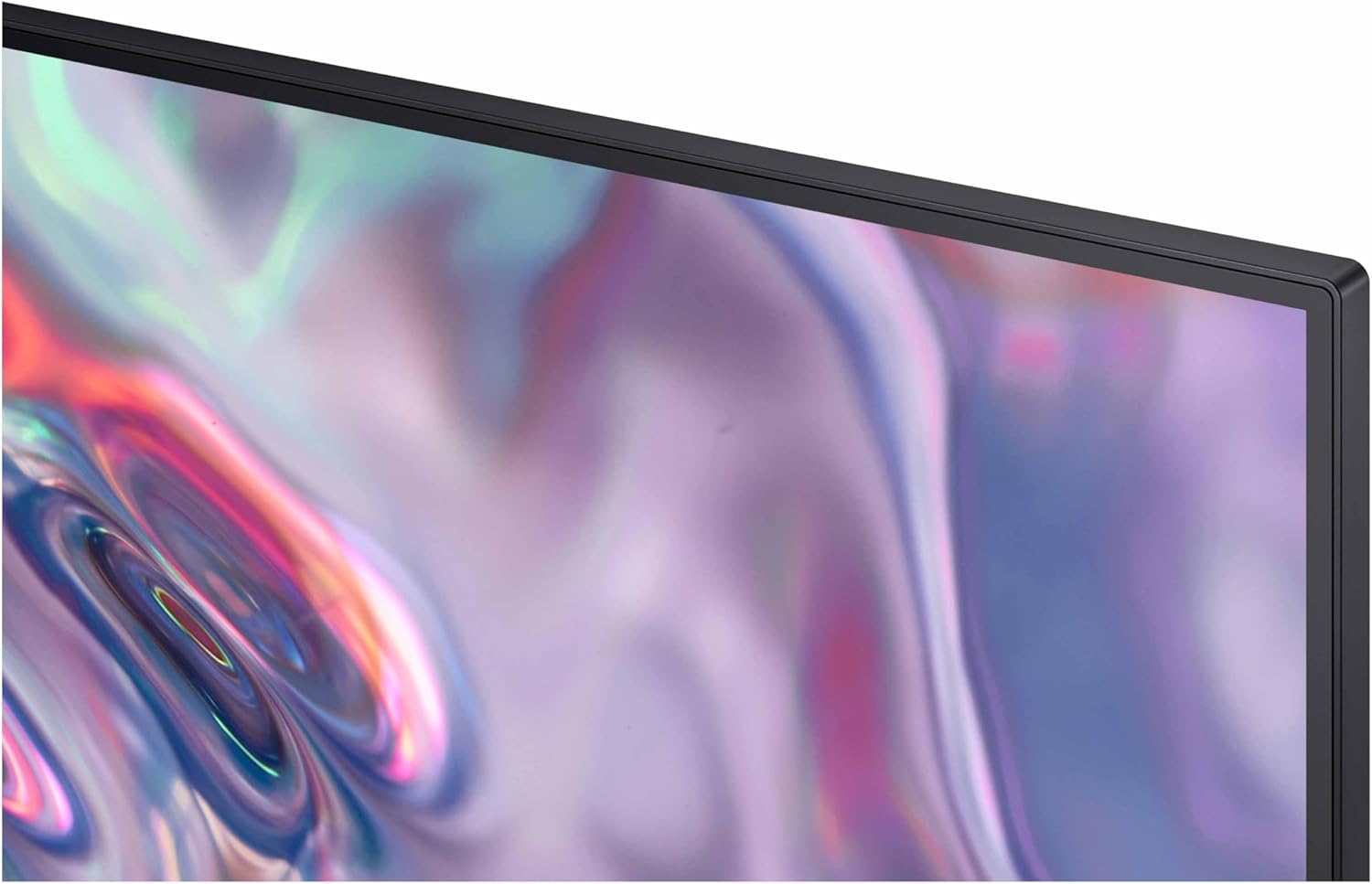
EXPAND YOUR VIEW, ENHANCE YOUR FOCUS: Minimal bezel brings maximum concentration; The virtually bezel free screen shows you the full picture and looks almost gapless when used in a dual monitor setup so you can see more at once with no distractions
Customers say
Customers find this monitor to be a first-class display with vibrant visuals and great resolution, particularly appreciating its wide format and value for money. The functionality works well with MacBook Pro, and they like the color quality, with one customer noting HDR10 support adds depth and richness to colors. However, the height adjustment receives mixed feedback, with several customers reporting it’s not adjustable. Additionally, some customers report issues with dead pixels appearing within weeks of use.



hrh –
Large, Sleek, and Stunning Display
I recently upgraded from a Samsung 27” monitor to this impressive 34-inch ViewFinity S50GC, and it’s been a fantastic improvement. As someone who works from home and uses dual monitors, swapping one out for this larger, ultra-wide display has made a huge difference in productivity and comfort.The ultra-WQHD resolution delivers crisp, vibrant visuals, and the 100Hz refresh rate ensures smooth scrolling and transitions, which is noticeable even during everyday work tasks. HDR10 support adds depth and richness to colors, making this monitor just as great for entertainment or creative work.I love the sleek, borderless design that gives a modern, minimal look to my desk setup. The eye-care features are a bonus for long hours in front of the screen, reducing strain without sacrificing brightness or clarity.Overall, this monitor feels like a premium upgrade that balances size, performance, and aesthetics. It’s perfect for anyone working remotely who needs a larger screen for multitasking and a stylish addition to their workspace.
Matt –
Very nice VA panel for the price!
Been using this monitor for a while and the screen quality and response time of the VA pixels are much better than you’d think for a monitor at this price. The 100hz refresh rate actually looks like 100hz, and on a VA panel, this is impressive. It handles all my open windows well too as I hoped for, so that’s great. I do love how an ultrawide monitor adds a TON of emersion when playing games and watching content. First thing I did when I powered on the monitor on my PC was load up the second season of The Rings of Power, which felt somewhat small on my 16:9 32” 4k monitor that I have, but only because it is recorded as an ultra-wide, so when on this monitor it filled it corner to corner, giving me a FULL-screen ultra-wide 34”. Watching ultra wide content on this thing makes it feel actually a bigger image than on a standard 16:9 43” display to be honest, or at least the same. And when playing video games, the extra FOV is pretty nice for the emersion. The monitor does show the regular drawbacks of a VA panel though, especially with penning over darker colors on a bright background, or visa-versa, you do still get the smear-y look, but as a VA panel that it is, the monitor really makes up for it with the 100hz refresh rate and a good response time (with FreeSync support — dunno about G-Sync though I haven’t tried) to mitigate this.The colors are nothing to write home about, and the display lacks HDR, however, they are 10-bit and is seamlessly recognized by windows. So, that’s strange, it must be an 8-bit+FRC then, regardless, if you set the gamma, color, contrast/brightness settings right, it really does look like an HDR panel minus the brightness levels of course. But, in regular use, it does get very very bright still on the desk, I haven’t ever used it past 50-60% brightness, normally having it at around 30% or so with no issues seeing anything.The stand it comes with is a bit cumbersome (albeit not as bad as a lot of other monitor stands), so I would recommend putting it on a monitor arm though.Don’t bother getting a monitor with a higher refresh rate. 100hz at 1440p ultrawide (4k length x 1440p width), you are effectively pushing nearly the same amount of pixels as a 4k monitor, and you won’t ever get, let’s be real here, more than 100fps in almost all your games at 4k (I am using an AMD RX 6800XT), so the 100hz is more than sufficient for this. You’d benefit from a higher refresh rate for just general tasks around windows, but for games and content it is plenty.Oh, and when viewing 16:9 content or other aspect ratios, it’s still pretty good, it’ll just have the same resolution as a non-wide screen 27” monitor with black bars on the sides. But that brings me to my last couple points, the monitor recognizing different resolutions is automatic and scales very nicely, which I haven’t had good luck with with other monitors in this price range. For example, plugging in my nintendo switch, and the display automatically scales for 1080p, which is pretty convenient (just make sure you turn off FreeSync for that…yeah that’s really dumb). Then you also have the PiP mode, which is great if you want a couple different sources you want to reference at the same time on the same screen. Would’ve been nice though to be able to set the sources side by side or something and have it properly adjust the aspect ratio…the PiP is a bit janky to be frank, albeit still works well, just keep that in mind.
yada1000 –
Excellent resolution for working with text.
Great monitor! Text is viewable at small resolution, giving lots of screen space. In comparison, I have an LG 34 inch that’s an alternate and its resolution is nowhere near as good and won’t show small text. The only caveat: The stand kind of sucks. If only someone made a good, adjustable plate monitor stand for these…
Romal –
Not a big fan of Wqhd
Great product but needs more improvement on color quality, easy to assemble and affordable price, it doesn’t have speakers
Paulie84 –
Vivid monitor, great price
Better than expected! Fantastic monitor for the money. Huge, crisp display and easy setup. Perfect for my work-from-home office.
Jimmy –
perfect as a second monitor
great secondary monitor! nothing special of course but the colors brightness and size are pretty good. just make sure you buy a really tall monitor arm if you plan on putting it above your current monitor
Amazon Customer –
Great display quality and useful when you can’t fit 2 monitors
This monitor is amazing. There wasn’t room on the desk for 2 separate monitors, so we thought we would give this a try. The quality is great and you can easily display four different windows at the same time next to each other. Everyone else in the office is wanting one now.
Sergio –
Muy buen monitor, lo uso para programación así que me queda perfecto cuando divido la pantalla en tres
Domingo Macotela –
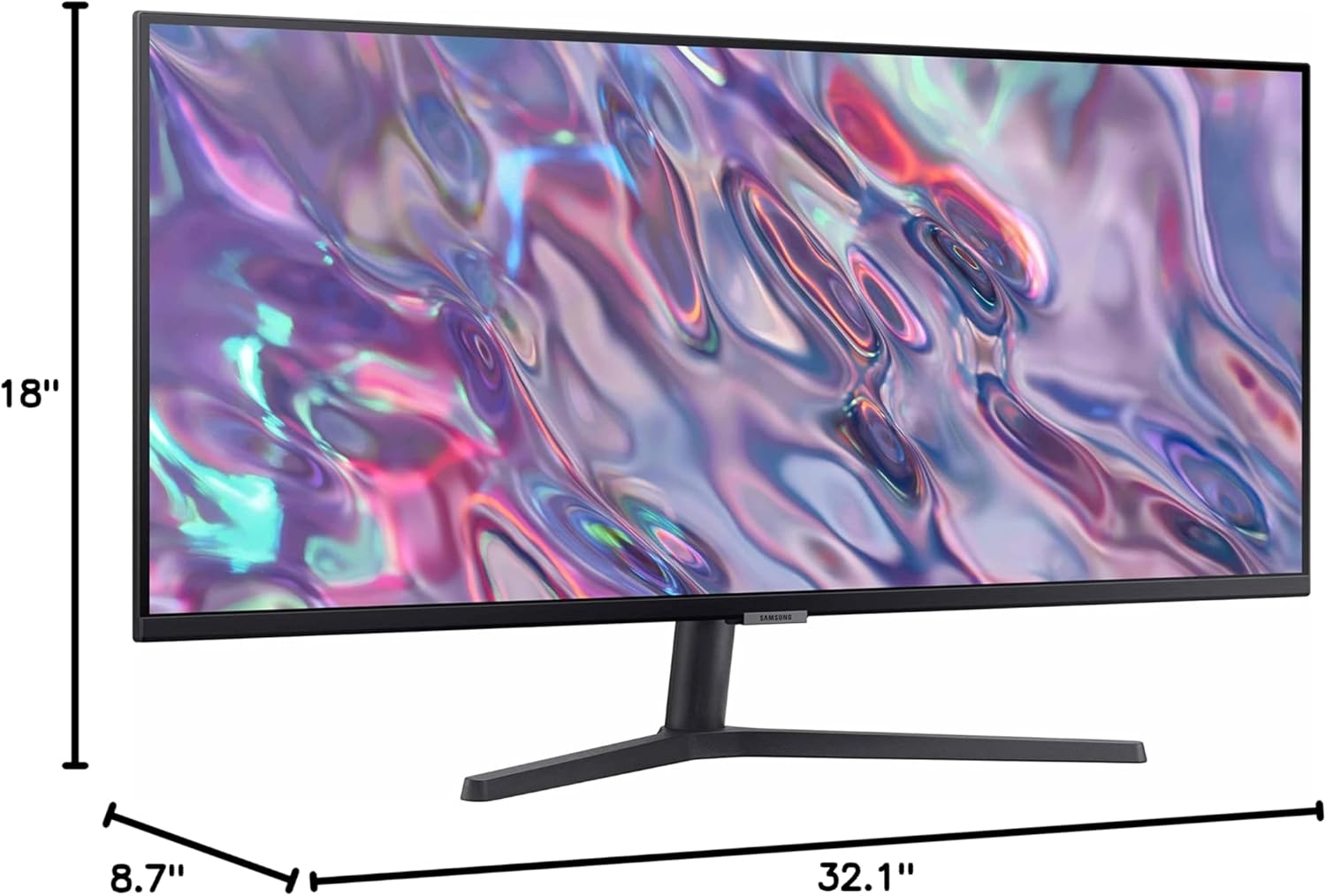
Excelente monitor las dimensiones de pantalla o área de visión son las siguientes:Ancho libre de pantalla: 80.70 cmsAlto libre de pantalla: 33.50 cmsDiagonal libre de pantalla: 87.50 cmsRelación Aspecto Pantalla: 21:9
Jay-C –
Lo ocupo para trabajar. Distribuyo muy bien todos los programas que necesito. Lo único negativo es que siento que si lo quieres para jugar o ver películas falla un poco en cuanto a lo vivido de los colores y el brillo.
joan –
Compré este monitor hace dos meses a un buen precio (6mil). Facil de armar, facil de instalar, buenos colores, buen contraste. Lo uso para edicion de video en 4k y videojuegos de forma casual y no me ha falllado en nada. Excelente opcion para los indecisos y con presupuesto limitado.
ivonneek –
Buena calidad