


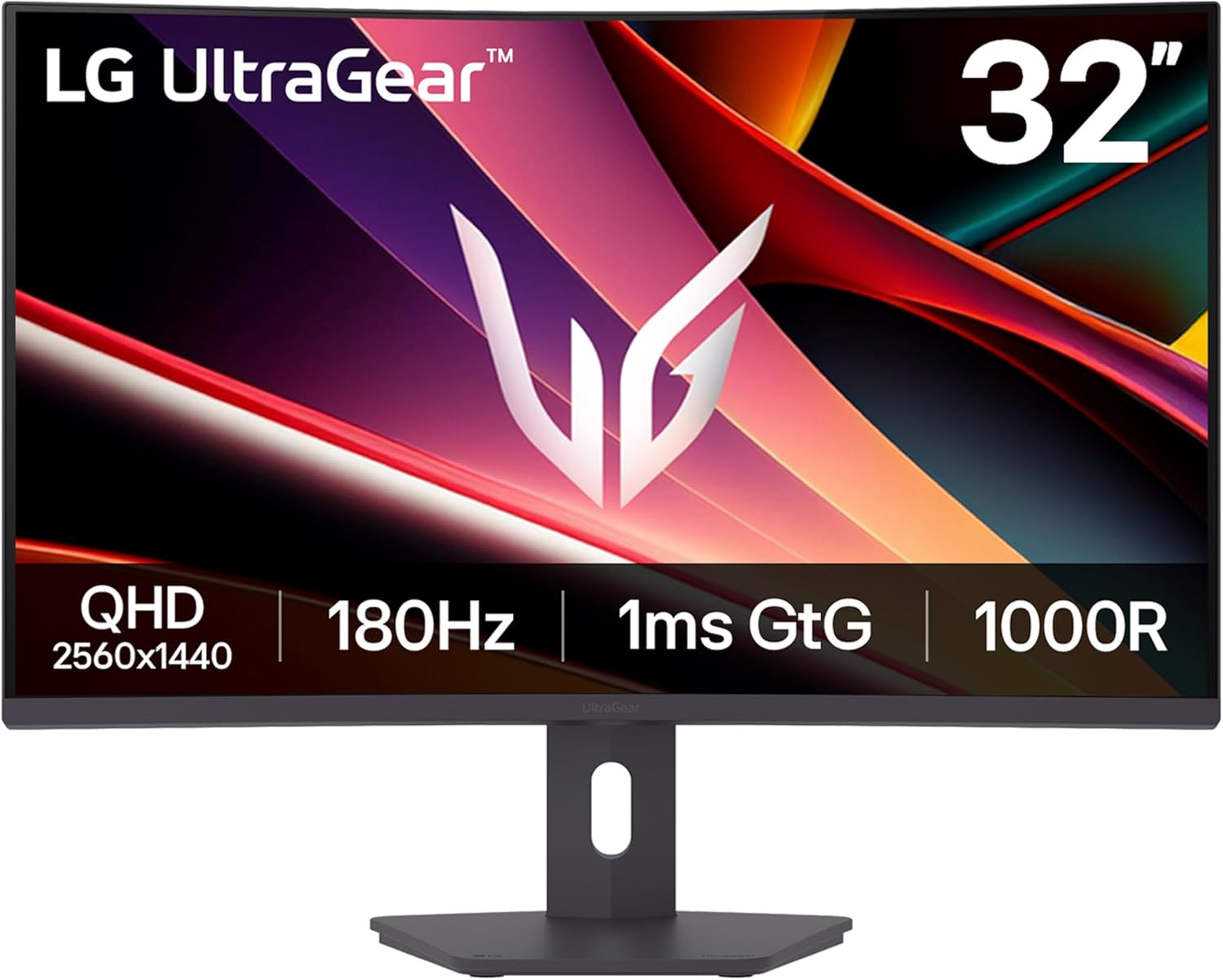
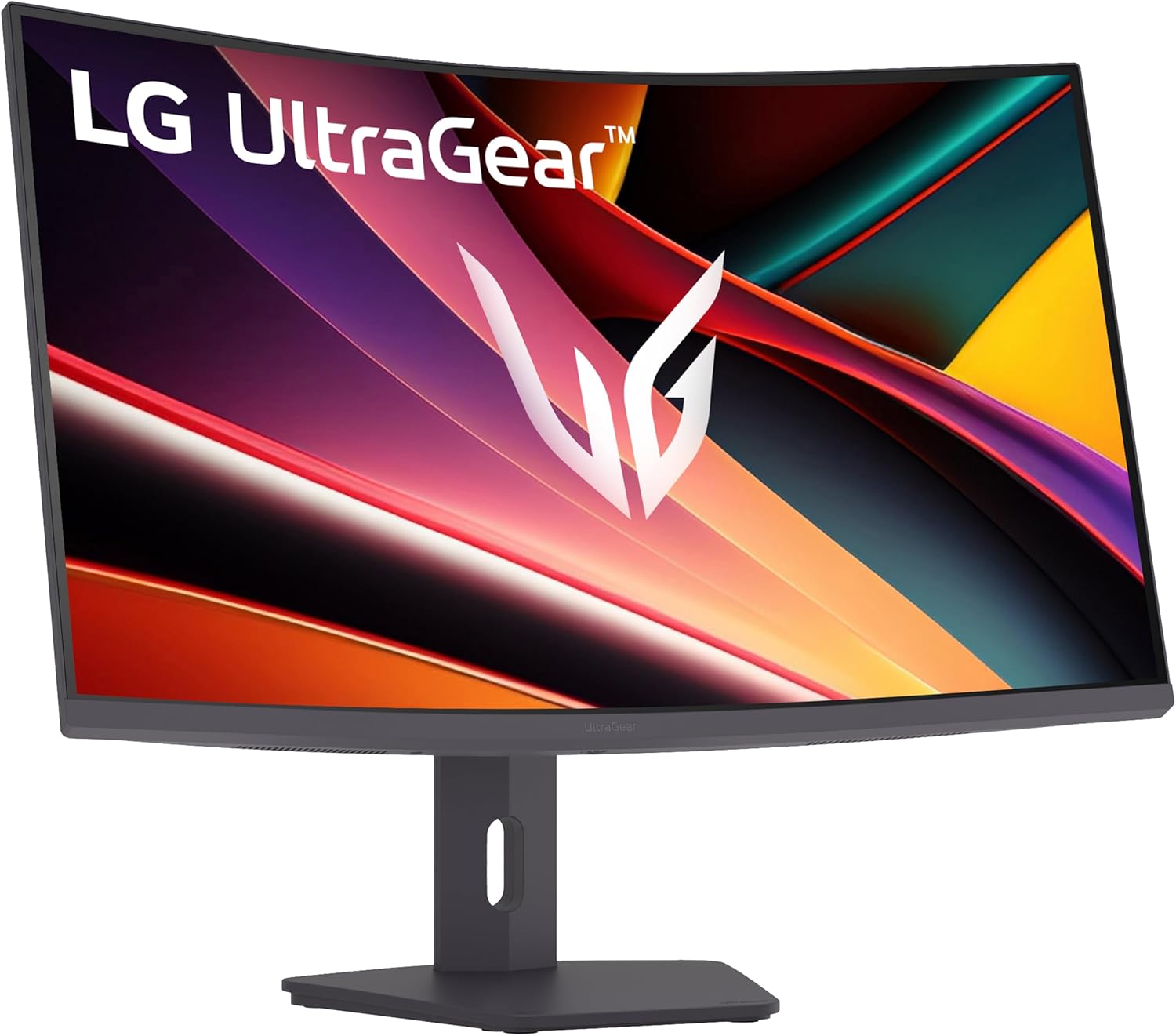


LG 32G600A-B 32-inch Ultragear QHD (2560 x 1440) Curved Gaming Monitor, 180Hz, 1ms, AMD FreeSync, HDMI, DisplayPort, Tilt/Height/Swivel Adjustable Stand, Black
Original price was: $23,049.93.$17,730.51Current price is: $17,730.51.
Price: INR23,049.93 - INR17,730.51
(as of Nov 14, 2025 18:12:19 UTC – Details)
The LG UltraGear 32″ QHD (2560 x 1440) curved gaming monitor delivers the size, speed, and clarity you need to take every match to the next level. This UltraGear’s 1000R curvature pulls you into the action, expanding your view for a more immersive experience. HDR10 and up to 99% sRGB coverage keep colors bold and vivid, while a 180Hz refresh rate and 1ms (GtG) response time ensure every frame is smooth and razor sharp. AMD FreeSync virtually eliminates tearing and stuttering, even in fast-moving HDR scenes, for gameplay that feels seamless and responsive.
Built-in gaming features like Dynamic Action Sync, Black Stabilizer, and Crosshair give you the tools to react faster, spot hidden enemies, and aim with precision. The sleek, 3-side virtually borderless design with adjustable height, tilt, and swivel makes it easy to build your ideal setup. Big screen. Bold visuals. Competitive performance—this UltraGear brings it all.
Fast Response. Full Screen Immersion. – This UltraGear delivers fast, immersive gameplay on a 32″ QHD curved display, with 180Hz refresh rate, and 1ms response. AMD FreeSync ensures smooth, tear-free action, while HDR10 and up to 99% sRGB coverage bring vivid color.
32″ QHD Curved Display (1000R) – Dive into every detail with a 32″ QHD (2560×1440) curved display. The 1000R curvature pulls you into the action, expanding your field of view for deeper immersion and giving you more screen space to game, multitask, or stream with ease.
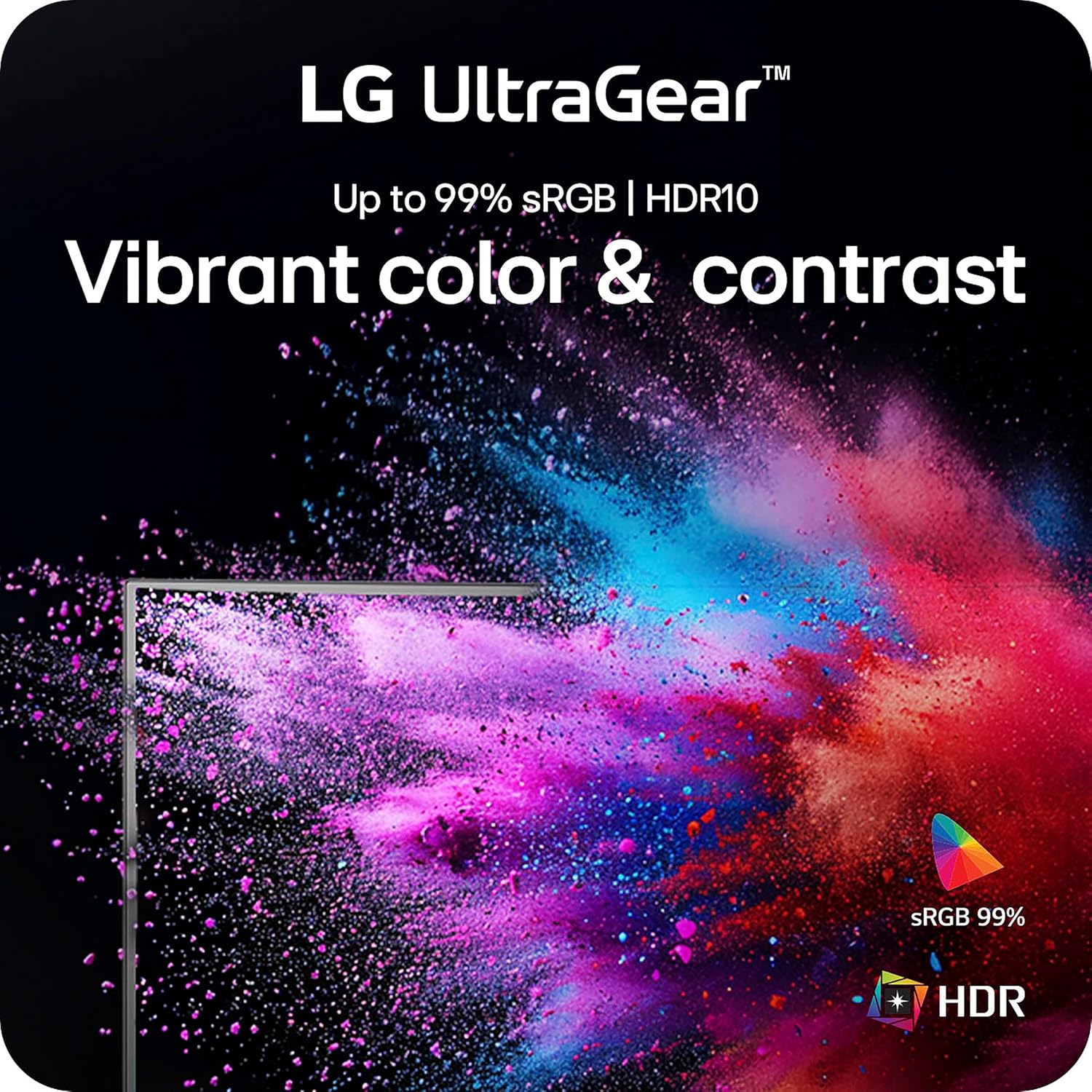
HDR10 & up to 99% sRGB Color – Experience vibrant, bold visuals with HDR10 support and up to 99% sRGB color gamut coverage. Whether you’re gaming, streaming, or creating, colors stay rich and impactful—revealing more detail in every scene for a more dynamic and visually stunning experience.
Experience Smooth Motion with 180Hz – With a fast 180Hz refresh rate, you’ll experience smoother frame transitions. Whether you’re working or gaming, enjoy more fluid visuals with less screen stutter and motion blur.
1ms Response (GtG) for Crisp Gameplay – 1ms Response Time (GtG) keeps fast-paced gameplay sharp by minimizing blur and ghosting. Whether you’re tracking enemies or racing to the finish, every frame stays crisp—giving you the edge when it matters most.
AMD FreeSync – Enjoy fluid, tear-free gameplay with AMD FreeSync. By reducing screen tearing, stuttering, and input lag—even in HDR scenes— this UltraGear delivers smooth, responsive performance for competitive edge and cinematic-quality visuals.
Battlestation Upgrade Adjustable to Gamer Specs – Go big with the narrow-bezel, 3-side virtually borderless 32” screen. UltraGear’s sleek, slim design offers adjustable height, tilt, and swivel control for your optimized setup.
Action As It Happens – Dynamic Action Sync minimizes input lag for faster reactions—so you can respond to every move, shot, or turn the instant it happens.
Black Stabilizer – Black Stabilizer brightens dark scenes, helping gamers spot enemies hiding in the shadows and react quickly during sudden flashes—keeping you one step ahead in every battle.
Advantage of Accuracy with Crosshair – Crosshair offers an accuracy advantage with center-display crosshairs that provide enhanced vision and precision for increased accuracy in first-person shooter games.
Customers say
Customers find the monitor to be well worth its price and appreciate its ability to hit 165Hz refresh rate. The picture quality receives mixed feedback – while some find it crystal clear at high resolutions, others report blurry displays. The functionality and color accuracy also get mixed reviews, with some saying it performs well while others report it stops working unexpectedly, and while colors are excellent for some, others find them off. The brightness receives mixed feedback, with some praising the strong contrast while others note it gets too dark.




Rob. C –
The best 1440p VA monitor I’ve had
MY STORY:I am someone who works in software development, and my favorite pastime is playing video games. I had a disastrous experience with Gigabyte. I owned the Gigabyte M27Q IPS monitor, which was good initially, but as I used it more, I realized that 27 inches was too small for my needs. So, I decided to buy a 32-inch curved monitor from the same brand, specifically the Gigabyte M32QC. At that time, I didn’t read reviews because I thought, “It’s Gigabyte, a reputable brand, nothing bad can happen.” Unfortunately, the worst did happen. The M32QC had backlight bleeding, excessively pale colors, FreeSync caused pulsing while gaming, and worst of all, it had unbearable ghosting accompanied by smearing. I know all VA panels have ghosting, but this specific Gigabyte model’s ghosting was intolerable—whether in Off/Picture/Balanced modes, ghosting with smearing persisted. The only way to reduce it was to max out Gamma and set the black equalizer to 13, but this made black colors look grayish-green, and the ghosting with smearing remained prominent. I tried to get used to it but couldn’t. This experience made me realize I’m sensitive to ghosting.What happened to that monitor? Luckily, I was able to return it and get a refund. I went back to using the M27Q for a few more months, but again, everything looked too small. So, I decided I needed a 32-inch monitor with at least 1440p resolution, and this time it had to be good. Initially, I wanted to buy the Gigabyte M32Q because it was 32 inches, flat, IPS, with a great price and obviously no ghosting. However, that monitor was no longer available, so I had to look at other brands. I considered IPS monitors, but 32-inch models from reputable brands didn’t fit my budget. Therefore, I looked for a monitor with an excellent VA panel, this time reading reviews. I started with AOC and found they had terrible monitors with severe ghosting. Gigabyte released new models but still had the same awful ghosting. Samsung was excellent but too expensive. Then I remembered LG, which I had overlooked. I looked at the available 32-inch models and their reviews and couldn’t believe it—high-quality VA panels, no pulsing, minimal ghosting (which I’ll detail in the “Analysis” section), vivid colors, and affordable prices. So, I chose the 32GN650-B because it fit my budget and had the features I needed.ANALYSIS:Let’s break it down:1) GHOSTING. If you’ve read my story, you’ll know I’m very sensitive to ghosting and couldn’t afford to buy another monitor with that problem. The LG 32GN650-B does have ghosting, but don’t worry, it’s very minimal, almost imperceptible. When it is noticeable, it doesn’t bother you; it looks natural. Out of the box, it did have some noticeable ghosting (though nothing like the disastrous Gigabyte M32QC), but I was able to reduce it significantly just by changing the response time from “Fast” to “Faster.” That reduces it by about 99%, and if you combine it with the “Gamer 2” profile, you get a clear image. You might notice ghosting only in very dark areas, but it’s tolerable to the point that you forget it’s there. I’ve extensively tested it with deep black content, and I’d give it a 9.5 out of 10 for this aspect, because while there’s still some ghosting, it’s very minimal.2) FREESYNC. I’ve tested it with both low and high FPS, and I can confirm FreeSync works even at 30fps, it’s incredible and doesn’t have pulsing. The experience is similar to an IPS panel. I should mention I tested this feature using the DisplayPort cable that came in the box. I haven’t tested it with HDMI cables. From what I’ve read, this technology doesn’t work with the PS5 on this monitor because it requires HDMI 2.1 compatibility, whereas this monitor has HDMI 2.0. However, it should work fine with the Xbox Series S|X.3) COLORS. I tried all the presets but preferred “Gamer 2” because it offers brightness and color levels that suit my preferences. This aspect is subjective, but in my opinion, the colors are excellent. Also, the monitor operates at 10 bits across all resolutions and refresh rates.4) STAND. The stand is of very good quality—it’s heavy, which is good, and allows height adjustment, tilt, and 360-degree rotation. I couldn’t ask for more from this stand. 10/10.5) RESOLUTION AND HZ. Many might say “1440p on a 32-inch monitor is too little; better go for 4k or a 27-inch QHD.” They have a point, as many brands don’t handle 1440p well on 32-inch monitors. However, I can confirm that on this 32GN650-B model, 1440p looks VERY SHARP. I haven’t had issues with scanlines, even when I’ve lowered it to 60Hz. I’ve tested it by reducing the resolution to 1080p, and it still looks good. No complaints there. Combined with the 165Hz refresh rate this monitor offers, the image looks spectacular.6) HDR. This is the only negative aspect of this monitor, it’s very underwhelming with dull colors. While HDR adds value to monitors, it’s not essential for an excellent experience. Personally, I don’t consider it in my evaluation. It’s bad, but it doesn’t influence my overall opinion.CONCLUSION:If you’re looking for a 32-inch, 1440p monitor with a good refresh rate, FreeSync, a solid stand, and minimal ghosting (almost imperceptible), look no further. This is the monitor you’ve been searching for.
Geo –
Favorite gaming monitor so far!
At first I was skeptical because this is a VA monitor, and Ive had issue before, but I can easily say this is the best gaming monitor Ive ever owned! The colors are incredible, the 1:3000 contrast gives deep blacks without smearing (just need to tweak a few monitor settings like the built in black stabilizer, 60 is the setting I think is best after some tinkering) and the monitor has this really great finish which makes the picture more pleasant on the eyes, especially in games with high fidelity graphics) I haven’t noticed any flickering, and as for adjustment, it can move up and down a good amount, tilt, but not side to side. Overall highly recommend if you are looking for a high quality gaming monitor.
Soribel –
Me encantó todo
Cumplió con mis expectativas, llego sin problemas el monitor.
Brian Stewart –
Great display for the money.
I’ll start with the bad. Holy ghosting, batman! Black smears like a thin watercolor when freesync and HDR are on. With both off, ghosting is less of a problem, but it definitely still exists. Disappointing when coming from a two year old 24 inch 1920×1080 LG monitor that didn’t have this problem.The rest is all good. Great other colors. Nice high refresh. HDR support is good in any way. Nice higher-than-usual resolution. 32 holy crap inches; any video media rules on this thing especially for the cost. Height adjustable (which is oddly missing from many monitors on their stock stand).
HonestReviews4U –
Should’ve Bought It Years Ago
I will start off by letting you all know this was my very first monitor purchase ever. I have played on PS1, PS2, PS3, PS4, and PS5. I have also played on the original Xbox, Xbox 360, and now the Xbox X.I do own both systems currently. I owned the PS5 for about a year and recently have purchased the Xbox X.I greatly enjoy the Xbox X over the PS5.Here are my takes after playing 2 hours worth of Call of Duty MW3 (2023) for the first time on this monitor. (Again, I’ve never owned one before.)PROS -LightweightGreat packingGood quality feeling productEasy Set upGreat picture qualityAdjustableCONS-No remote to control settings (has a little button which would be fine but see the next con)Absolutely no instruction manual for operating the monitorAnd that’s it.I played 7 games of COD. One game of TD and 6 games of SnD.I went positive 6-7 games.1st game (TD) 19-192nd game (SnD) 10-43rd game (SnD) 5-64th game (SnD) 15-55th game (SnD) 8-46th game (SnD) 7-77th game (SnD) 10-5I’m just showing you these because normally it’s hard for me to do on the 75 in LG tv. This LG monitor has improved my gameplay like crazy and I will only be playing on it from now on. :)UPDATE: It’s still going strong and still really enjoy it. It was definitely one of my best purchases in 2023. My k/d is now over 2.0 and I’m have a blast playing CDL on it. Again, don’t hesitate on switching to a monitor it’s well worth it.
rodolfo –
Muy buen monitor tiene hdr10Es resolución 2k la máxima del Xbox series sCorre a 120hz muy fluido listo para las nuevas consolasEl tamaño adecuado para jugar es de 32 pulgadasDiseño muy gamer
Abdulmajed Alharhi –
الشاشة ما شاء الله دقتها ممتازة والالوان فيها جداً ممتازة ولا تتردد ابد انك تشتريها وتدعم 120 فريم 2k على سوني 5 ،، السلبيات انها تاخذ مساحة كبيره بالطاولة وال HDR فيها ماش ، بس هذي السلبيات الوحيدة 👍🏼
user-M6HBUU –
ممتازة
christian Azahel –
justo lo que deseaba, es un gran monitor y promete todo lo que cumple en sus características principales gran diseño y calidad, lo conecte por display ort y aproveche al máximo su taza de frecuencia.
krissri –
Super