

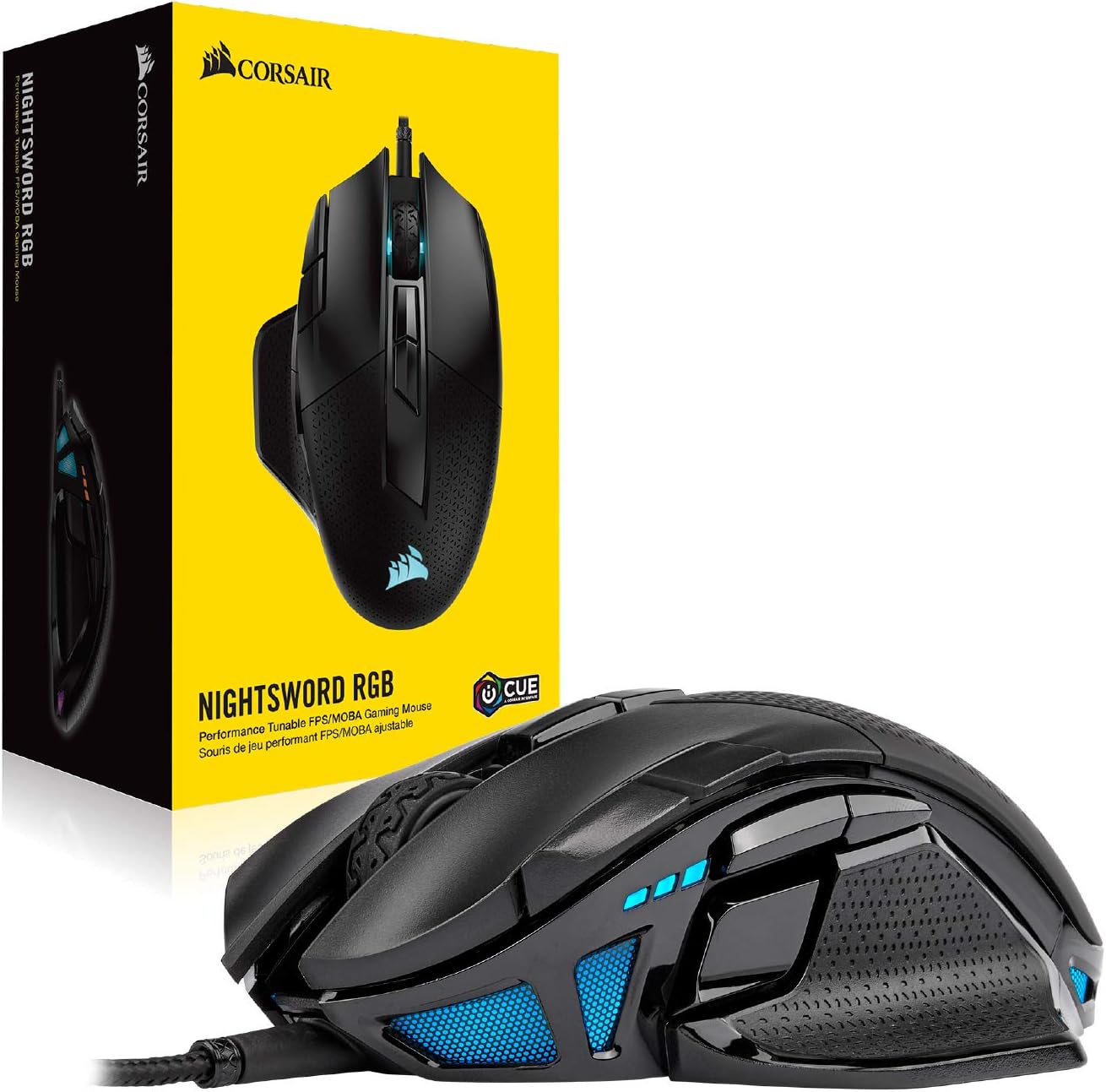

Corsair NIGHTSWORD RGB Gaming Mouse for FPS, MOBA – 18,000 DPI – 10 Programmable Buttons – Weight System – iCUE Compatible – Black
$8,870.01
Price: INR8,870.01
(as of Oct 30, 2025 15:50:39 UTC – Details)
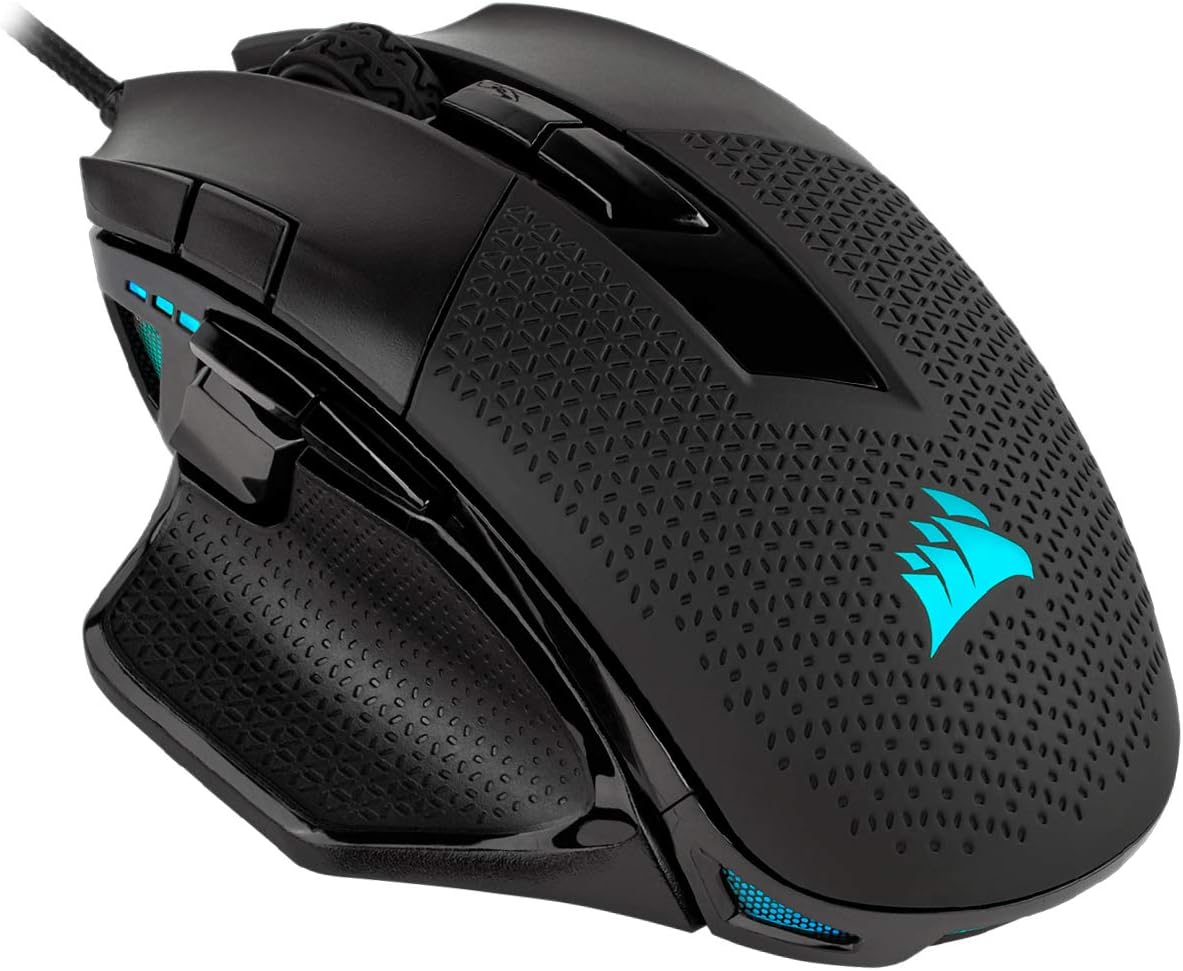
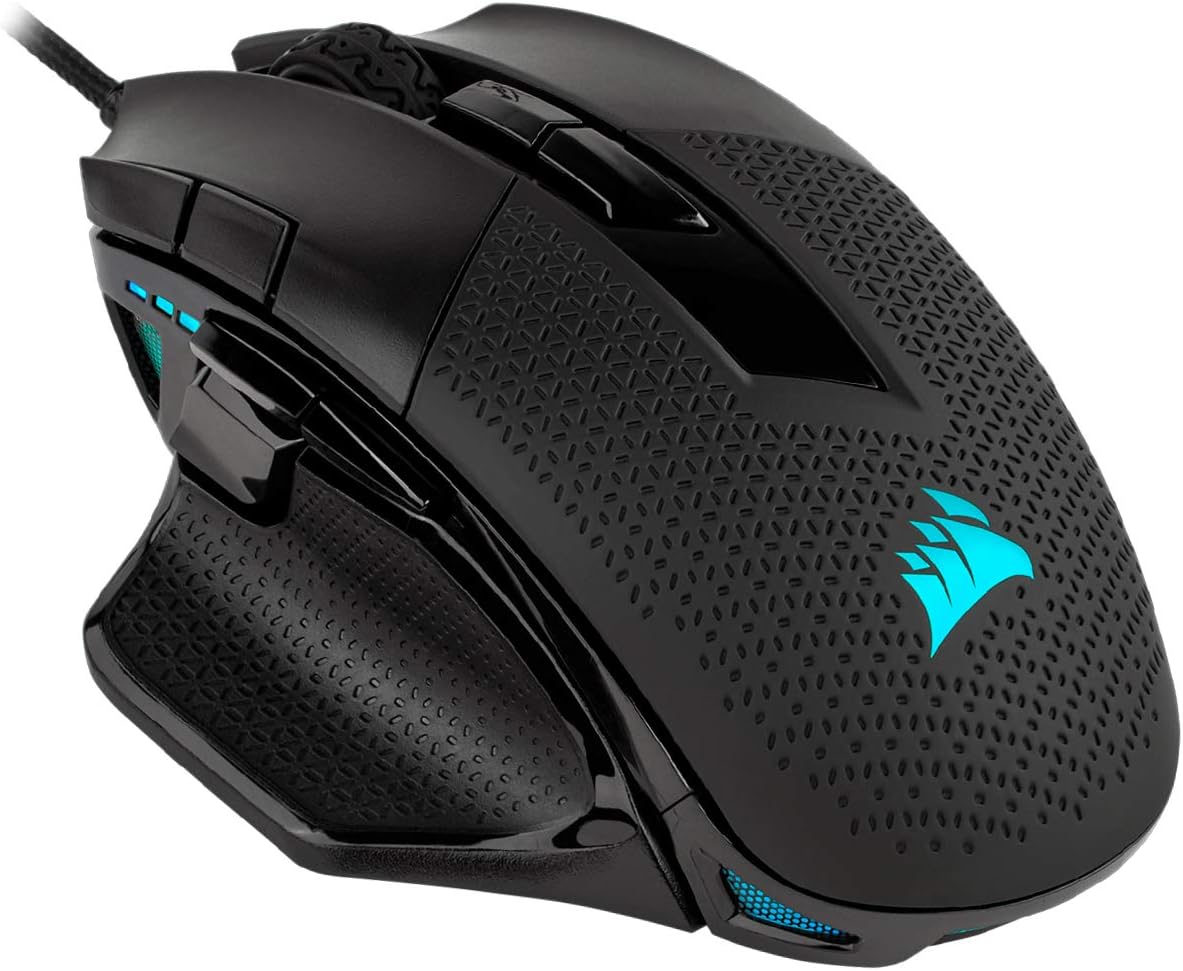
The Corsair nightsword RGB performance tunable gaming mouse is equipped with a cutting-edge 18 000 DPI optical sensor sophisticated weight CALIBRATION and a real-time center of gravity detection system A comfortable contoured design ten programmable buttons and ultra-durable Omron switches deliver first-rate gaming performance Two sets of weights and six mounting locations allow you to adjust weight between 115G and 137G With over 100 different configurations Use Corsair CUE software to enable real-time Smart weight tuning control dynamic four-zone RGB lighting create custom macros and calibrate your mouse to your playing surface And with onboard profile storage to take your settings with you nightsword RGB makes for perfectly calibrated gaming anywhere anytime Tech Support # 1-888-222-4346 opt #1
Smart Tunable Weight System: CORSAIR-exclusive software automatically detects the mouse’s center of gravity in real time, allowing you to adjust weight between 119g and 141g and fine-tune balance to perfectly fit your grip.
CORSAIR’S Most Advanced Optical Sensor Yet: A custom Pixart PMW3391 native 18,000 DPI optical sensor, adjustable in 1 DPI resolution steps, gives you total sensitivity customization and ultra-accurate tracking.
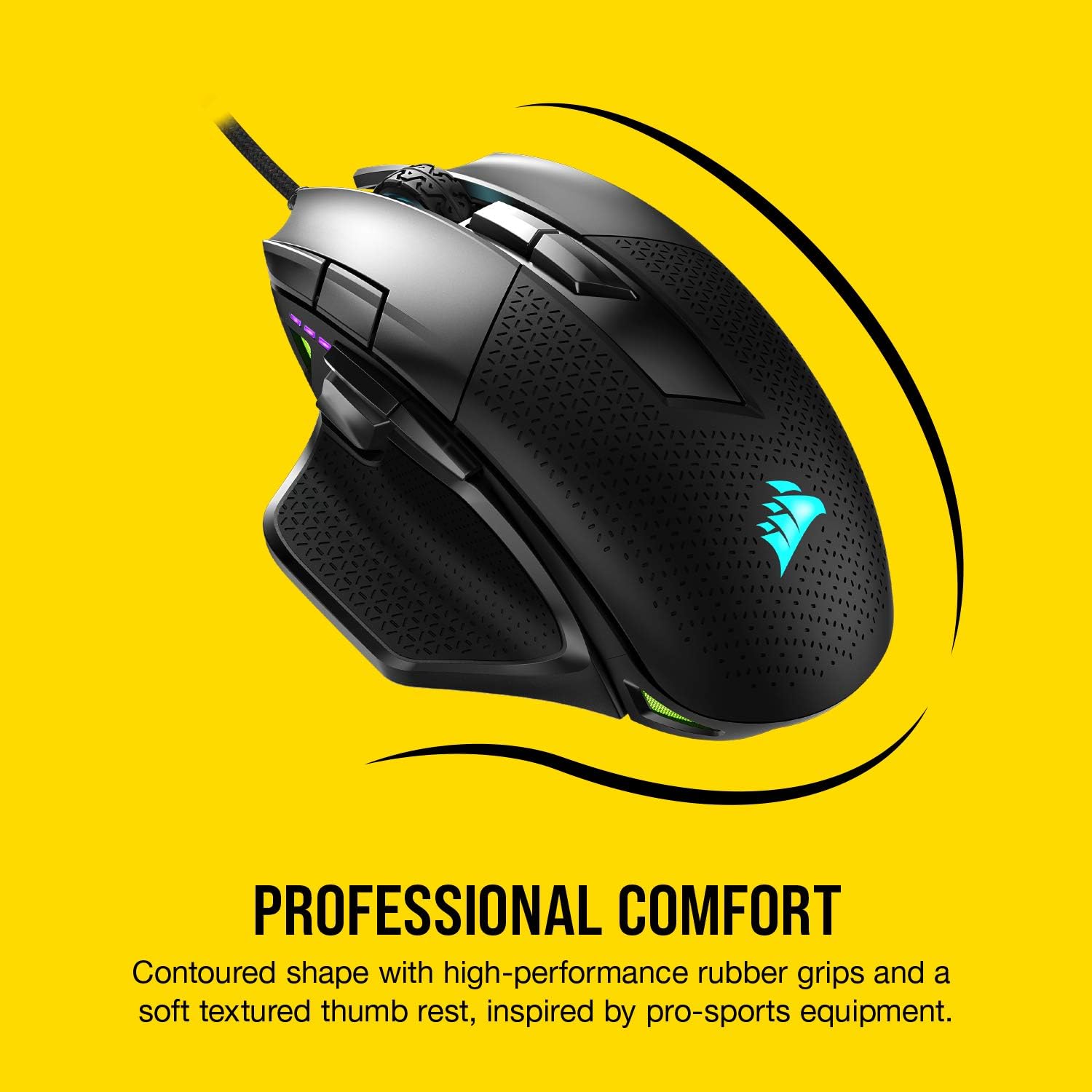
Professional Comfort: Built with a contoured shape that naturally fits your hand, with high-performance rubber grips inspired by pro sports equipment.
Ten Fully Programmable Buttons: Customize your gaming with the in-game advantage of powerful macros and key remaps.
Precise Weight Calibration: Two sets of weights and six mounting locations offer 120 different weight and balance configurations.
Customers say
Customers find this gaming mouse excellent for gaming, with great rubberized materials, comfortable grip, and customizable features including fully programmable buttons and lights. However, the functionality receives mixed feedback – while it works well initially, some report it randomly stops working. Moreover, the click quality is problematic, with left clicks double-clicking almost every time. Additionally, durability is a concern as the mouse breaks within a year, and customers find the buttons awkward to use.



atilla –
Affordable Pro Level Gaming Mouse
Probably my favorite Corsair mouse of all time. It doesn’t feel cheap compared to many other mice, they interchangeable weights can be a game changer for people with picky preferences. It’s incredibly responsive and works amazingly with Icue software. The price of the mouse itself I would say is worth it. If you’re looking for a pro-level mouse but also don’t want to spend too much money, I definitely recommend this mouse. The brightness on the mouse itself is great. My only complaint is how easily the rubber on the mouse could get dirty, but it’s easily cleanable with a toothbrush or anti-static brushes. The mouse being fully wired makes it all the more better in my opinion, and though I am a wireless fanboy, the response time and never having to charge this mouse makes it superior to me personally.
Lance –
This is a THE BEST mouse I’ve found, and I’ve look a lot. For DECADES.
I may have an issue with being too much of a mouse critic.Con: The programming software feels like it is written by aliens who don’t think like us, so it’s anything but obvious. So when you are sure it’s not going to do what you need it, be reassured that it can, try more or watch a video.
Marc E. –
Corsair does’t disappoint
Purchased for my 11 year old’s birthday which replaced an older Corsair gaming mouse. Stuck with Corsair since his computer has a number of iCue compatible peripherals such as keyboard, memory and AIO cooler. He likes being able to add weights to it to give it a little more heft. All in all very happy with this purchase.
Ray –
This mouse feels like it was made for my hand
Impressions after 1 week. May update if something goes wrong later, otherwise see you in a few years.———————————————————————-My hands measure 18 x 10 cm and I use a palm grip. Length is measured from tip of middle finger to base of palm, and width is measured from edge of pinky to edge of thumb when all fingers are placed together.I’ve mained 4 mice over the years, including this one. M65 RGB, M65 RGB Elite, Razer Basilisk x Hyperspeed, and this Corsair Nightsword. The original M65 RGB was a real tank that lasted me 5+ years of hard usage. The switches are still 100% responsive, but I ruined the surface coat with acetone so I upgraded to the Elite. The M65 Elite started losing responsiveness in the left click after 4 months. The Basilisk x Hyperspeed was meant to be my wireless mouse while commuting. It felt decently comfortable in store and the shape was very well done except for a slightly-off hump placement, but after a while of using it, I realized the mouse was not wide enough for my hands, which would cause some discomfort after continuous use. But for my typical not-so-heavy usage while on the go, it is acceptable. The M65/Elite (both have nearly the same form factor) has been my daily driver for nearly 6 years so I will be doing a lot of comparison with it.Now the reason I’m talking about all these other mice is so you can get other comparisons of what mice I find comfortable. Mouse shape is the most subjective and also important factor when choosing a mouse. In particular grip width matters the most. I didn’t think I had massive hands but apparently I do. To this date the only other mouse that has felt comfortable to me is the Corsair M65. I’ve tried all sorts of mice from Logitech and Razer, that all had raving reviews, including the G502 which the Nightsword was modeled after. All of them felt extremely uncomfortable to me with poor hump placement, small grip width, uncomfortable side button positioning, etc. The Roccat Kone Aimo supposedly also has a good size for my hands, but I have yet to try it out as stores will rarely put Roccats on display.———————————————————————-Anyways, about the actual Nightsword.Feel/Comfort:This mouse feels like it was literally made for my hands. My hand dimensions are a little unusual, even compared to other 18 x 10 cm hands, as I have very long fingers relative to my palm size. This makes it even more difficult to find a good mouse. I can’t really describe the feeling when I first tried it out in store before. I have never felt this level of comfort on any mouse, not even the M65, which is pretty comfortable, but not on this level. The Nightsword has curves in all the right places, buttons at the right positions, and my hand can rest on it effortlessly without having to cramp up my palm at all. The thumb wing is extremely nice as well. The sniper button is placed right near the tip of my thumb, which is the ideal position to hit it without having to bend or stretch at all. I can easily swing my thumb up to hit the forward and back buttons above it. The DPI switches which are cut out of the left click take some more effort to hit, but I don’t really use them much for now. Still figuring out the optimal way to hit them. I can actually reach one comfortably with my thumb, and the other with my index finger.Weight:This mouse is way too heavy, even with all weights removed. I have to actually consciously grip the mouse a bit harder than usual when trying to lift the mouse up, otherwise it feels like it would slip out of my hand. Combined with the high LOD on this thing, it kind of feels like Corsair doesn’t intend for you to ever lift the mouse. Center of gravity adjustment is a cool idea, but it feels like a gimmick right now.Sensor:The Nightsword uses the same PMW3391 optical sensor as the M65 Elite. Now here’s the thing…for some unknown reason the Nightsword falls short of the M65 Elite’s performance, despite having the same sensor. People say with high end mice, the sensor isn’t a spec to look at because they are all practically the same, but I disagree. I have tried many different sensors that are all in this DPI range and 1000 Hz polling rate, but nothing else has felt as as silky smooth as the M65 Elite. In fact, not even the Nightsword with the same sensor feels as smooth. It’s still great performance, but after experiencing the M65 elite, something is just lacking in the smoothness.The Lift-Off Distance (LOD) is also different from the M65 Elite. It feels ridiculously high, which is bad. The M65 Elite with the exact same sensor has one of the lowest LOD’s on the market, at a height of 1 DVD thickness. The Nightsword is nearly 3 DVD’s in LOD, while 2 is the current industry standard. This seems to be a common issue in other reviews, so it is definitely not a one-off.———————————————————————-Buttons:This is really one of the huge flawed areas of this mouse. It seems like corsair got all the button actuation forces backwards.* L/R click:Split trigger buttons (buttons are completely separate cutouts from the main body of the mouse) and highly sensitive. I personally dislike split trigger but some people may disagree on this. When you have split trigger buttons there is less “springiness” and long term feedback to the button. If you need to hold down left or right click a lot for extended periods of time, this becomes a problem. It is very easy to accidentally let go of the button when you don’t have that slight feedback of the button trying to spring back against your finger. Or, over time you start to press harder and harder which is also bad. The M65 Elite which was not split trigger had the perfect amount of feedback in my opinion. Split trigger can also sometimes jam the skin of your fingers in between the button, which was a problem on the Basilisk, but so far I haven’t had this issue with the Nightsword. I also find the Nightsword L/R click to be a bit too sensitive. The first few days of use, I was constantly triggering the buttons by accident just by resting my hand on it, but I’ve adjusted now and it no longer happens.* Scroll/Middle click:Scrolling feels pretty good. It could be a tad bit less mushy, but I can still easily scroll one tick at a time and it doesn’t ever move by accident. The middle click however, has some issues. It is not as firm as it should be. Applying a slight downward force without actuating it causes it to give way a bit and create a barely-audible creaking feedback as though the scroll wheel is loose.* Sniper Button:Interestingly enough this is actually the best button on this mouse. Perfect positioning, perfect actuation force. Well done.* Forward/Back:Takes WAY too much force to press. My thumb feels like it became 3x more buff after trying to hold down macros on these buttons (seriously). Additionally, the 2 buttons sometimes get stuck on each other. Press one, and it pushes on the other one, or sometimes even catches on the other when trying to release (you hear 2 “clicks” as the button tries to come back up). They are also slightly wobbly.* Profile Shift:Not too much to say about these except that they should be less sensitive. You’d think that they’re pretty out of the way, but I have actually swapped profiles by accident a couple of times already. When flipping the mouse over to try out the weight system, they would constantly keep triggering just from the weight of the mouse.* DPI Shift:These have the same sensitivity as the L/R click, so I have the same opinion on that. The main thing about these is the shape. I understand that the intention was to keep the contour of the left click intact, but I would have liked to see the DPI-down button raised slightly higher so that it can be hit by rolling the index finger, without hitting the other buttons around it by accident.———————————————————————-Build/Materials:I really like the left and right click material a lot on this mouse. Feels like a really high quality matte plastic and repels dirt really well. The glossy plastic on the side buttons gunks up extremely quickly and I don’t even have sweaty or oily hands. The rubberized material on the rest of the mouse seems alright for now but it seems like it could deteriorate very quickly if you tried to scrub it for any cleaning. The textured surface seems to just be asking for gunk to get stuffed in the holes and be impossible to clean. We’ll see. Scroll wheel and Forward/Back buttons could be less wobbly as I described before but otherwise build quality is very good.———————————————————————-Final comments for Corsair:I really want to see you guys combine all the best things into one mouse. The form factor of the Nightsword + the M65 Elite’s sensor, button build quality, material, and button actuation forces + optical switches (a lot of left/right click problems with many of your recent mice) + less weight, and maybe wireless. That would be my dream mouse.
Astromike –
Quality mouse
I purchased this as an upgrade to my Corsair Harpoon mouse. I needed more buttons for key bindings and macros.Though this mouse is great, comfortable, and has really nice calibration and control, The extra buttons are all awkward. It’s a much larger mouse than my harpoon and the extra buttons (top buttons and sniper button) are all out of alignment with my hand and are of limited use. if you have a very large hand and or long fingers, This might work fine for you. But as someone with an average size hand, The buttons are just awkward to reach and press. especially the sniper button, It is about 1 inch too far to the front of the mouse for me to comfortably press it.I didn’t take any stars off the review because the mouse is of the utmost quality and is very prices and comfortable but It kind of defeats the purpose of having the extra buttons if it is awkward to use them.The DPI settings are insane. this mouse is fast. I am used to the 5000 DPI of my harpoon when wireless so that is what I am using on this mouse as well. The experience is great. it is even more precise at 5000 dpi than the harpoon and the harpoon is my go to wireless gaming mouse.I really like this mouse but the button issues can’t be over looked. It you have small hands or even normal size hands, You might want to look elsewhere if purchasing to use extra macros and bindings on the mouse. If you are just looking for a very precise and comfortable mouse, This one is well worth the price.
César Martínez –
Muy bueno, tiene memoria, no esperaba lo ligero que fuera y se conecta con otros dispositivos con un solo usb (misma marca).
Gilberto Castro –
Hasta el momento es un excelente producto, el programa iCUE me deja personalizarlo demasiado, tanto que se vuelve muy cómodo siendo yo una persona que le gusta tener todos los botones en una sola mano, de excelente ergonomía y buen material
Caio Martins –
Bom
SAMEH GABER –
الماوس رائع وبسرعة ٢٠٠٠ هرتز .. لكن سعره مبالغ فيه في رأيي
Wolf –
Good Product Good Packaging sent on time Great Price.