


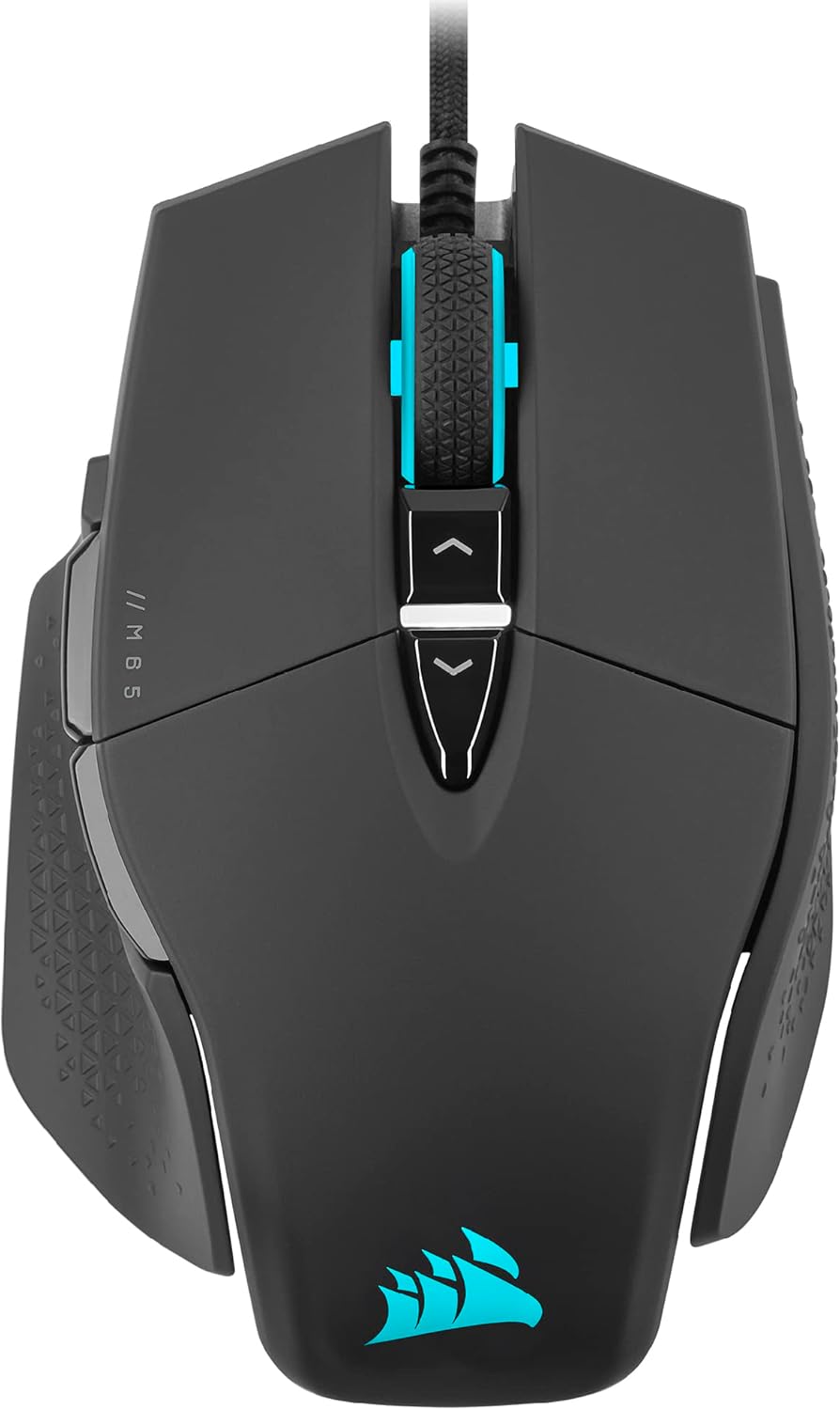
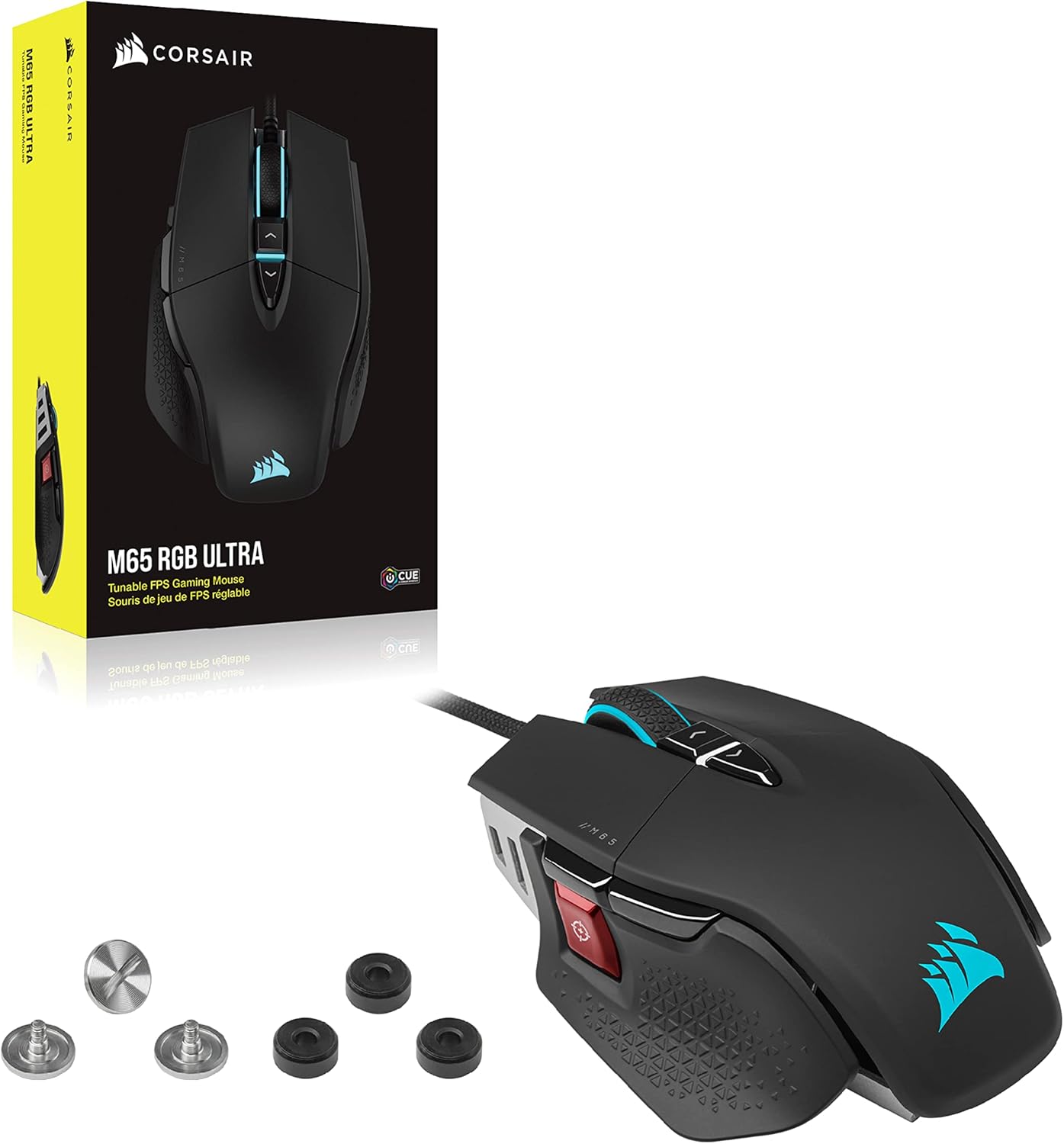


Corsair M65 RGB Ultra Tunable FPS Gaming Mouse Marksman 26,000 DPI Optical Sensor, Optical Switches, AXON Hyper-Processing Technology, Sensor Fusion Control, Tunable Weight System – Black
Original price was: $79.99.$59.99Current price is: $59.99.
Price: $79.99 - $59.99
(as of Nov 01, 2025 21:02:26 UTC – Details)
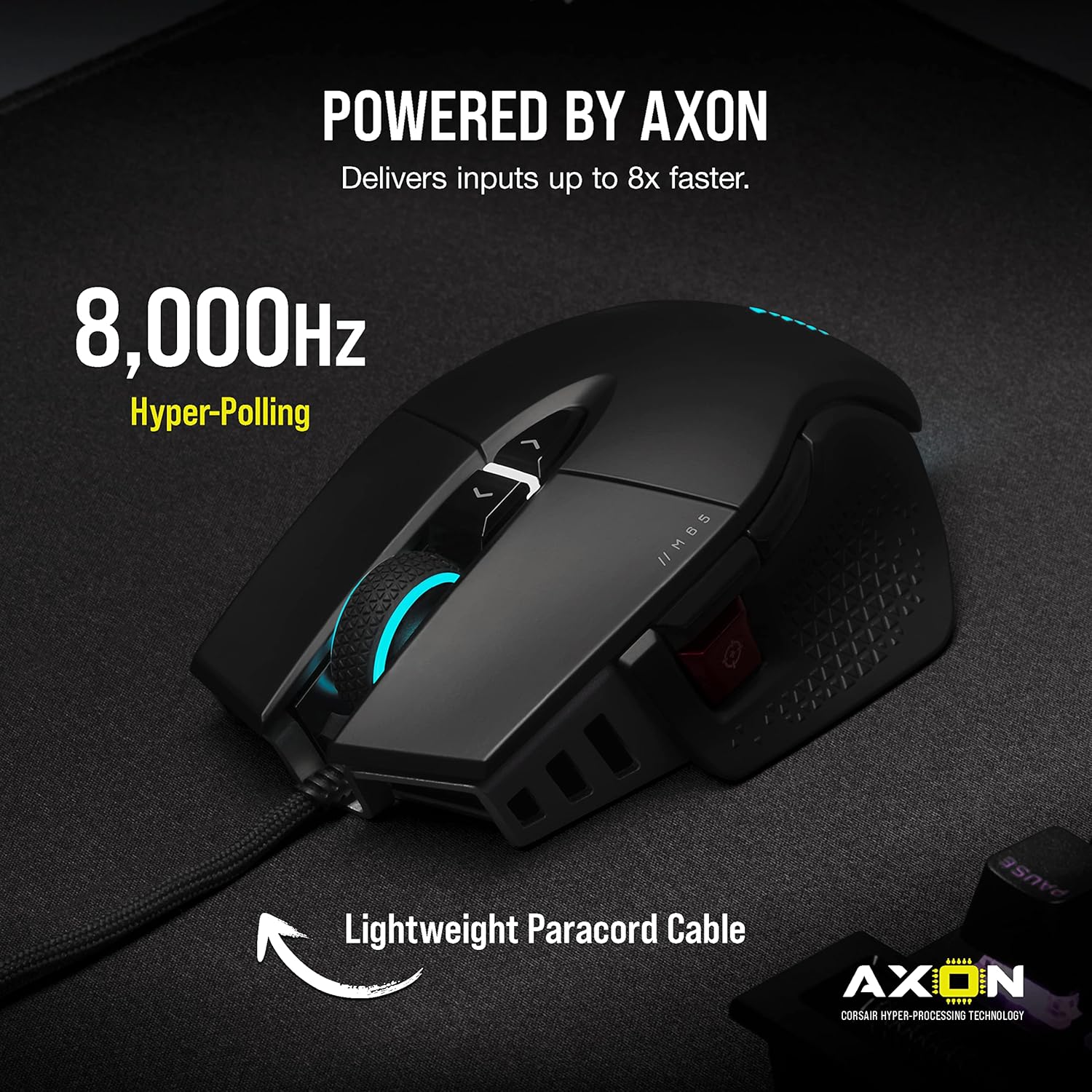
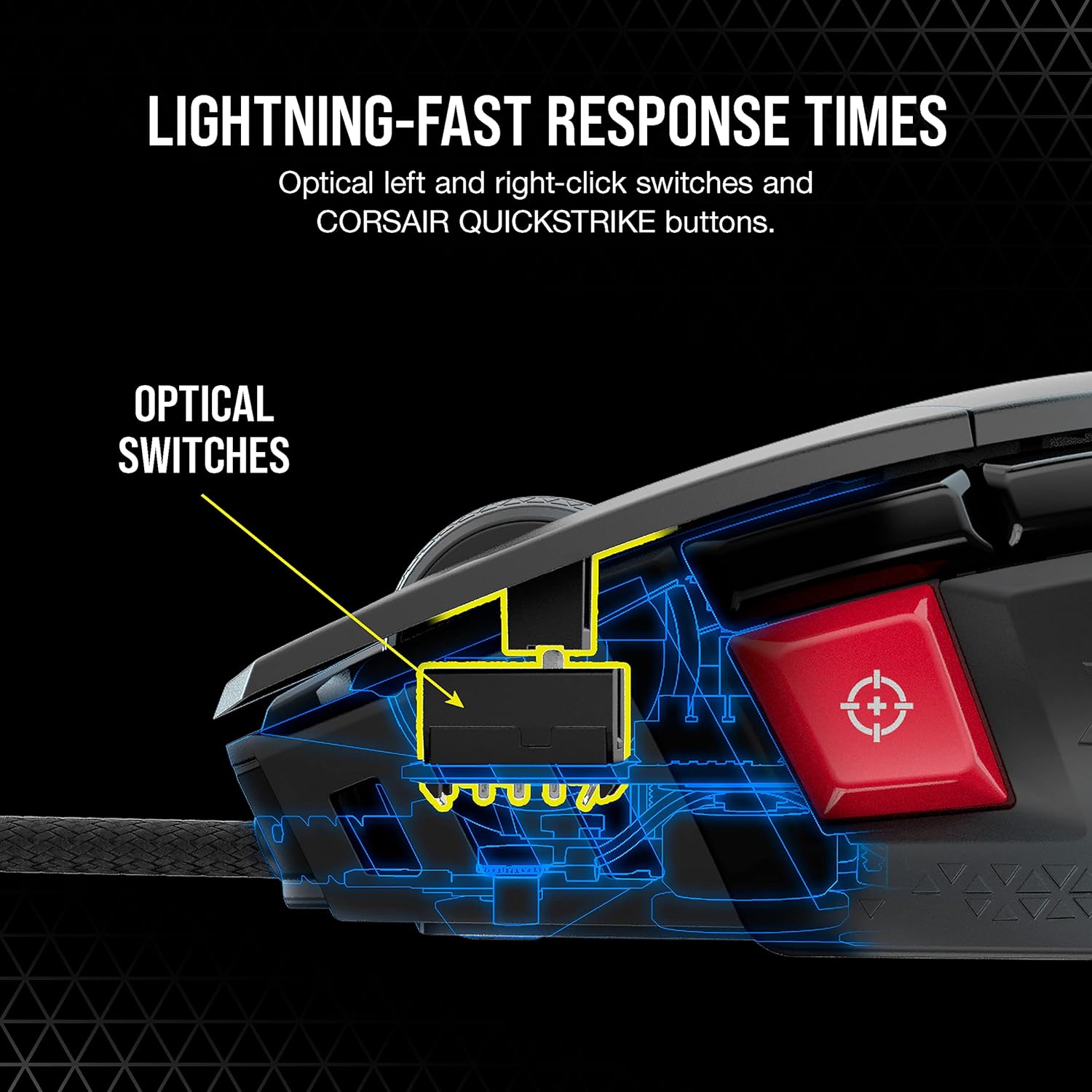
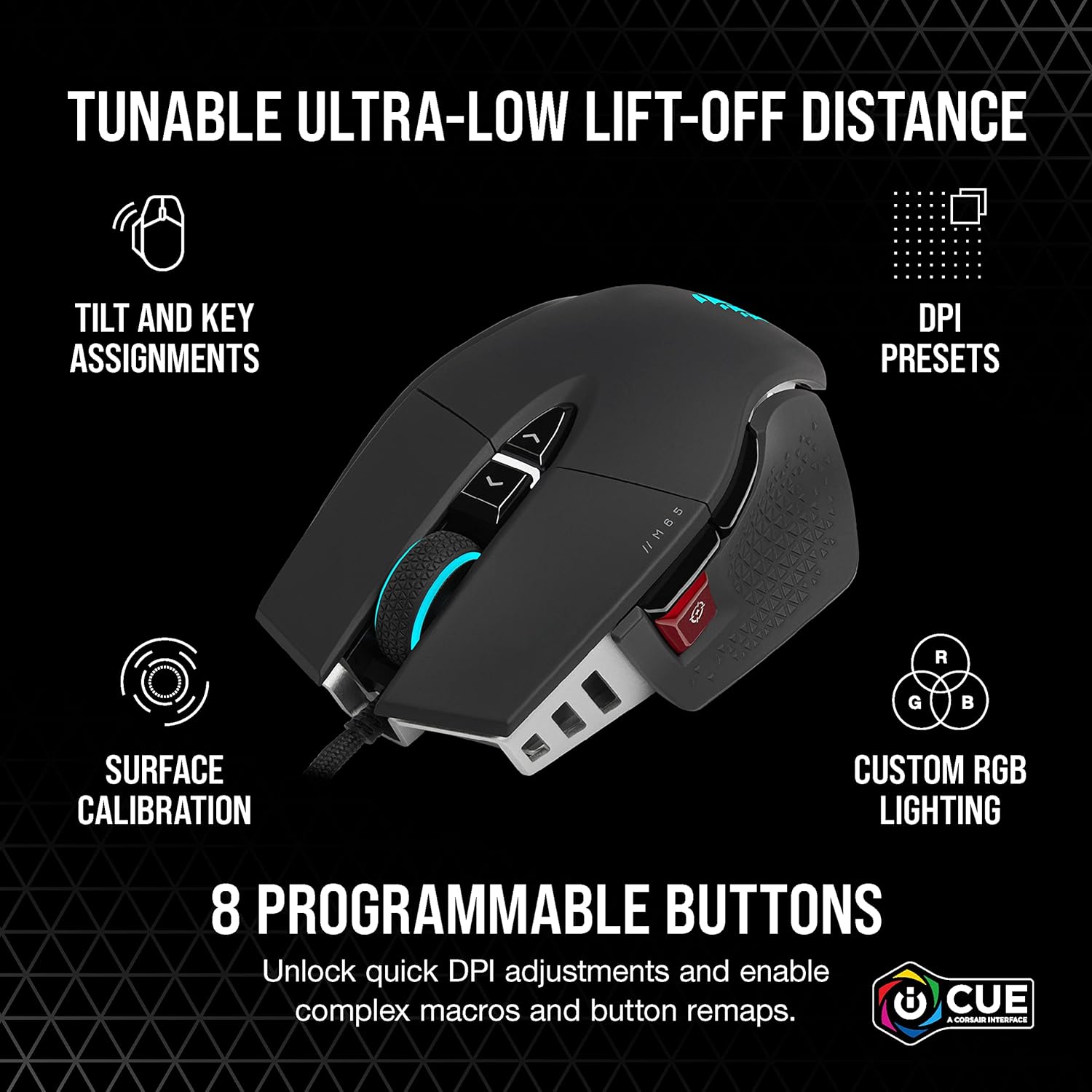
Make all your clicks count with the CORSAIR M65 RGB ULTRA Tunable Gaming Mouse, boasting a durable aluminum frame and pinpoint accuracy powered by a 26,000 DPI MARKSMAN optical sensor and optical OMRON switches. A six-axis gyro enables convenient tilt gestures for in-game actions, while CORSAIR AXON Hyper-Processing Technology transmits those actions up to 8x faster than other gaming mice.
Iconic Aluminum Frame: The M65 RGB ULTRA’s anodized aluminum frame makes for lasting durability with a familiar shape.
CORSAIR MARKSMAN 26,000 DPI Optical Sensor: With an astonishing native 26,000 DPI and 650 inches per seconds (IPS) tracking, the MARKSMAN sensor captures your every mouse movement.
Optical Switches: Left and right-click switches deliver hyper-fast and precise responses, while standing up to years of rigorous use.
CORSAIR AXON Hyper-Processing Technology: Registers and transmits your movements and clicks up to 8x faster than conventional gaming mice thanks to a native 8,000Hz polling rate.
Sensor Fusion Control: Combines a six-axis gyro and accelerometer to enable ultra-low lift-off distance for more accurate tracking when repositioning your mouse.
Customers say
Customers find the gaming mouse to be of high quality and appreciate its adjustable weight system and comfort. The functionality receives mixed feedback – while it works well with iCUE software, some report it stops working. The click quality and feel are mixed, with some praising the clicks while others find them too sensitive, and some noting the left click feels squishy. The durability is concerning, with reports of the left button breaking several months after use and the scroll wheel failing after about a year. The wireless connectivity is problematic, with customers reporting frequent disconnections.





LD –
Excellent quality, might take some getting used to vs. a more standard mouse
1 WEEK UPDATE: After a week of use I have decided to return this mouse and try the Ironclaw. The bottom line is, I am not getting used to the feel of this mouse. I think it is just too small for my hand. I also don’t like the sniper button being located where my thumb naturally rests. Sometimes I pick up my mouse to re-position it and I end up pushing the sniper button sometimes. There is no question that this mouse is superb as a dedicated gaming mouse. Between the 26,000 DPI capability and the 8,000 Hz polling rate, this thing really performs as a gaming mouse. But for everything else, it falls short for me. I want a larger mouse that is more oriented towards comfort, I am willing to trade off some of the gaming performance to have a more comfortable mouse.Original Review:For the past 5 years I have been using the Corsair Sabre and just recently noticed issues with the right click, I was having to push it harder for it to stay on during gaming. Other than that it still works fine so I will keep it as a backup mouse. But I decided to upgrade to the M65 RGB Ultra. Last two photos are comparisons of the M65 vs the Sabre. As you can see the size of the two is equivalent, but the shape and feel is very different.1. With all the weights installed, the M65 is significantly heavier. With them removed, significantly lighter. So it is very nicely tunable in the weight department. I am keeping all of them installed as I like a heavy mouse.2. For pretty much everyone the sniper button on the M65 is going to be located where your thumb naturally rests on the mouse. This is one of the biggest differences that requires getting used to. The button requires a firm press to activate so accidentally doing so really isn’t a concern. Its just the feel of the button constantly on your thumb is different if you have never used a mouse with a button in this location. FYI in default setup pressing the sniper button (at any time) changes the mouse to the sniper DPI setting (400 DPI), this is really nice to have during gaming. I don’t play a lot of FPS games but I will still use it occasionally. Of course you can program all the buttons to do whatever you want them to do in iCue.3. The mouse wheel on the M65 has a grippier feel and is much harder to rotate. It also has a very solid click into place. It isn’t a smooth scrolling wheel, it has very pronounced ‘notches’. Some will like it, some won’t.4. I have the wired version and the quality of the USB cable is excellent and very soft. The USB plug itself has grippy rubber on it and is also very well made.5. The range of DPI with this mouse is crazy. I tried 26,000 DPI but frankly I don’t see how anyone would ever use it, even in FPS games. I changed my settings from 1200 DPI to 15,000 DPI and even then I will probably never use the 15k setting. The most I ever use in game is about 12k. But it is still available if you want it.6. One of the draws of the wired version of this mouse is the 8,000 Hz polling rate. I just tried it while playing the Dead Space remake and did NOT like it at all. It felt unnatural to me. It was so fast that I was getting rapid and unexpected movement in game that went away when I lowered the setting to 4,000 Hz. At 4,000 Hz it is still extremely responsive and feels much more natural to me. I suspect that I am probably so used to having a slight delay that it just feels more normal. Note that it also requires a lot of CPU power to function in game at 8,000 Hz. Its not worth it to me and I didn’t like it, but to each his own.Overall I am happy with this mouse. I still have to get used to the overall feel of it in my hand, but that will happen fairly quickly. Hopefully it holds up.
JR –
Pleasantly surprised with the quality and performance of the M65 Corsair mouse.
Finally a mouse that feels solid in my hand, the click is positive. The frame is aluminum which is unusual in a mouse. You can shake it all you want and it wont rattle like every other one I have including some other Corsair.Movement is precise, responsive and smooth, it glides easily on my neoprene pad, it is heavier than most other mice I’ve owned, now the trend seems to be featherlight mice but I still prefer a heavier one like the M65.Coming from a Razer Basilisk Pro, transition was effortless, as the buttons layout is very similar. I was totally happy with my basilisk but I wanted to use a Corsair mouse so I don’t have to load more software suites for just a mouse and I don’t regret my choice a bit.It can be connected via USB C cable, 2.4Ghz wireless with the included adapter for lower latency or Bluetooth.You can customize all the buttons with different functions or even macros through Corsair’s Icue software,
Jesse –
Great mouse!
Greatmouse for PC gaming. 5 different dpi settings that are all customizable. Great feel in the hand and weight adjustable. Great quality material including the cord. Highly recommend!
NM –
Nice mouse, it’s completely unusable.
Ever since owning the now discontinued Logitech G602, possibly the GOAT gaming mouse, I’ve been hunting for a replacement. The thumb grip is what attracted me to this mouse, and the customization options. This is a really fine mouse and feels really nice to hold.Unfortunately, this mouse is 100% unusable. Watch the attached video.The DPI shift button, or “sniper mode” seems to be mechanically bugged.This mouse is not even 48 hours old to my possession, and I noticed this issue immediately after playing some games.Seems like an internal fault, if I had to guess there’s a short between two connections which is triggering the DPI shift. Not something I’m willing to attempt to repair myself, not going to bother ordering another. If you purchase this mouse, I hope you do not have the same issue.Even the… wonderful… ICUE software fails to solve this problem, I tried to disable the sniper button by changing the bind to the Break / Pause key. This works until you restart or shut down the computer, the on board memory seems to forget this change.The best solution I can come up with is to just match the DPI shift to my preferred DPI sensitivity. But this completely negates the feature of being able to use the DPI shift. And if it wants to randomly trigger then I can’t use any of the other DPI settings.This mouse will go into the garbage as soon as I find replacement.
Paul C. –
A great replacement for my dark core pro
I got this mouse to replace my dark core pro mouse that I loved, but the scroll wheel went on it. This one has a more premium feel to it. The textured thumb rest feels great and I love the metal on the bottom, it really gives it the feeling of a well made product. The dedicated sniper button is another feature I like that wasn’t on the previous. For negatives, the charging cable is not braided which is odd considering my last corsair mouse, which was cheaper came with a braided cable. It’s not a huge deal but it makes me wonder how it will hold up and the rubber cable is a lot stiffer and should really only be used for charging and not used while gaming. Another small compliant is this mouse does not have a dedicated profile button like the dark core had. Since I have corsair fans in my case, it was a nice feature to be able to switch lighting profiles with a quick hit of that button. Overall though I am satisfied with the mouse, it is well made and the clicking feels great on it.
Nick –
Good quality, high price but worth it.
Sturdy, fits comfortably in your hand. Super good response time. The RGB lights are good and the buttons are satisfying.
PYQU Gaming –
Love this thing.Most durable mouse I’ve owned in a good while, up there with the old G himself the Logitech G7.Adjustable weight…obviously, so can configure per preference (easy to do too), nice tactile feel to everything, good fit for me at least, corsair RGB ICUE ecosystem works well, good build quality. Has the typical number and placement of buttons for gaming etc, no complaints there. Can go to a pretty high hz, but I mean going above 1000 can cause issues in games actually and kinda redundant…so dont really care about that when buying a mouse lolBit more expensive than average mouse of course, but over scam brands like Razor, I’ve put this through its paces over last year or so and its not showing any real wear or tear yet. That alone justified the price versus having to buy a new mouse every two years or so when you skimp.
Darker132 –
Veremos como se porta corsair con este… El nightsword es muy bueno, pero es la copia exacta del 502… Este se ve mejor y se siente mas a la medida de mano del usuario promedio, no tan grande, no tan pequeño.Los contrapesos lo hacen decente, no tanto ni tan pocos… Y sin estos, es hyper ligero, lo cual. Me sorprendio sobremanera, de los clicks,hablaremos… Los switches no me dan confianza de nah
noorhedayat –
I like m65 rgb ultra wireless mouse cos comfortable to hold and feel. I dislike mouse the left click getting very light while clicking after sometime
Brian McB –
Very easy to use great addition to PS5
Abduallh –
Won’t recommend, the right click is held by a tiny plastic that is permanently molded onto the click and easily breaks.