


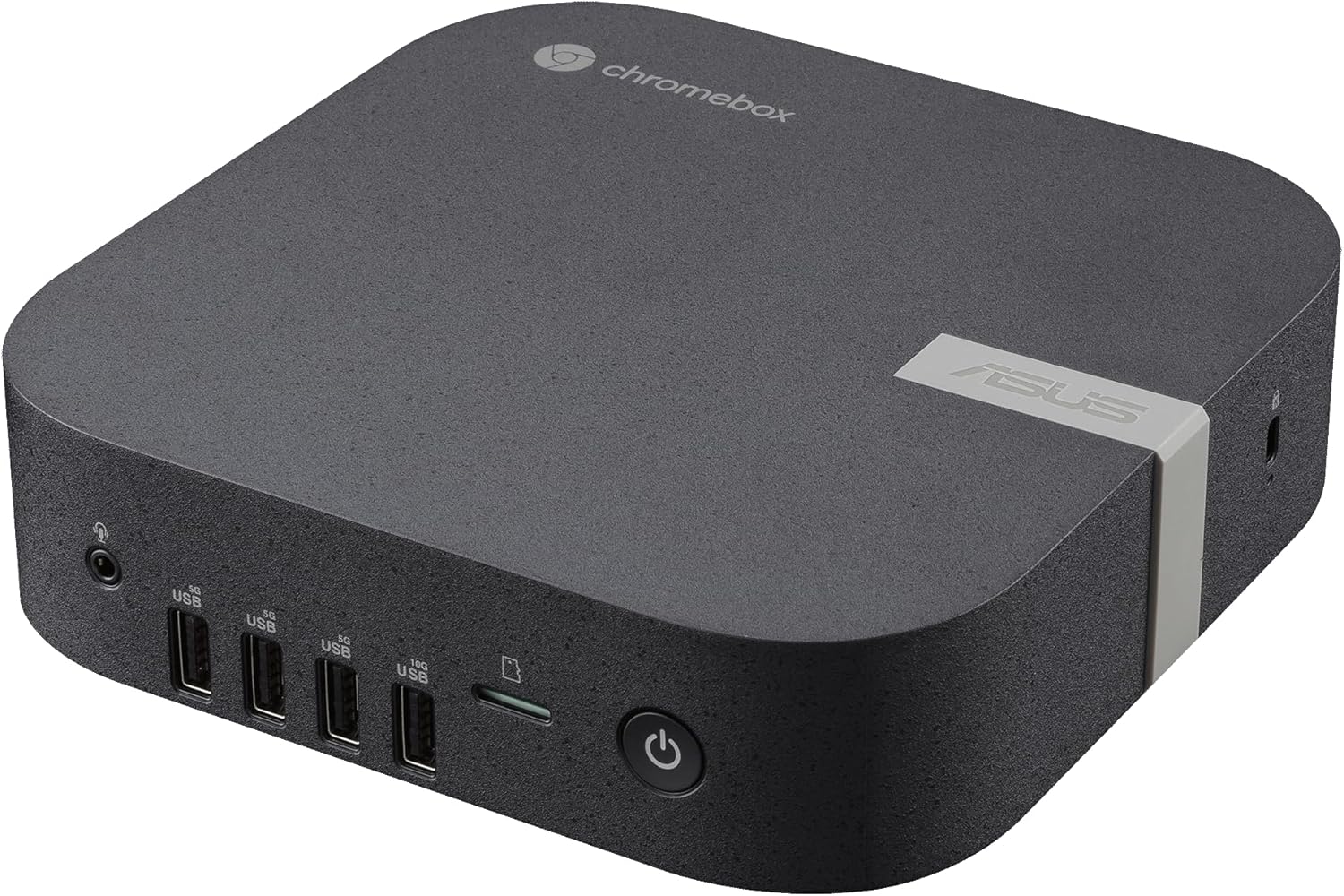
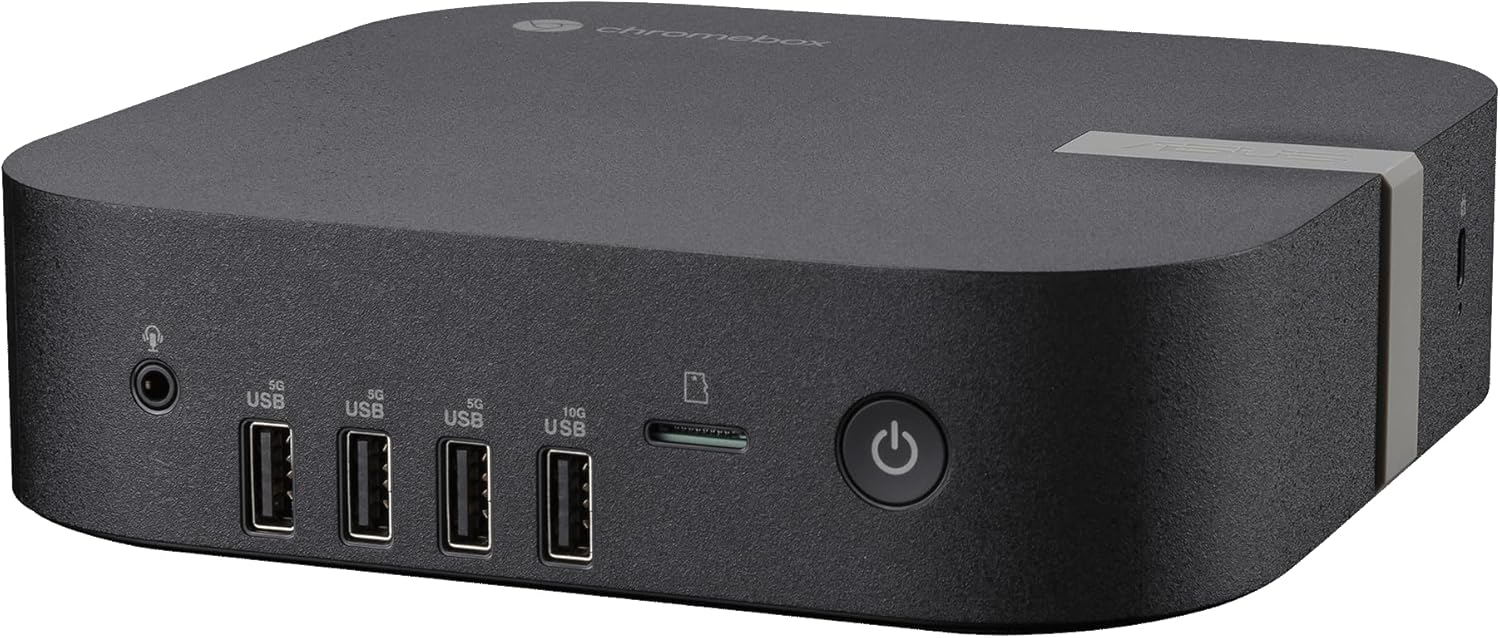
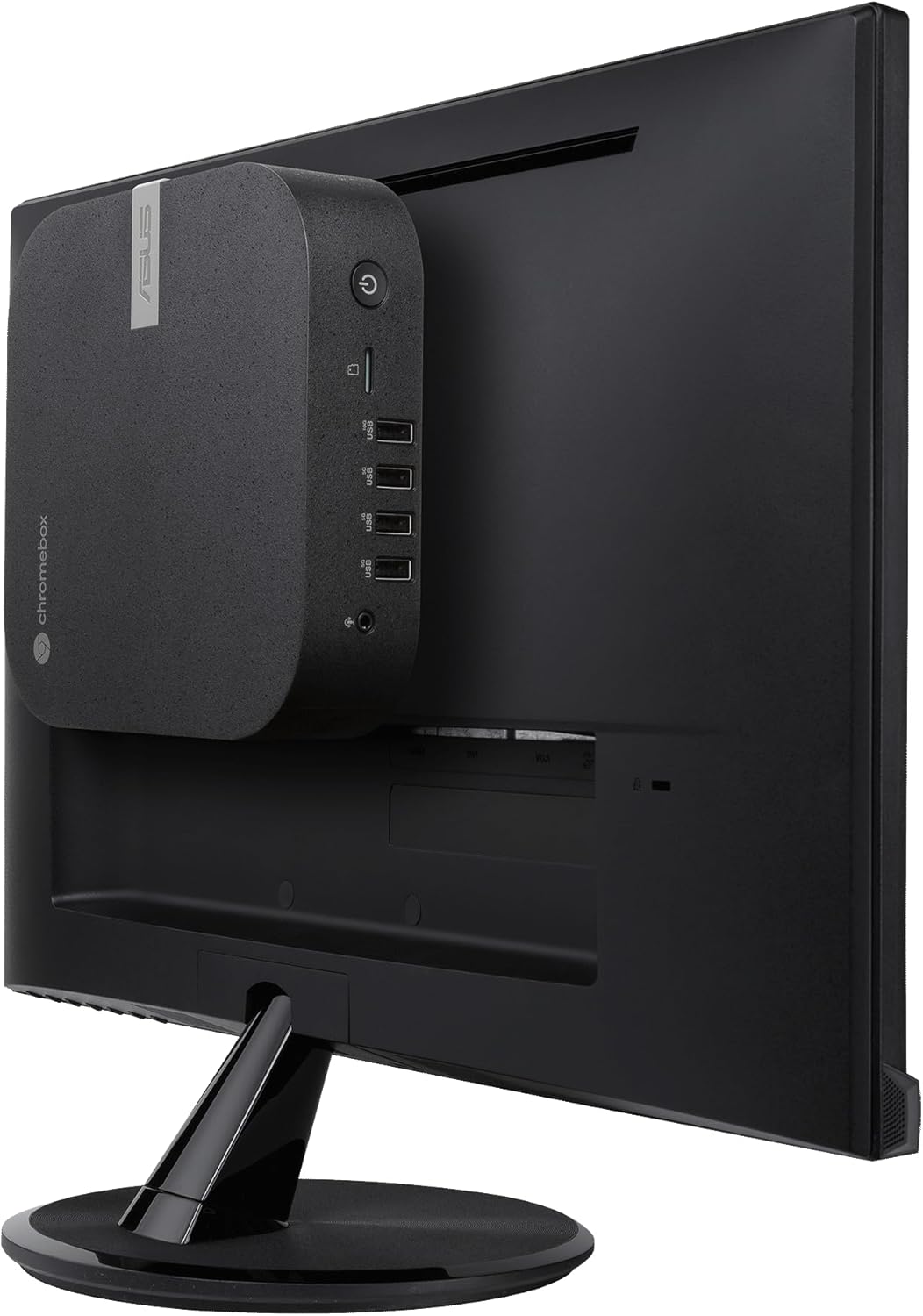


ASUS Chromebox 5a with Intel® Celeron® 7305 Processor, 4GB DDR4 RAM, 128GB M.2 PCIe G4x4 NVMe SSD, Quad-Display, Wi-Fi 6E & Bluetooth, Gb LAN, USB-C, Chrome OS, VESA Mount
$28,536.09
Price: INR28,536.09
(as of Nov 08, 2025 06:37:42 UTC – Details)
ASUS Chromebox 5a with Intel® Celeron® 7305 Processor, 4GB DDR4 RAM, 128GB M.2 PCIe G4x4 NVMe SSD, Quad-display, Wi-Fi 6E & Bluetooth, Gb Lan, USB-C, Chrome OS, VESA Mount
Intel Celeron 7305 Processor with pre-installed 4GB DDR4 RAM, 128GB M.2 PCIe G4x4 NVMe SSD, Quad-display, Wi-Fi 6E & Bluetooth, Gb Lan, USB-C, Chrome OS, and VESA Mount
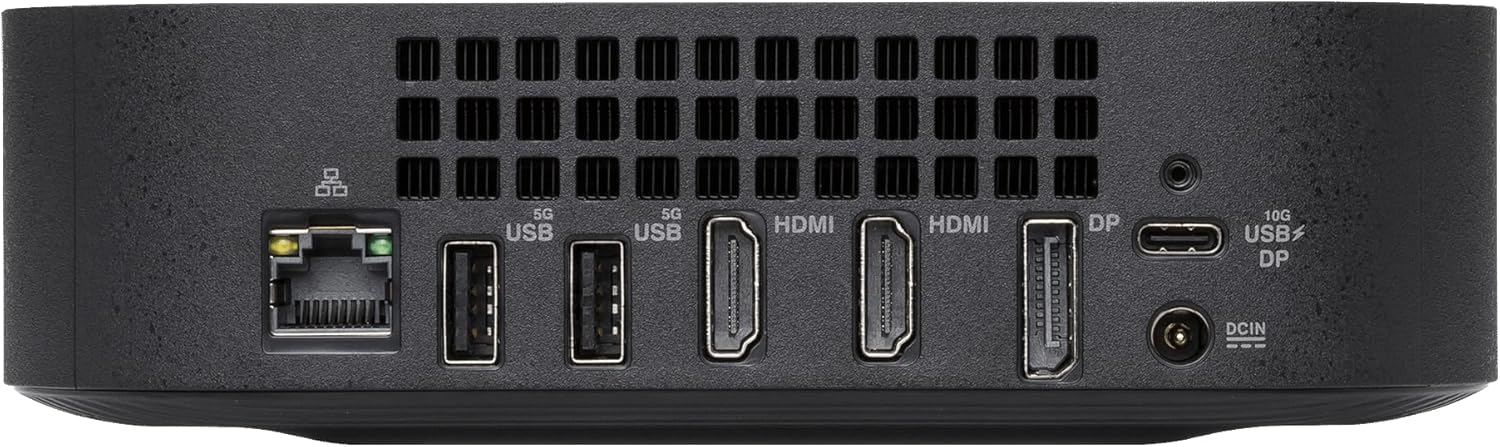
Dual HDMI, one DP, and one USB-C support up to four 4k displays
2.5 Gbps Ethernet and dual-band Intel WiFi 6E for strong, stable signals and superfast speeds
Titan C security chip & Kensington lock slot for business-grade security
Customers say
Customers find the Chromebox performs well, with one mentioning its USB and HDMI ports work without issue. The device is fast, easy to set up, and customers appreciate its elegant design and quiet operation. They value its quality and consider it good value for money, with one customer noting its excellent CPU for running ChromeOS. The RAM capacity receives positive feedback, with one customer mentioning it’s upgradeable.





Dennis –
great windows replacement
I gave up windows and got this. Love it,it is fast and easy to use. If you do alot of website based stuff if is perfect. google chrome is the browser. I matched it with a asus 27 inch monitor and a logitech wireless keyboard with a mouse. I am using a bluetooth speaker that works well.
M. –
Capable of more than Asus advertises.
Asus Chromebox 5a, C67-S1 i5-1335U modelCPU:* The CPU is excellent for running ChromeOS with a Linux VM. Everything is snappy with tons of tabs and VSCode running. Not the best for heavy Linux loads, like large compiles / video transcodes.Video:* The display port can go well beyond the advertised 4k, I use it at 7680×2160 @ 120Hz. (It can probably do 8k @ 60 fine.)* The HDMI ports are unfortunately stuck at 4k. You can use an 8k DP->HDMI cable but it’s hard to find a good one.Memory is upgrade-able, mine came with 2 sticks of Samsung M471A5244CB0, I upgraded to 64GB of Crucial CT2K32G4SFD832A. (The ARK spec for the CPU says it should be able to go up to 96GB, but 48GB sticks were way more expensive.)The NVMe SSD is upgrade-able, mine came with a FORESEE XP2000F128G, I upgraded to a Crucial P3 Plus 500GB, reimagined, and was good to go.The Wifi card is removable but I don’t know if there’s anything you can replace it with. Mine came with the Intel AX211NGW which was plenty good enough. It has two internal antennas.
CK –
Great performance and value
Perfect machine for user just doing chrome browser based work like all applications in G-suite
Pork C. Fish –
Best Chromebook Available
I use Chromebook and have since the Google Pixelbook came out, a gorgeous piece of kit. Unfortunately, and commonly, it bricked, and I moved on to the Acer Chromebook Spin 713, a great laptop, but very heavy.I grew tired of plugging my laptop into a monitor. I saw ASUS was offering this up. Now, I upgraded my RAM to 32GB, which is very easy to do, total plug and play (do not follow the manual and do an RMA shim flow if upgrading RAM). I used Crucial 32GB DDR4 RAM Kit (2x16GB), 3200MHz (PC4-25600). (I have read on reddit that the CPU can support up to 96GB RAM and someone did 64GB.)NOTE: THE AMAZON LISTING INCORRECTLY SAYS THIS ITEM USES DDR5 RAM. IT DOES NOT. IT USES DDR4. CHECK WITH ASUS TO ENSURE THE RAM IS COMPATIBLE.I am very happy with this. It is fast, though I have not gotten a score higher than 30 on Speedometer 3.1. I edit 4K video and use Photopea without lag.This only will do 60Hz on your monitor, something to consider if you game.Yes, this is expensive and yes it has limited use cases. Given the ability to run Linux and the increased RAM, it works for me. It also allows me to have a fairly clean desktop.I live in an old brick house, so my WiFi has major signal attenuation problems by the time it gets to my desk, so I use a TP-Link TL-PA7027PKIT Passthrough Powerline Adapter Kit with a Cat 6 Ethernet cable and am doing fine with speeds around 175mbps.Again, this is not for everyone. I am in the Googleverse, having a Pixel Tablet, Pixel 8, Pixel Watch 3, Google TV Streamer, etc. So having this works for me. I can see where someone would blanch at spending $900 on Chrome anything.
Alvin R. –
Transition from Windows 10 to Chrome
It worked well, right out of the box. USB and HDMI ports worked without issue and devices (external keyboard, mouse, display and printer connected and worked without issue, no fuss. I bought the machine to transition an older relative from Windows 10 to Chrome and so far so good. My first experience using Chrome and I found it easy to set her up and automate some of her common tasks and logins.
Joe –
Great Windows Alternative for Most
End of life for Windows 10 equals end of Windows for my life. I used my existing keyboard, monitor, wireless mouse, webcam, speakers, printer. Had it running in just a few minutes, no issues.Mainly use for Gmail, Photos, and general web browsing. It is very responsive but I am not a power user and do not play games. Yes I am a senior. Best if you have an Android phone as you can see text messages on the monitor, takes a few minutes to set this up.Google does not seem to really enthusiastically support this type of device, I do not understand why. I Just often run across the computer OS thinking I have a chromebook as opposed to a chrome box. Whatever; still better than a new Windows for $1000, which will deteriorate after every annoying “upgrade”.Keeping my old PC as there are 2 apps I need to use , fortunately they do not require an internet connection, so I will just swap the monitor etc. back when I need to.Very happy with this item, have used it daily for 6 weeks with no issues. Very quiet, there is a fan but only heard it run for few seconds. I could hear the fan but it was not annoying.I can stumble along in Google Docs and Sheets just as well as I could in Word and Excel.
cat –
Great Fit for Purpose
Bought this for my 83 year-old aunt who was used to a both an iMac and Chromebook, working from Google Drive. When the iMac died, we replaced it with this (along with a monitor, keyboard and mouse). When I set it up for her, I was reminded how elegant and fit for purpose Chrome OS is. After a couple of weeks with it, she texted me again how much she loves it! It’s such a great solution for regular, household computer needs.
Frank –
A reliable product
Why did you pick this product vs others?:I have purchased a number of these over the years. I don’t think the chromebox gets the respect that it deserves. There are few good choices in the market. Asus makes a good product though I would like to see more frequent updates of the design. I do recommend it highly. Very few really need more than what a chromebox offers. It’s fast, quiet, efficient, and secure.