

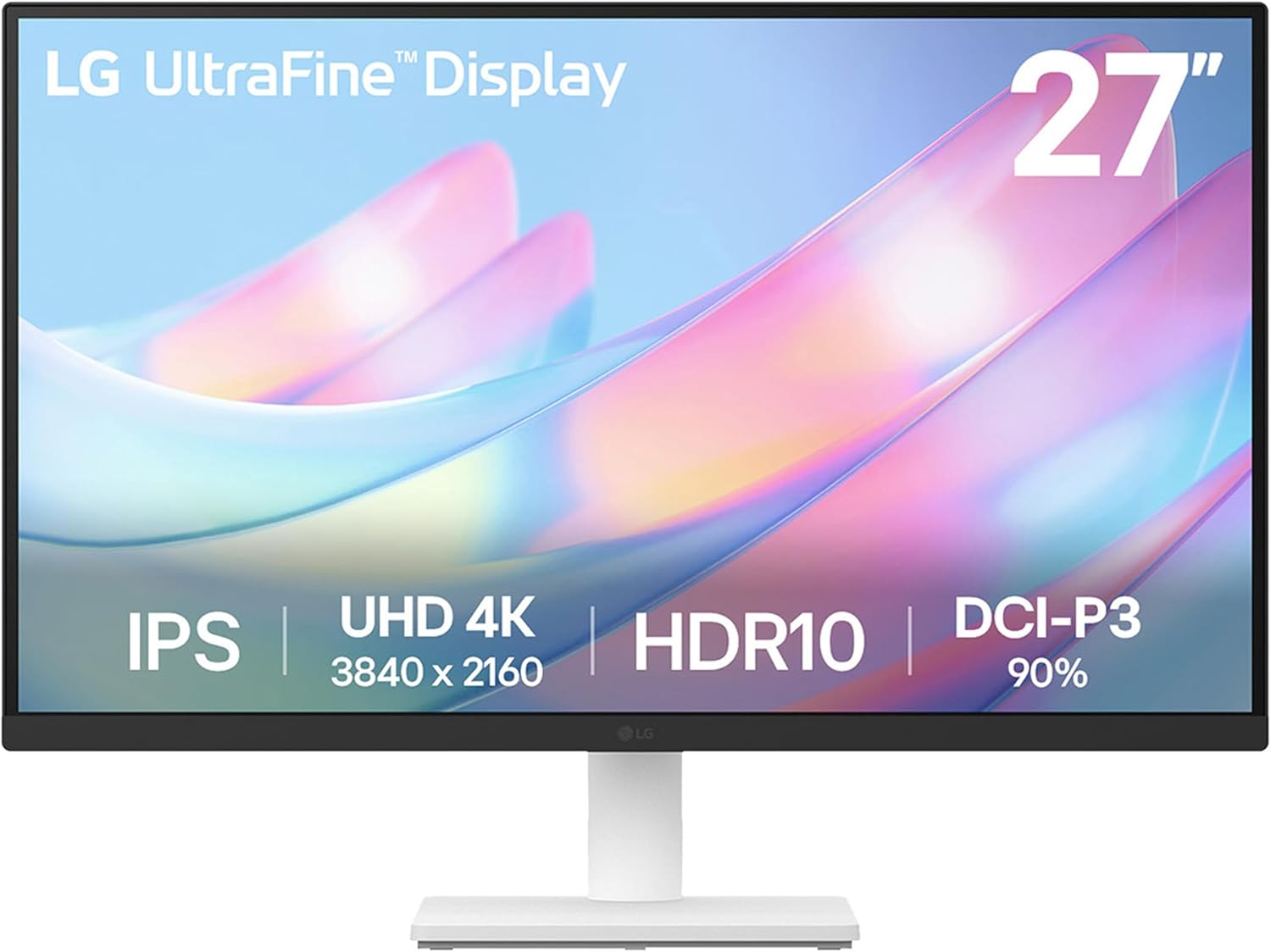
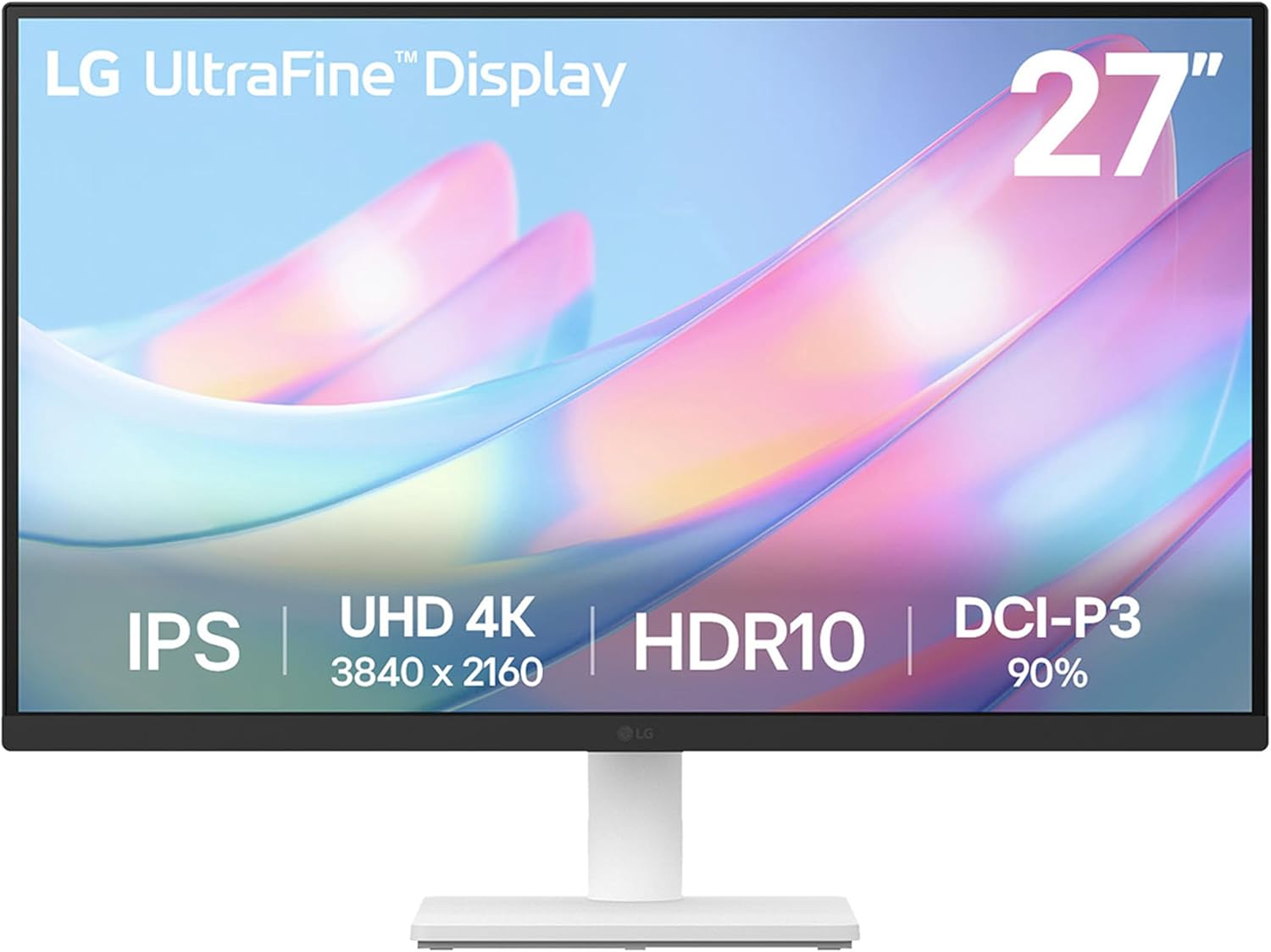


LG 27US500-W Ultrafine Monitor 27-Inch 4K UHD (3840×2160) HDR10 IPS Borderless Design Reader Mode Flicker Safe Switch App HDMI DisplayPort – White
Original price was: $249.99.$177.00Current price is: $177.00.
Price: $249.99 - $177.00
(as of Nov 13, 2025 03:25:33 UTC – Details)
LG 27US500-W 27-inch UHD (3840 x 2160) UltraFine Monitor 60Hz 5ms HDMI DisplayPort White. ¹Compared to a conventional monitor with standard IPS and 1000:1 contrast ratio. ²OnScreen Control software installation required. Visit Support on LG.com to download.
4K UHD with 1000:1 Contrast Ratio – This UltraFine display with a 1000:1 contrast ratio displays deeper blacks and vivid colors in UHD clarity. With wide viewing angles, it gives creative professionals the ability to view and work with highly-detailed, digital imagery.
4K HDR10 DCI-P3 – Explore HDR10 content the way it was meant to be seen with up to 90% DCI-P3 color gamut expression—an elevated color spectrum that brings brilliant color to life.
Onscreen Control – You can customize the workspace by splitting the display or adjusting basic monitor options with just a few mouse clicks.
Ergonomic Stand – The ergonomic stand makes it easy to flexibly adjust the tilt of the screen in the optimal position for you.
What’s In The Box – Stand Body, Stand Base, Screws, Power Adapter, HDMI Cable, Quick Start Guide, Registration Card, Warranty.
Customers say
Customers praise the monitor’s crisp picture quality, superb clarity, and beautiful HDR effect for gaming, making it a great budget 4K display. The functionality receives mixed feedback – while it works well with both MacBook and PC, some report it becomes completely unusable. The color accuracy and brightness also get mixed reviews, with customers noting washed-out colors and low brightness. The stand’s sturdiness is a point of contention, with some finding it stable while others describe it as absurdly wobbly.




Allen –
Great looking monitor and perfect size.
I’ve been using the LG 27US500-W Ultrafine Monitor for a few weeks now, and it’s been fantastic. The 4K UHD resolution is incredibly sharp—text looks crisp, and colors are vibrant without being oversaturated. Out of the box, color accuracy was already very good, but after a quick calibration, it looked even better.The 27-inch screen size is the sweet spot for productivity—large enough for split-screen multitasking without taking up too much desk space. I mainly use it for photo editing, web browsing, and occasional Netflix, and everything looks clean and smooth. The IPS panel gives great viewing angles too, so there’s no color shifting when I move around.Build quality is solid and minimalistic, with thin bezels and a clean white finish that looks great on my desk. The stand is a little basic—only tilt adjustment, no height or swivel—but that’s easily solved with a VESA mount.Connectivity is straightforward with HDMI and DisplayPort options, and it works flawlessly with both my MacBook and PC.
Keith D. –
Not as easy as plug it in and bask in its full glory but very satisfying anyway.
I didn’t rate this for gaming because I don’t have a video card to drive a 4K monitor at a good speed yet, but for everything else, it looks brilliant for the money.I’m a working stiff these days, so I don’t have the free time I’d like to have to play around and get everything set up just so, and I found that there are little hurdles and speed bumps along the way with these newer displays if you want to actually USE all of the fancy marketing buzzwords like HDR or Freesync or G-Sync or high frame rates or FALD (full array local dimming). I haven’t gotten those all figured out just yet and the documentation and user interface aren’t quite intuitive if you’ve never had to set those up and get them actually enabled and working correctly in real life before. They’re not just “plug it in and bask in the full glory” easy yet– you have to make sure you have the right combinations of hardware, cables, drivers, and settings between all the devices and peripherals to take full advantage of those newer features. But 4K crystal clear beautiful brilliance does pretty much work right out of the box, and at this price, even just that is worth having. It takes very little adjusting to get very realistic colors compared to my old calibrated Dell setup. I didn’t even have to delve into the color calibration tool in Windows to get it fairly close to what I prefer in my lighting environment and get my pictures to look almost exactly like they looked in real life when I originally took the pictures. I don’t even feel bad quite yet about not pulling out a hardware calibration tool.So while I haven’t put together all of those pieces in a way that lets me enjoy all the features and functionality of this monitor yet, I am already satisfied with my purchase even if I never take the time to make it all work at peak performance. This is a pretty darn good buy.I’ve even considered picking up another one or two to replace my old 1080P monitor and at least one of my work monitors at the office because of the price to performance ratio. The only reason I haven’t is because I may get my work to buy one or two for me for that, and at home I’m planning to buy one of the top of the line 4K G-Sync quantum dot monitors as my main/gaming monitor once I’ve upgraded my rig to push 4K really well, and it seems silly to me to buy a perfectly good monitor to only use for a few months. These are too good to waste and I don’t have room on my desk for a triple monitor setup, unfortunately, or it’d be a no-brainer.
KZ –
Perfect for using with both Mac and PC
I needed a monitor that would work with both my work computer (Dell laptop) and my personal computer (Mac Mini M4). I have my Mac Mini plugged into one of the two HDMI ports and my work computer’s docking station plugged into the DisplayPort. I can seamlessly switch between the two by pressing the button at the bottom of the monitor and switching the display input, which made this instantly worth the purchase! Display quality is great and easily customizable, and the size of the monitor is perfect for me. I highly recommend using a monitor stand or something that can adjust the height, as the monitor can only tilt to adjust. Setup was easy and I had this monitor up and running in under five minutes.
Kevalb –
Huge Upgrade to my Editing
I bought this monitor to replace an older HP IPS model that I never really could get dialed in on the color. I edit on a MacBook Pro and the colors between the MacBook and the old monitor were always pretty far off. Had lots of problems with reds on the old monitor being over saturated. I saw the reviews on this and thought it would be worth a try. So far, I’m loving it. The colors right out of the box are much closer to my Mac and the clarity is amazing. The old monitor was 1920 x 1440. I’m running this monitor in 3840 x 2160/60Hz and for photoshop and Lightroom, it’s just flat out awesome right out of the box. Skin tones are much more representative of actual tones.PROS: Clear Picture, Good Color, Good Brightness.CONS: I don’t like the menu system, the joystick controller, and the “beeps” are super annoying. The sounds the monitor makes are very much like an old school Colleco video game. When it powers down it’s painful.** UPDATE ** NOVEMBER 8, 2023 – After using this quite heavily for a while, and calibrating it with a Spyder, I’ve noted that things have changed a bit. No longer matching my Macbook display a much as I’d like. I’ve spent a lot of time trying to dial in the hues for skin tone to look good across a variety of apple devices, and I was struggling. Last week grabbed an Apple Studio Display and that was the final nail in the coffin for this display. I think as a stand alone display, for gaming or other work, this is a great display. The resolution is nice and it looks pretty good. But when you’re doing photo/video work, and you need consistency across your displays, this wasn’t what I needed (and I realize that most people won’t use it for professional photo editing, so keep that in mind as well). Still a worthy buy at the price. OH!!! And I’m not sure if there was an update to the firmware or what, but the annoying beeps are gone. It now makes a much nicer sound when turning off and on. Good job LG!!!
thom –
Excellent buy
Amazing monitor. Can’t beat it for the price
Ricardo Zavala –
Estaba buscando un monitor con adecuadas prestaciones, que fuera compatible con una MacBook Air con el nuevo chip M1. Actualmente lo utilizo conectado a la MacBook Air mediante un adaptador de HDMI, dando una excelente respuesta. Inicialmente, tenía sentimientos encontrados porque el panel me daba unos colores y saturación un poco alejado a lo que estaba acostumbrado a la pantalla del Mac; sin embargo, al hacer unas modificaciones en el monitor, en la configuración en la imagen y demás, he logrado obtener unos resultados óptimos y bastante agradables a la vista.A pesar de ser un panel IPS, sus colores negros son bastante buenos (y si ajustas la gama de colores es probable que encuentres el tono más agradable para ti).También lo he utilizado para jugar Nintendo Switch y se ve increíble (y eso que el Nintendo Switch da por mucho 1080p) así también con un PS4, y los juegos se ven bastante bien y fluido (ojo, si quisieras jugar más allá de 60Hz, es mejor que busques otras opciones, quizá no en 4K, pero sí a mayor cantidad de tasa de refresco).Pros:+ Monitor bonito y agradable a la vista.+ Buen panel y buena reproducción de colores (aunque tienes que ajustar un poco la ganancia y demás opciones).+ Buen rescatado en consolas y buena respuesta.+ Excelente precio.Contras:- Base no es ajustable, por lo que es probable que debas conseguirte un soporte VESA.- No tiene bocinas (pero, bueno… hoy en día creo que la mayoría usamos bocinas externas).En términos generales, estoy muy pero muy satisfecho y feliz con mi compra.*** ACTUALIZACIÓN***Para mejores resultados con la MacBook Air es aconsejable utilizar un cable USB-C a Display Port, verás qué hay disminución de lag y todo irá más fluido. Lo recomiendo totalmente.
francisco –
el proveedor indica error en la transcripción, lo de curvo se refiere a la peana, pero no se responsabiliza y no me facilita otro monitor curvo a precio parecido
Bill B –
great for photo editing, great resolution, good quality product
Cliente de Amazon –
Excelente producto, calidad incomparable, llego en tiempo y forma, el único puntoencontra es que el monitor no hace una selección automatica de la fuente de imagen, es decir por un lado en el puerto HDMI conecte mi playstation y por el puerto DP puse la computadora, pero a la hora de encender cualquier equipo tengo que entrar a la configuración del monitor para seleccionar la fuente.
RAJA –
Good product from LG