


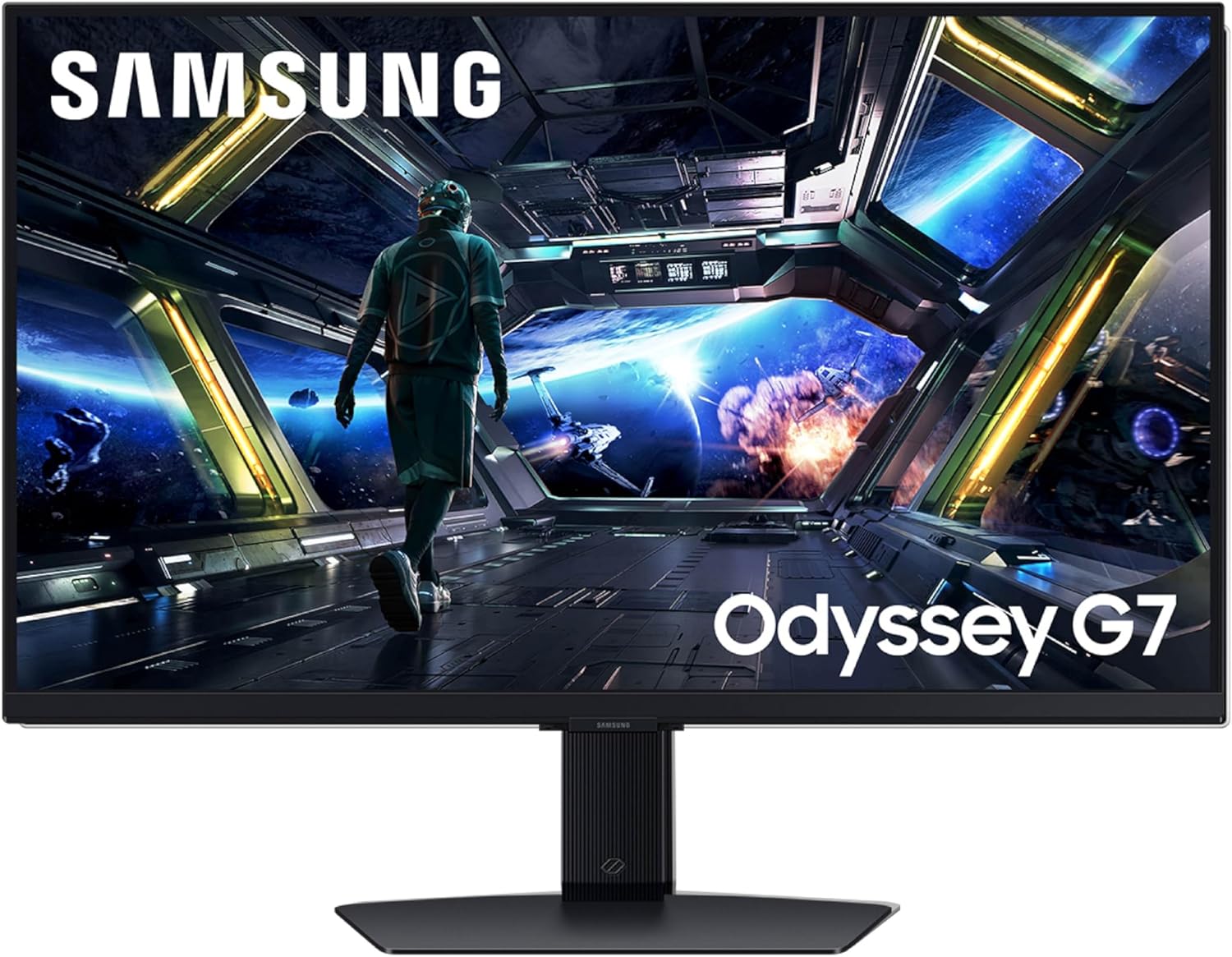


Samsung 32” Odyssey G7 (G70D) 4K UHD IPS 144Hz 1ms(GtG) Smart Gaming Monitor, G-Sync Compatible, AMD Freesync Premium, Vivid Colors, Adjustable Stand, Black Equalizer, LS32DG702ENXZA
$799.99
Price: $799.99
(as of Nov 16, 2025 10:00:15 UTC – Details)
Samsung’s 32″ Odyssey G7 Smart Gaming Monitor redefines gaming with 4K UHD resolution, delivering stunning visuals. Its Fast IPS Panel ensures consistent, accurate colors and reduced motion blur. With a 144Hz refresh rate and 1ms response time, enjoy seamless precision. AMD FreeSync Premium minimizes tearing and stutter, while the NQM AI Processor upscales resolutions. DisplayHDR 400 boosts contrast, and features like CoreSync and Dynamic Black Equalizer enhance immersion. *Refresh rate and response time may vary based on the performance of the input source. “1ms” means one milliseconds which is the range of avg. response time between 1.00ms to 1.99ms truncated to whole number. Based on GtG measured under internal test conditions. Results may vary by content and monitor settings (requires ‘Extreme mode’ setting). GtG (Gray to Gray) measures the time taken for a monitor pixel to change from one gray value to another. **Image simulated for illustrative purposes. The application of the G-Sync logo on the package and product may vary depending on the time of purchase.***Viewing experience may vary according to types of content and format. For Gaming Hub, AI Upscaling is only available in Picture Quality priority
mode. AI upscaling is not available in Multi View. Screen images simulated for illustrative purposes. ****Gaming Hub is available in limited countries, with app availability differing
by country. UI is subject to change without prior notice. Accessing Gaming Hub is free of charge. Subscription may be required to access content offered by game-stream providers on the Gaming Hub. You may need to download apps depending on the game or service. A separate controller may be required depending on the specific game you are playing on the Gaming Hub. Requires internet connection and Samsung account. *****The Game Bar’s Screen Ratio can only be adjusted when the Ultra Wide resolution is supported in a game or on a PC. ******Screen images simulated for illustrative purposes. To use the Dynamic Black Equalizer, Game Mode must be activated in settings.
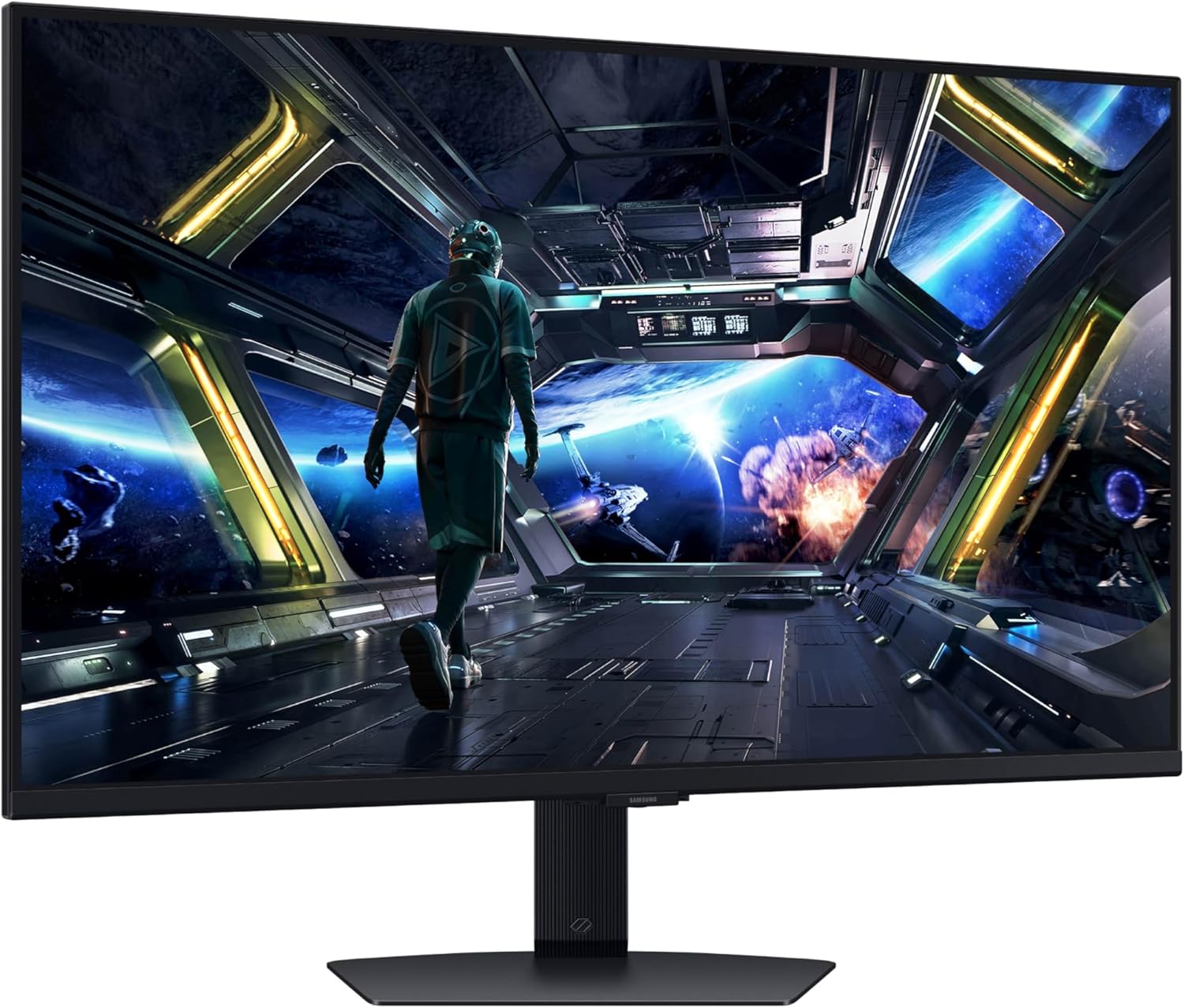
EPIC VISUALS IN VIVID DETAIL: 4K UHD resolution elevates your gaming with crystal-clear visuals that shine brighter, making worlds feel more real with incredible detail.
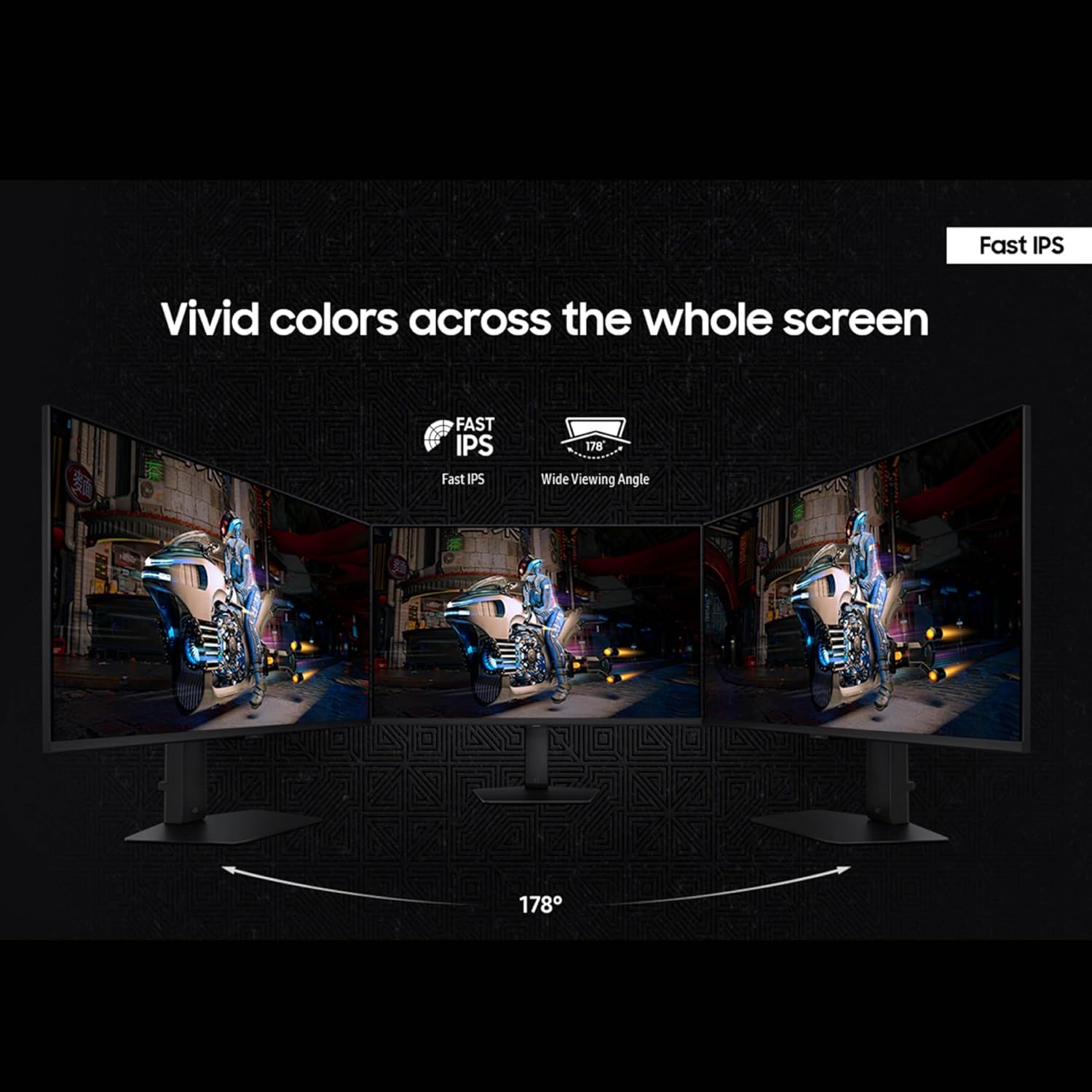
FAST IPS: Fast IPS panel delivers clear colors and clarity from any viewpoint. With a 178º wide viewing angle, colors stay consistent from any angle. Quick response time reduces motion blur and ghosting, providing an immersive gaming experience.
SMOOTH GAMEPLAY: The 144Hz refresh rate delivers ultra-smooth gameplay, reducing lag and motion blur. Combined with a near-instant 1ms response time (GtG), every movement is captured in real-time, allowing for unbeatable gaming precision.*
UNINTERRUPTED GAME FLOW: G-Sync compatibility syncs the GPU and panel to reduce choppiness, screen lag and image tearing. Along with AMD FreeSync Premium, it creates ultra-smooth scenes that flow smoothly to the next.**
4K AI UPSCALING: The NQM AI Processor upscales lower resolutions to nearly 4K, so you get higher quality images through the Gaming Hub and Smart TV apps.***
HIDDEN DETAILS BROUGHT TO LIGHT: See the full picture. DisplayHDR 400 enhances contrast with deeper blacks and brighter whites to help you uncover enemies or secrets lurking in the shadows. Even in dark scenes, every detail shines with clarity.**
GAMING HUB: Gaming Hub allows instant access to top streaming services and your favorite consoles. Smooth visuals and responsive gameplay are powered by Samsung’s advanced game streaming technology without downloads – just turn on and play.****
GAME BAR: Now, you can easily view the status of the most important settings such as FPS or HDR. Adjust the screen ratio to 21:9, zoom in on the Minimap, or change the game picture mode without ever leaving your game screen.*****
FIND SECRETS IN THE DARKNESS: Traverse into the shadows fearlessly. The Dynamic Black Equalizer analyzes the brightness of game scenes and adjusts sharpness, saturation, and black details automatically. Get more visibility without any manual adjustments.******
YOUR GAMES, TAILORED TO YOU: Reach the height of winning. Swivel, tilt, and adjust your monitor until all enemies are in perfect view. Your display can be moved freely so you can find total gaming comfort.
Customers say
Customers find the monitor to be a solid gaming device with excellent picture quality, though some report issues with dead pixels. The functionality receives mixed feedback, with one customer reporting their computer stops working. Setup experiences are also mixed, with one customer finding it easy to install while another describes it as a cumbersome process. The refresh rate receives mixed reviews, with one customer happy with the 4K resolution.




Sasquatch –
Great product
Good product. I noticed that reviewers are upset that monitor doesn’t support 144 refresh rate. If using a Nvidia gpu, open the Nvidia App, click on system, click on display properties for Samsung Odyssey G70D and set the refresh rate to 144 Hz. It now shows 144 in Windows display settings.
Samuel Hickerson –
Excellent picture quality.
An excellent choice for a high quality picture, lighting, and color monitor for gaming. Highly recommend for console gaming especially on the Xbox Series X. Worth the price for a 4k picture and decent frame rate.
mjmeans –
Nice gaming monitor
This absolutely does not qualify as a TV in any historical context. It has no tuner and no audio outputs for multi-channel surround sound. This is disappointing because I expect audio outputs to be able to connect a multi-channel audio component system. So I’m going to review this as a though it is a Gaming Monitor, not a Smart TV. Likewise, I’m not using any ethernet capabilities of the monitor or any of their built-in apps.That being said… The monitor has been used almost daily for over 3 months now. The gaming performance and options are amazing. No issues for 120 fps or less. Hue was spot on. Identifying enemies is great. The adaptive color management is excellent when compared to other gaming gsync monitors.The biggest drawback is the on-screen menus that sometimes pop up with the only way to dismiss them being use of the provided remote unless you have installed the displays management app and turned off pop-ups. I don’t like what should be unnecessary apps needing to be installed to get rid of nagging messages. Apps like this could be designed to harvest your usage habits, or could be updated later to do so, or even worse could be used to remove features you rely on years after you purchased the device.I rate items as 4 stars for items that meet all claims, remove stars for failed claims, and add stars for exceeding my expectations. Other than the claim of being a TV (or Smart TV), it meets all tested claims. It it were just a TV I would say it’s 3.5 (based solely on lack of audio outputs and usability as a component). As a gaming monitor it’s a 4.5. So overall 4 stars.
Nicolas Pellolio –
Great monitor for the price
Perfect for the price. Ideal for office, writing and gaming. A good all-around monitor.
Torrence Meister –
Terrible wake behavior.
I bought refurbished…Picture 8/10 – there’s a pattern of pixels burned out in one corner – likely why it was put up for refurbishment, and I presume the pixels cannot be repaired.Gloss finish: vulnerable to glare.Features: 2/10- asked for an email address when turned on. Which in turn it wanted internet. While I can see merit in allowing a thin-client an internet connection, and that this monitor serves as a rudimentary thin-client, I did not procure it as such, and it did not make an obvious path around the ‘required’ email address.- slow to wake from sleep. it’s a thin-client, not merely a monitor. The few seconds it takes to start causes my PC to juggle monitor configurations. Probably moot as a problem if all the monitors are the same model, that’s not the case for me. That deprecates it’s ability to act as speakers, as windows generally handles audio hardware adjustments …poorly- opens a gui on wake. Why? For what purpose must it obscure the taskbar and start button on wake? You know, the things I’d go to first? It also serves to hide the mouse in those situations. Have not seen any way to disable this behavior.- wake-from-sleep behavior: 0/10 First, my other monitor comes on. About 2 seconds later, my PC decides it has only one monitor and makes it the primary/only display. Then this monitor wakes, and does its power-on stuff. after about 2 seconds my PC decides it has 2 monitors and reverts to a dual display configuration, and then the monitor hides the task bar with it’s own GUI that kindly informs me of the resolution, FPS, and various gaming options, making it impossible to use the monitor to launch programs for a full 20 seconds from wake. I’ve seen no option to disable this bad behavior which leaves me unable to interact with the task bar or start button. in one sense, it’s trivial, only an issue for a short time at power up. In a more fundamental way, it’s unforgivable: it’s inserting itself between the user and the thing the user is going to interact with first after performing an action (waking the computer -> starting a program), and offers no ready way to stop the bad behavior. the perfect Ui is the UI a user does not notice. A Bad UI is a UI that inserts itself between the user and the task the user wishes to perform. This monitor has the latter, and the obnoxious GUI does not go away for 20 seconds. (My other monitor is ready and clear of GUI elements after 4 seconds – still slow, but the distractions are trivial there, covering perhaps 1/40th of the pixels in the dead center of the monitor for 1 second – an example of good behavior this monitor would benefit from)—Summary:- Good picture.- Gloss finish -> glare can be a problem.- Refurbished might not be for someone wanting something super-shiny, but may serve well enough for college/undergrad. Or penny-pinchers.- Terrible wake behavior (ready to use 20 seconds after wake)Photo shows the obnoxious Ui at bottom (and glare) – the UI starts full width, entirely obscuring the start bar. Then shrinks to hide just the middle – perfect for sniping the modern windows-11 start menu.
MLK –
Solid gaming monitor and smart tv.
Solid gaming monitor that doubles as a smart TV. Perfect 2 in 1 solution for a dorm room
Rochambeaux –
Crap as Monitor- DO Not Buy
Would give it a Zero, if possible.First, out of the box you are FORCED to go through a mandatory, long, cumbersome process of “setting up” the display as media center – no way out of it. Finally when you HAVE to select “PC” the Display Port will not work.After trying multiple reboots, cold starts, power on/off (all on a PC that was working fine before my less than 2 year old LG Gaming monitor failed) I did search and it’s a very common issue. Samsung’s answer” use the provided 3 ft DP cable.Seriously? In 2025 every other DP cable in the world is deficient and their 3 ft masterpiece is the answer?Samsung quality has declined significantly in the past 5 years and I’m moving on from all their products.
Paul –
Couldn’t be Happier with it
Quite happy with the 4K & high refresh rate using display port for games. Didn’t realize it’s an Alexa compatible smart tv as well
RONIT BHATIA –
I just got the monitor delivered to my home. I was desperately waiting for this monitor cuz my PS5 was sitting there idle without a screen. What amazed me a lot is that the monitor fulfils the need for a smart TV. I didn’t know before that it has a built-in smart TV system. I am one of the loyal customers of Samsung. I have a Samsung Tab S9, S23 FE phone, and now this monitor, all synchronised with one single Samsung account, which is an amazing thing. I will update my review as I explore all the cool features of this monitor. I also played Fortnite and tasted 4K settings with 120FPS and they seem genuine as this monitor got 2.1HDMI. It also has free Samsung TV Plus with 500+ live TV channels(with ad though)crazy, right?
RUHUMULIZA AIMABLE –
very nice screen and everything works perfectly. The images are more sharp compared the LG monitor I already have. My xbox series x can also pushed to 120HZ maximum refresh rate
Cristóbal Fernández Mata –
Por el momento muy bien. lo uso con una macbook y se ve excelenteme gusta la opción de apps nativas para usarlo como smart TVEl único punto malo que le veo es el tema de las bocinas: Son muy malas y no tiene salida aux de 3.5 para mandar audio directo… debe ser por bluetooth y casualmente tengo una bocina SONOS que nada más funciona con wifi entonces estoy atoradose puede mandar sonido a través de la computadora como manera de puente pero cuando la usas como smart tv no se puedetendré que valorar si conservar mi bocina sonos o si venderla para unas bocinas para pc..
Allan –
works great but it will not function until a lot of work to get it registered.
Christopher kollias –
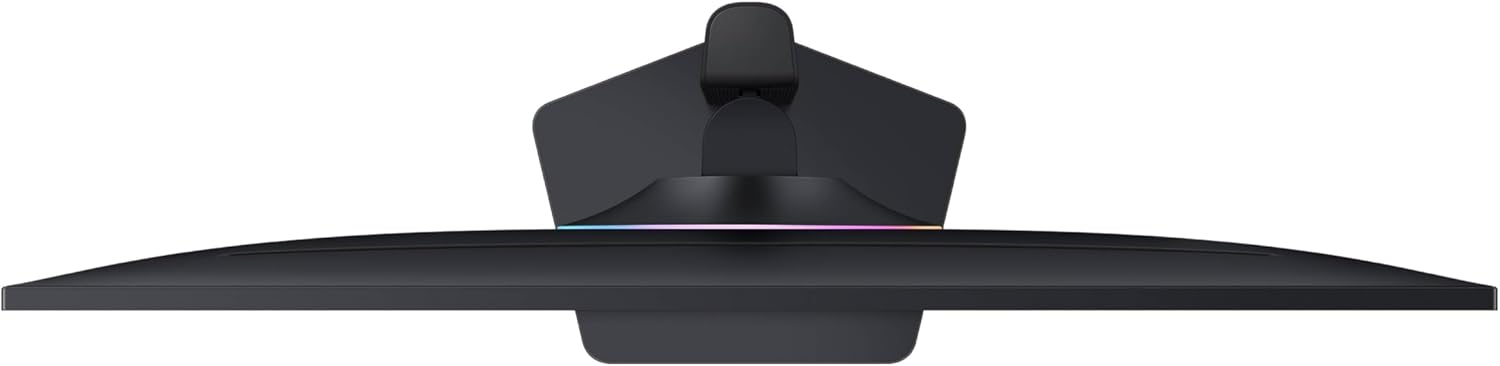
Best monitor I’ve ever had. I absolutely love this monitor, the height adjustable stand makes it much easier to use when standing (like when cleaning and such). I also like how the bottom of the stand is a platform, it allows me to store items on top which gives me a little more desk space. The smart features the monitor has are also very useful. Currently what I mostly use it for is syncing with hue lights (which I do deeply suggest). My one complaint is the lighting on the back of the monitor is extremely dim, if you were hoping to use it to light up your wall, it doesn’t unless it’s pitch black in the room. Overall tho amazing experience, and 100% suggest.