


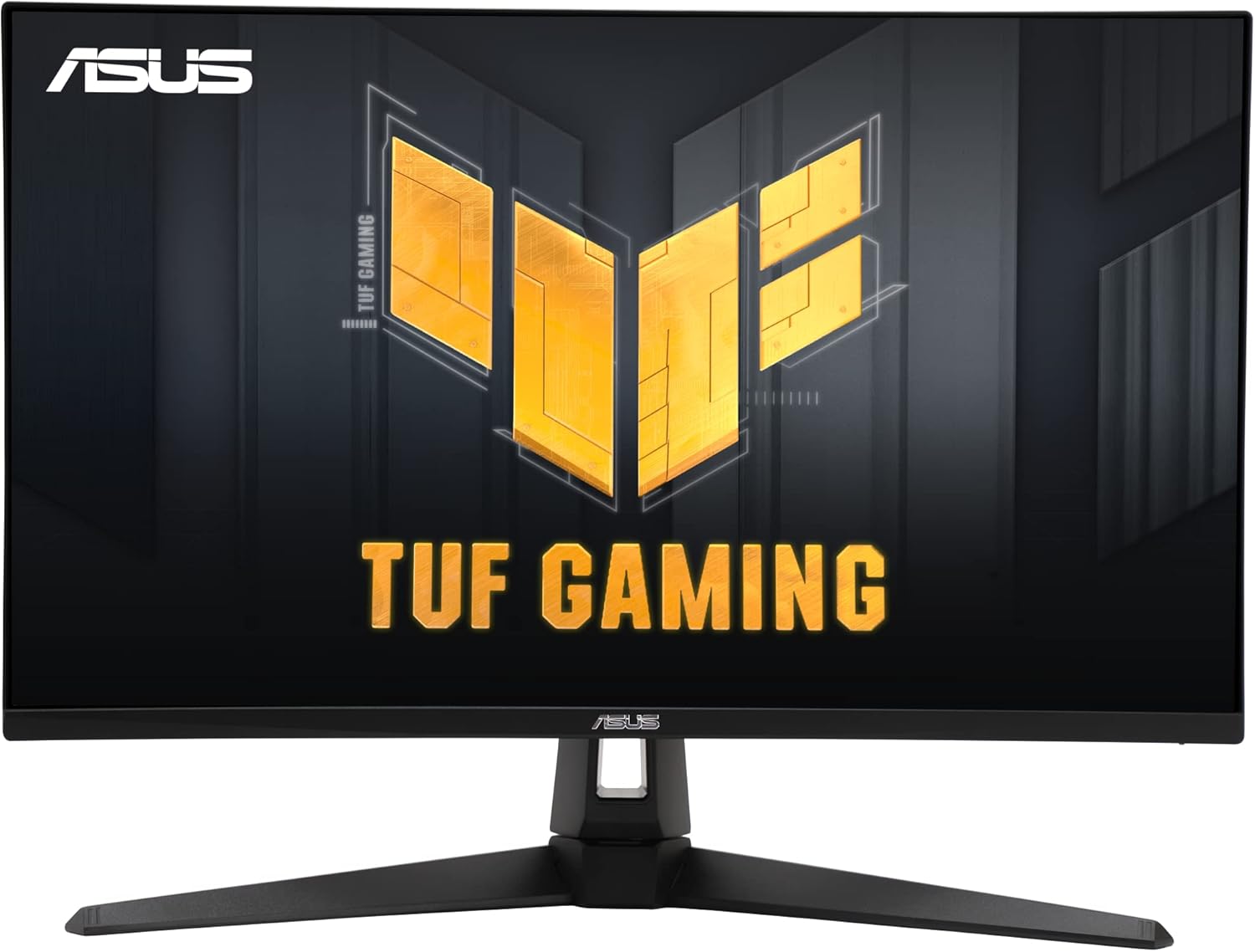
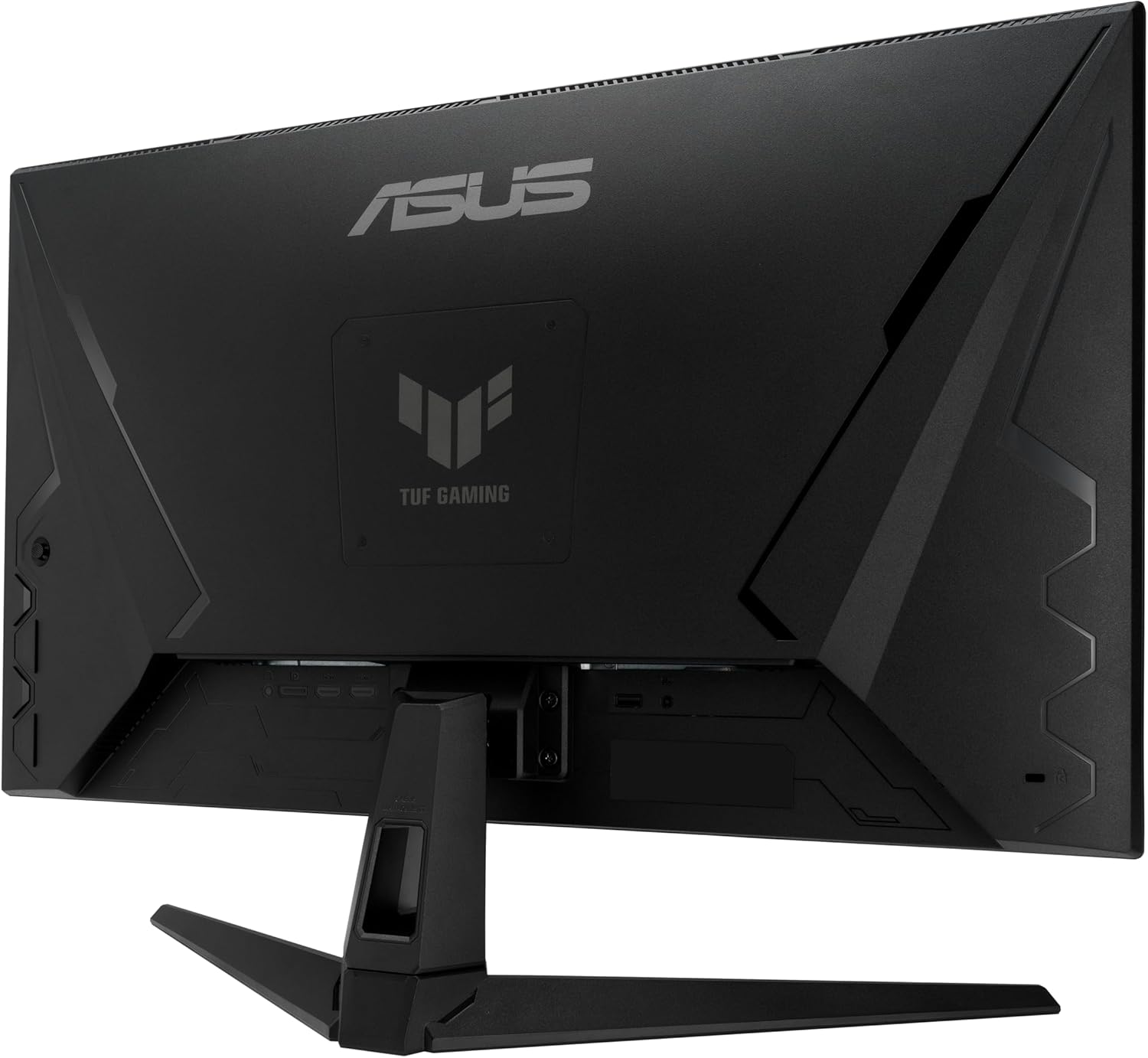


ASUS TUF Gaming 27” 4K HDR Monitor (VG27UQ1A) – 160Hz, 1ms, Extreme Low Motion Blur Sync, NVIDIA G-SYNC Compatible, AMD FreeSync Premium, 95% DCI-P3, DisplayWidget, 3 yr Warranty
Original price was: $379.00.$284.99Current price is: $284.99.
Price: $379.00 - $284.99
(as of Nov 15, 2025 03:41:06 UTC – Details)
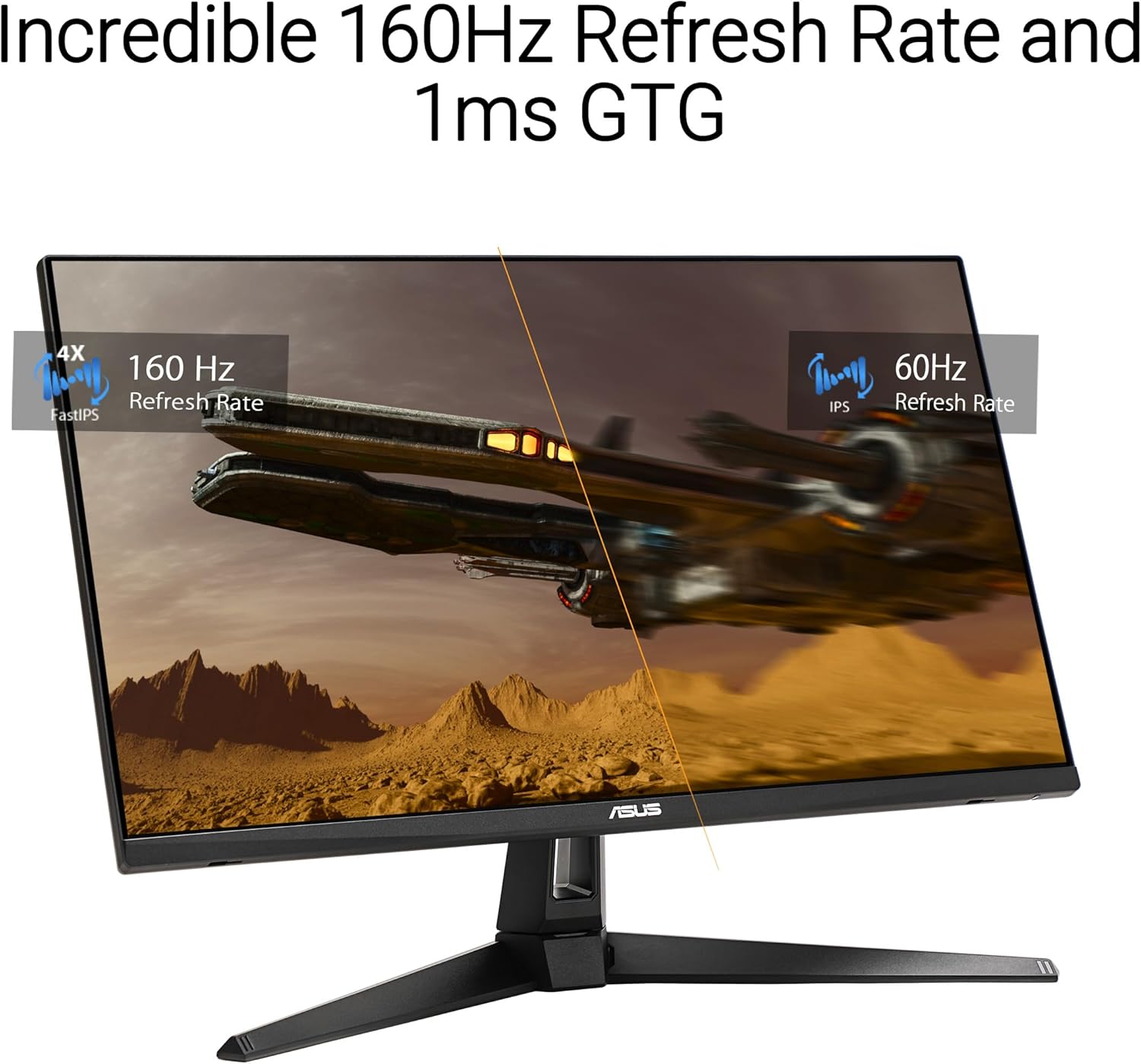
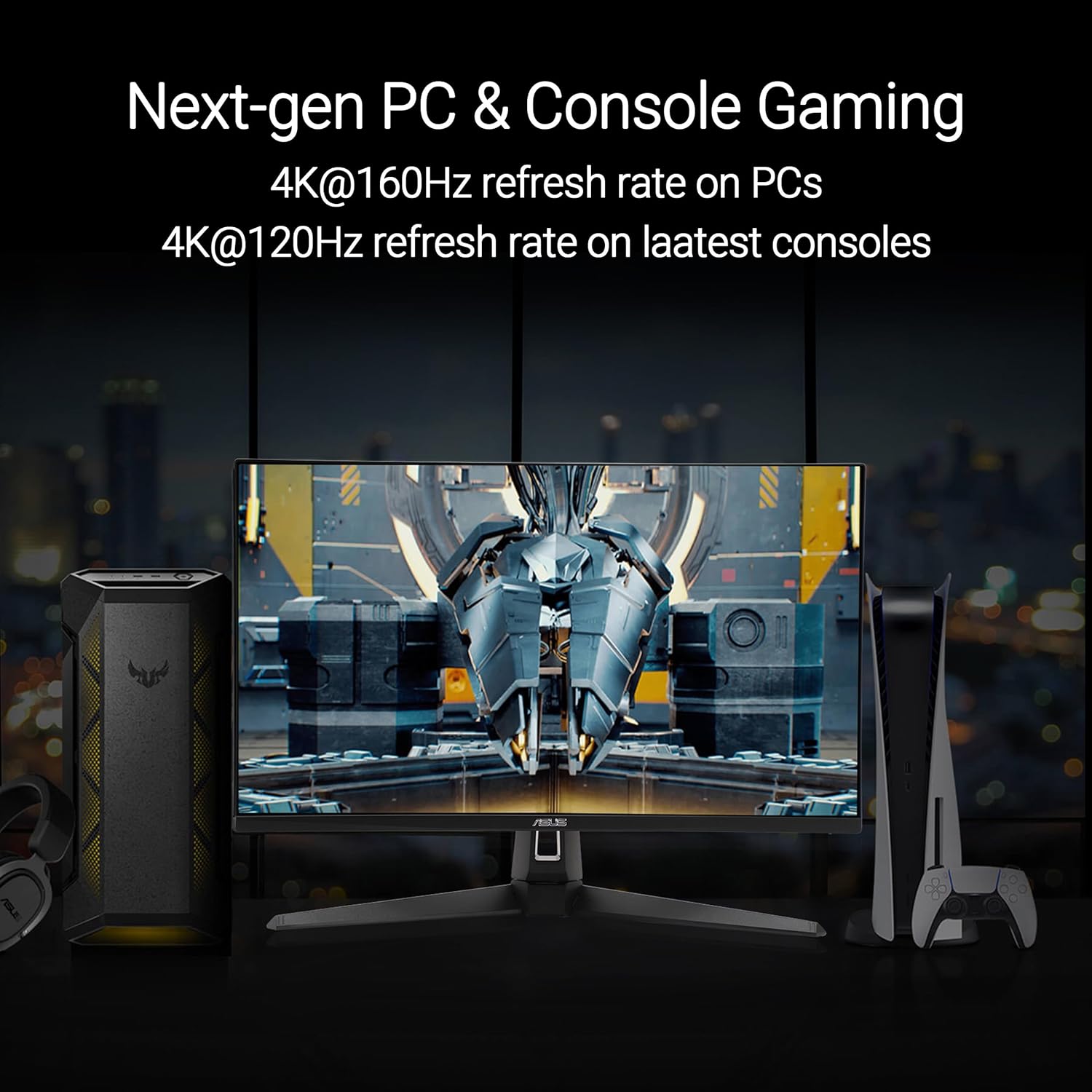
The 27-inch TUF Gaming VG27UQ1A 4K UHD gaming monitor featuring a Fast IPS panel and NVIDIA® G-SYNC® Compatible for blistering-fast 160 Hz gaming. Its clever combination of Display Stream Compression (DSC), ASUS Extreme Low Motion Blur Sync (ELMB Sync) and AMD FreeSync™ Premium technologies enables buttery-smooth gaming on PCs. Console gamers can get their fix, too, as Supports up to 4K 120 Hz visuals via HDMI® 2.1 without chroma subsampling. In addition, it has a 95% DCI-P3 gamut to offer exceptional colors and contrast.
27-inch 4K (3840 x 2160) gaming monitor with ultra-fast 160Hz refresh rate designed for professional gamers and immersive gameplay
ASUS Extreme Low Motion Blur Sync (ELMB Sync) technology enables ELMB and variable-refresh-rate technologies to work simultaneously to eliminate ghosting and tearing for sharp gaming visuals with high frame rates
NVIDIA G-SYNC Compatible, AMD FreeSync Premium, and exclusive Variable Overdrive technology ensure seamless, tear-free gaming
High dynamic range (HDR) technology and 95% DCI-P3 professional color gamut provide amazing color performance
What’s in the box: DisplayPort cable, L-shaped Screwdriver, Power cord, Quick start guide, Warranty Card
3-month Adobe Creative Cloud: Receive complimentary access with the purchase of this product (valid until 8/31/2026)
Customers say
Customers find the monitor excellent for gaming and work, offering good value for money and performing well according to specifications. The picture quality and color accuracy receive mixed reviews – while some praise the crisp visuals and vivid colors, others report blurriness and washed-out visuals. Moreover, the functionality and motion blur aspects are also mixed, with some customers reporting good performance while others experience displayPort issues and flickering lines. Additionally, the brightness receives mixed feedback, with some finding it good while others note overly bright dark areas.




A –
Good gaming monitor with some downsides but at an excellent price.
Purchased on: April 19, 2021 and reviewed as of January 17, 2023.I tend to look at Asus more favorably because of my good experience with the brand so I ended up buying this monitor after reading Rtings’ review on this model. (if you are interested in a very technical and more in depth review, I would suggest to look them up)The quality it offers for the price is great. I didn’t have any issues with dead pixels, packaging was great and it arrived in good condition, the color profile looks great and very accurate (although I don’t have the measuring tools to make this claim from a creative standpoint). The VESA mounting screw holes are well positioned in a way that you should be able to use any VESA plate. (this is important to consider as other models, like my other monitor, which has a square hole for the entire plate and it is a little to small to fit most VESA mounts despite having accurate screw holes)For general media consumption and gaming, this is an incredible monitor. In general, I would say I could never go back to using a standard widescreen for a PC. Ultrawide is a massive upgrade with the extra screen size. The resolution this monitor offers is great too as the text looks clean and it isn’t as resource taxing as a 4K monitor would be. I would say this monitor is a great entry point for anyone considering an ultrawide screen. Black uniformity looks good in my opinion despite the lack of any dimming zones.Another great feature that it has is the 4 USB hub right underneath (USB 3.2 type A). Although I wouldn’t use it for a keyboard and mouse if you are a serious gamer, it is very useful for other things such as charging your devices, plugging in an RGB strip so you can use it as a backlight, external storage or any other accessories or USB drives. (In addition to those, it has 2 Display ports, 2 HDMI 2.0 ports and a 3.5 headphone jack)On the other hand, there are a few things to keep in mind. You will not be able to use 10bit colors with the 165hz this monitor supports at the same time. If you go for 165hz, you will be limited to 8bit colors. However, if you are okay with 144hz, you can enable the full 10bit colors range.Another thing often criticized about this monitor is the slight smearing sometimes appearing in dark scenes where you might see the trails of a red/greenish pixels turning as a brighter object moves. This can be somewhat mitigated with overdrive settings. Unfortunately, this is more of a VA panel common issue than anything else and your best option if you really can’t stand it is to go for an IPS or OLED panel at much higher cost.Overall, I would say this is a good quality product and I would highly recommend it. I can’t speak much about the stand as I use a monitor arm and, I would suggest everyone to use one as well due to the flexibility and movement it offers on top of making your setup much cleaner.
Ismael –
Really Good Monitor, Only one Flaw.
What’s good about this monitor?Value for performance is phenomenal! Response time is fast, and picture quality is amazing.The material of the monitor is made mostly of plastic, but really well put together! Not squeaky every time it moves like other monitors.Screen Performance is really good, it’s 180Hz with a 1ms response and amazing picture quality! I’m using it on my PS5 currently, but soon on my pc when I finish getting parts!!The UI is super easy to navigate. It’s really easy to adjust Gaming, Image, Color, and Input settings in the UI.The screen holds up really good, especially with the adjustable stand to adjust height.Not heavy at all, really easy to pick up and move out of the way or around if needed.Connectivity is really good. Connected through the HDMI provided to my PS5, and it registered 180Hz immediately, but unfortunately, my PS5 could only support 120Hz, so I can’t use the monitor to its full potential yet!The only issue is the speakers; the speaker quality isn’t that great. I know it’s a gaming monitor, so speaker quality isn’t a priority. It’s not an issue for me since I use my own speakers, and I connect to the monitor or my headset. I would definitely recommend buying a set a speakers if you plan to game without headphones.Overall, this is a great buy! Definitely will be buying another ASUS monitor in the future! 9.5/10
Kurtis –
Great Starter Monitor for Gaming and Productivity – With a Few Quirks
The ASUS VG248QG is a solid 24″ monitor that’s perfect for gamers and multitaskers alike. The 165Hz refresh rate is buttery-smooth, and the 0.5ms response time makes fast-paced gameplay incredibly responsive. It’s truly plug-and-play, which makes it an awesome choice for anyone setting up their first gaming rig or dual-use workstation.Build quality feels sturdy, and the widescreen display with G-SYNC compatibility performs great out of the box. Picture clarity is excellent for a 1080p monitor in this price range.That said, color accuracy can be hit or miss depending on your expectations. Some users love the vibrant display, but others may find the colors slightly off and the brightness a bit harsh, especially in dim environments. If color precision is critical (e.g., for photo editing), you might need to tweak the settings or consider calibration.Overall, this monitor delivers fantastic performance and value for the price — especially if your main focus is smooth, responsive gameplay.
Erick Gallegos –
Excelente para juegos, su calidad en construccion y la calidad de imagen me dejo sorprendido.
Luis Antonio Diaz osornio –
Dice que viene con display port pero no es así
Amazon Customer –
I bought this for only SR1,600 including import tax. Super bargain price and worth the money. I used it as an external monitor for my Macbook Air. I can’t appreciate the 165hz refresh rate because the Mac can only give 60hz refresh rate using hdmi port. Once i upgrade to M1 Mac, I can experience the real high refresh rate. The resolution is enough coming from the 720p screen of Macbook Air. Ultrawide is truly i like about this monitor. I can multitask and split screen especially on charting on tradingview.
Amazon カスタマー –
商品、良だったのですが新品同様でした梱包も丁寧でした。
Dan T. –
This is the best VA panel I’ve used as far as response time. With the Variable OD set to level 3, blurring isn’t noticeable to me and there’s no overshoot. Anything higher there’s a bit overshoot in dark areas.Contrast is very good at an impressive 4100-4200:1. I had issues with my first unit where there was some very noticeable dirty screen effect on dark grey screens. The replacement is much less noticeable. First panel measured ~4300:1 contrast, second panel measures ~4100:1. Both better than the advertised 3500:1.What also measures higher than specified was the brightness. In both SDR and HDR I measured a peak brightness of ~360nits, while the monitor is rated for only 300nits. This doesn’t give a great HDR experience, but it should be plenty bright enough for most conditions in SDR. If you want a better HDR experience, you’re looking at 3x the price of this monitor.My only gripes with this monitor is that there is no gamma setting. The panel natively measures ~2-2.1, which is a bit lower than the recommended 2.2. Picture looks pretty good despite this. Also a height adjustable stand would’ve been nice, but it sits at the perfect height for me anyway.Overall, I’d highly recommend this monitor. It is the best 32″ curved VA gaming monitor I’ve tried in this price range, which includes the Alienware AW3225DM and Gigabyte M32QC. The Alienware had good color, good build quality, height adjustable stand and is brighter, but the contrast is the worst of the 3 and there’s a terrible local dimming implementation in HDR that cannot be disabled. The Gigabyte also gets brighter, but it has the worst response time with noticeable smearing in dark areas.