


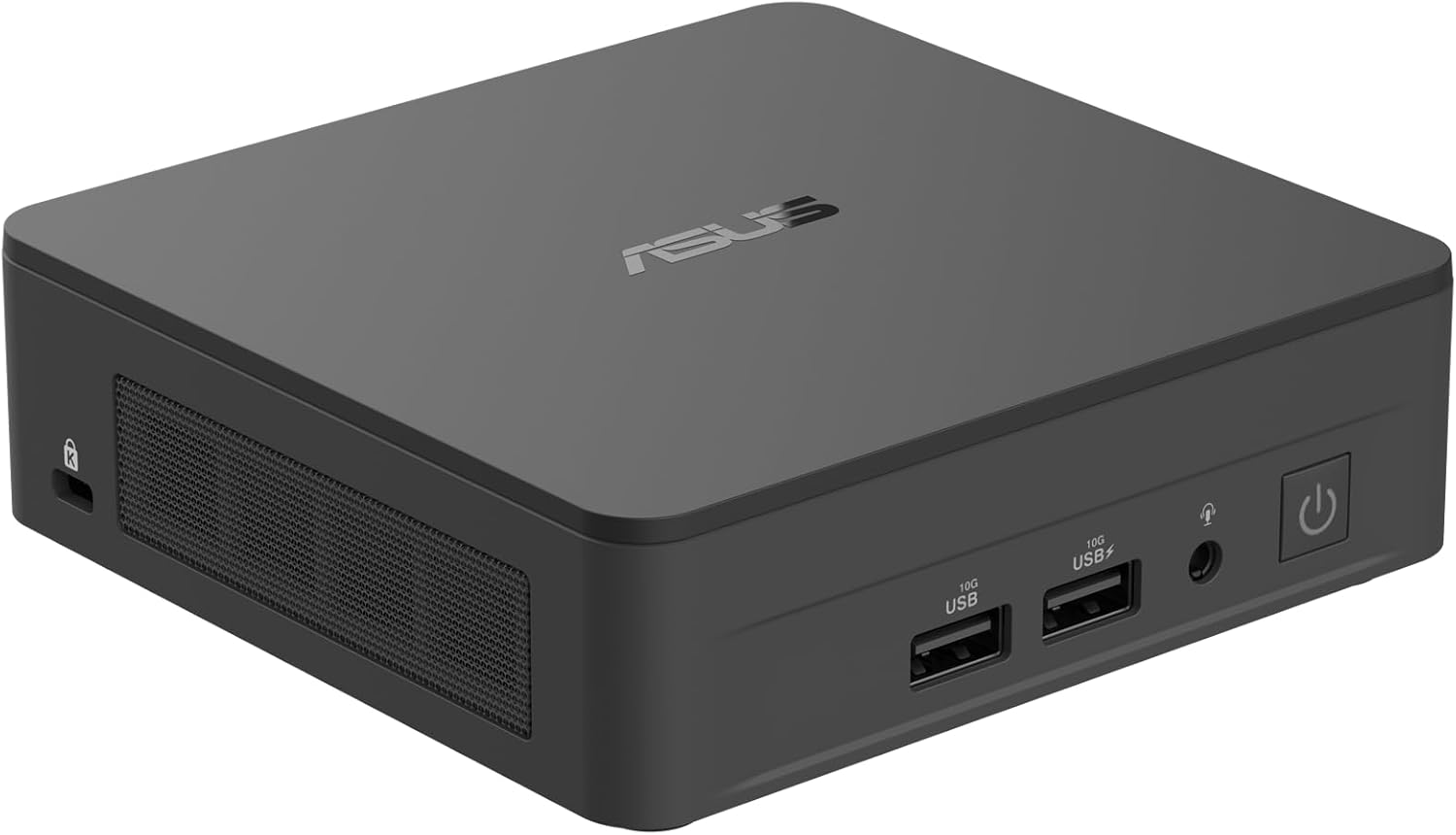

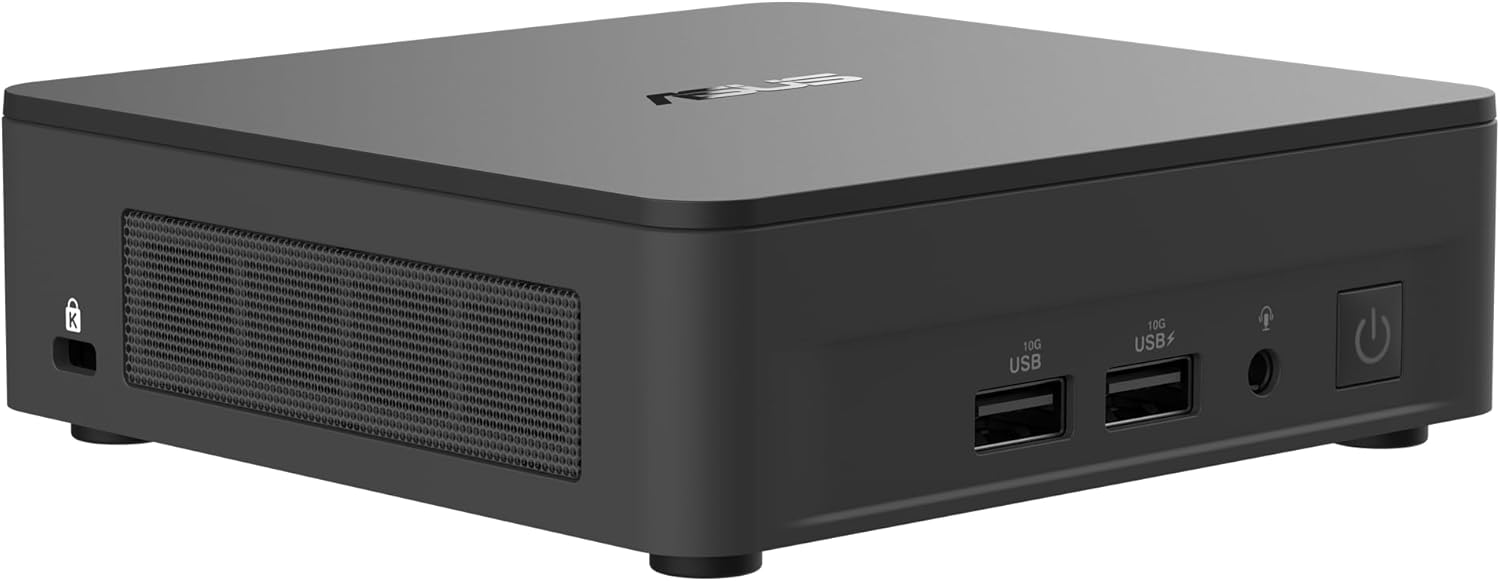
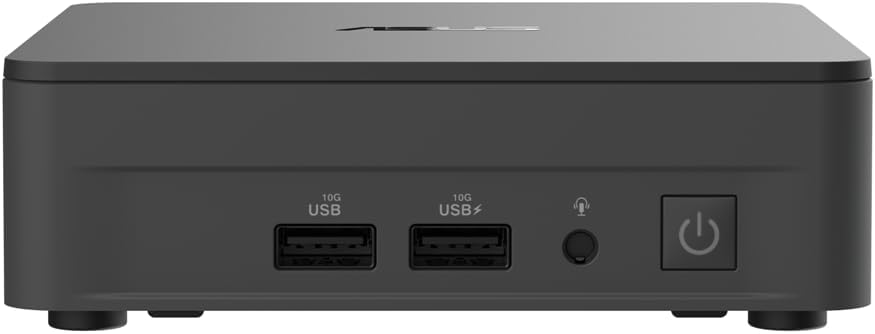


ASUS NUC 13 Pro Slim Full System Mini PC with Intel 13th Gen Core i3-1315U, 8GB DDR4 RAM, 512GB PCIe G4x4 NVMe SSD, Thunderbolt™ 4, Wi-Fi 6E & Bluetooth 5.3, Win 11 Pro, VESA Mount Included
$53,100.15
Price: INR53,100.15
(as of Nov 08, 2025 23:29:20 UTC – Details)
ASUS NUC 13 Pro Slim Full System Mini PC with Intel 13th Gen Core i3-1315U, 8GB DDR4 RAM, 512GB PCIe G4x4 NVMe SSD, Thunderbolt™ 4, Wi-Fi 6E & Bluetooth 5.3, Win 11 Pro, VESA Mount included
Fully Configured: Powered by a 13th Gen Intel Core i3-1315U processor with Intel UHD Graphics, 8GB DDR4 RAM, 512GB NVMe SSD, and Win 11 Pro
Compact Design: Maximize productivity without sacrificing space, the ultrasmall 4×4 form factor enables easy setup on walls or behind monitors with the included VESA mount
Connectivity: Wired and wireless connections are lightning fast with the onboard 2.5Gbps Intel Ethernet port, Bluetooth, and Intel Wi-Fi 6E (Gig+)
Multi-Monitor Support: Connect up to one 8K or quad 4K@60Hz displays with dual HDMI and dual DP via Thunderbolt 4 Type-C ports for a variety of digital signage and display usages
Robust Capabilities: Qualified for 24/7 operation and equipped with a Kensington Lock and Cable Locking Arm for additional security
Customers say
Customers find the computer compact and of excellent quality, with one mentioning it takes up very little desk space. The functionality receives mixed feedback, with one customer noting it boots quickly into Windows 11 Pro, while another reports issues with the built-in Ethernet. The ease of use and stability also get mixed reviews.



MediMan –
Great for Proxmox
These mini-pcs (nuc) are great for esxi and even better for proxmox. Where esxi doesn’t fare well with the Intel economy cores, proxmox utilizes them all. I have had one to lose some of its USB ports and develop errors on the built in ethernet, overall they have been quite, stable, and solid performers.
Dagget2 –
Small but very Powerful PC, just add memory and MM2 card.
I use this computer for the family email and internet access PC. I added 32GB memory and a 2TB MM2 card. I had to update from my older NUC because I could not load Windows 11. So I upgraded to this new NUC just so Windows 11 can be loaded. I also upgraded the memory and MM2 so we can do more. I also like its small footprint. It takes up very little space on the desk. I even have it connected to my 27″ 1440p monitor and it looks fantastic and works smoothly. I highly recommend this NUC.
Gary T. –
Small, yet powerful
I’ve loved the NUCs since Intel first introduced them. Asus has taken over the product line, and I was happy to hear that when Intel announced they weren’t going to continue it. Had an 8th generation i3 that was getting a little long in the tooth, so I grabbed this one and haven’t looked back. Dropped in a 512gb NVMe SSD for the main drive and a 2tb SATA SSD for data storage, and 32gb of RAM, and this thing boots like lightning into Windows 11 Pro. Has been rock solid since day one, other than the audio port seems to have failed. Was going to do the warranty claim, but buying a USB to audio connector was a lot easier and faster, so I just went that route since it seems fewer and fewer PCs even have an audio port any more (the 14th generation version of this NUC doesn’t have one any more I see). So if you want something small and fast that will crank through complex spreadsheets and encode video reasonably quickly, I wouldn’t pass this one up.
Travis Hellmer –
Skip this generation of NUC from ASUS
Not made like they used to (before ASUS took them over). This is my third NUC. I’ve owned a NUC8 and a NUC11 that are still in use today with zero issues. But this ASUS NUC13….• Average IDLE temps running side-by-side to the NUC11 in a 71°F room are 14(!) degrees HOTTER… at idle!!!• Simply starting Chrome and watching a YouTube video hits 94-98°C on almost every P-core. Thermal throttles constantly.• HDMI interface is faulty. Using a single screen and cable on either HDMI1 or HDMI2 on the back of the NUC will frequently (like 2-3 times a week on daily startups) cause the screen to show static and generate “popping” artifacts through the HDMI audio of the screen. It also does it when it’s setup as a multi-monitor using both HDMI ports as well. Swapping screens, cables, ports, resetting BIOS, updating BIOS, changing HDMI settings per ASUS’s own knowledge base did nothing. Will have to get and try a Thunderbolt-to-DisplayPort cable to see if that works any better. Currently the only way to fix it is disconnect the HDMI cable, wait a minute or two, and plug it back in.• Haphazard driver and software support between it and Intel’s own DSA, which still partially works and offers newer and more frequent NUC drivers than ASUS does yet. MyASUS is an overweight, fuctionally-reduced replacement to what Intel’s NUC Software Studio, which stopped supporting NUC’s past 11th or 12th gen I think.Gone are the days of the quality Intel-built and supported NUCs. I wish now I would have bought another 11th or 12th gen NUC when they were still available if I had known what this 13th gen would be like.
Bobby –
Clear definition of what bare bones mean. No hard drive no ram memory
When they say bare bone, that needs to be fully explained. Indications were up to 32 GB of ram memory and had none. No hard drive that I could detect. Had to install my own memory just to find out why it would not boot up. This unit is not advertised properly. It should say not hard drive and no ram included. I could not get it to function.
Morphious –
Nice win 11 compact pc.
Small almost noiseless. Adding SSD and memory a five minute job.Loading win11 not so straight forward. ASUS documentation almost nonexistent, and wrong in places. Lots of browsing to figure out process. Bios display wrong and misleading.
Moises –
Great for roon ROCK
Works great as a roon rock! Compact and able to move into an Akasa case for hifi use
furfoot –
Small and fast.
Great performance in a small package.